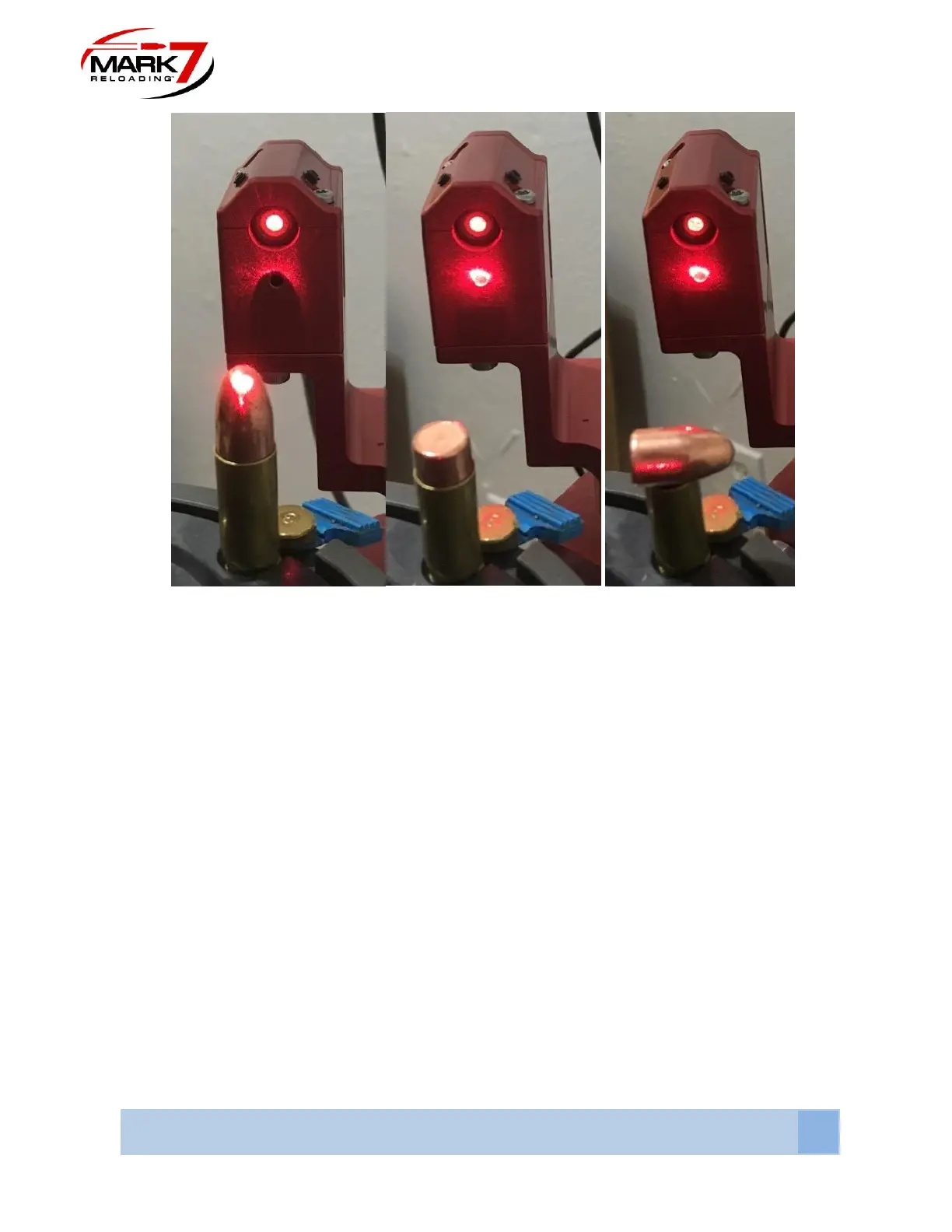
Figure 44: Bullet Properly Oriented - Beam Interrupted (Left)
vs.
Bullets Improperly Oriented – Beam not interrupted (Center and Right)
Operating 650 BulletSense®:
1. With a clear shell plate enter the Reloader application, confirm that you have the
required software and firmware version or newer as outlined in the first page of this
document.
2. BulletSense® Plugged into I/O Port 3.
3. Confirm that the laser is aligned with the sensor opening.
4. Perform a system calibration then select the sensors tab and make sure BulletSense® is
enabled. (See Figure 11).
5. Press RUN or Single Cycle. With a clear shell plate the following notification should
appear “Bullet Not Properly Positioned.” (see Figure 12).



 To Next Page