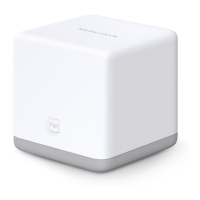
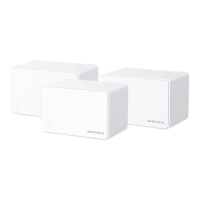
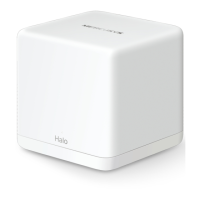
AC1200 Wireless Dual Band Gigabit Router
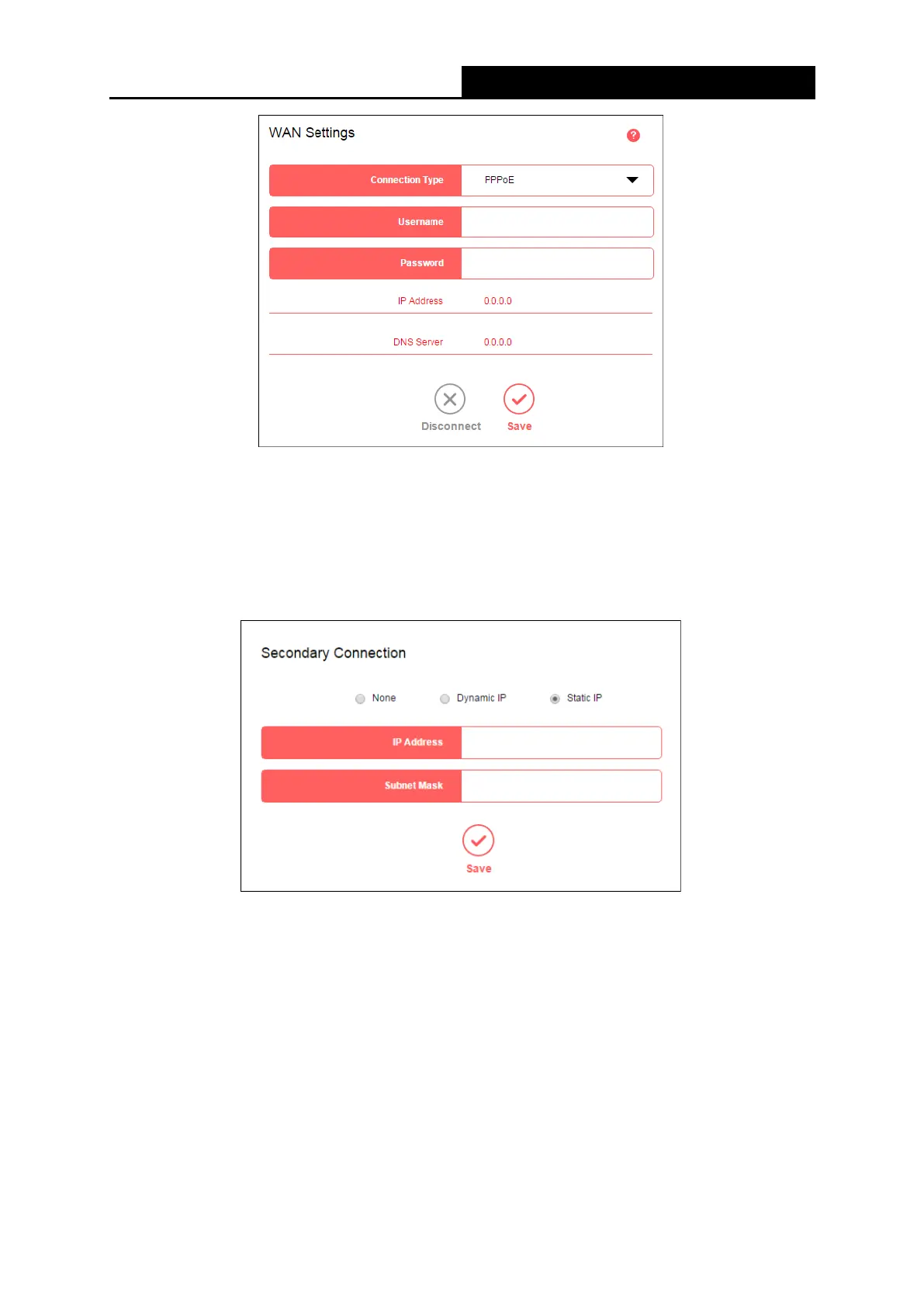
• Username/Password - Enter the username and password provided by your ISP. These
fields are case-sensitive.
Click Save to make your settings effective.
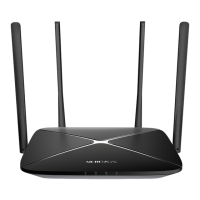
● Secondary Connection
• None - Select if your ISP does not provides a secondary connection.
• Dynamic IP - Select if the IP address and subnet mask are assigned automatically as the
secondary connection by the ISP.
• Static IP - Select if the IP address and subnet mask are provided as the secondary
connection by the ISP, and enter IP Address/Subnet Mask into the corresponding fields.
Click Save to make your settings effective.
● Connection Type
- 16 -



 To Next Page