AC1200 Wireless Dual Band Gigabit Router
Chapter 5. Advanced Configuration
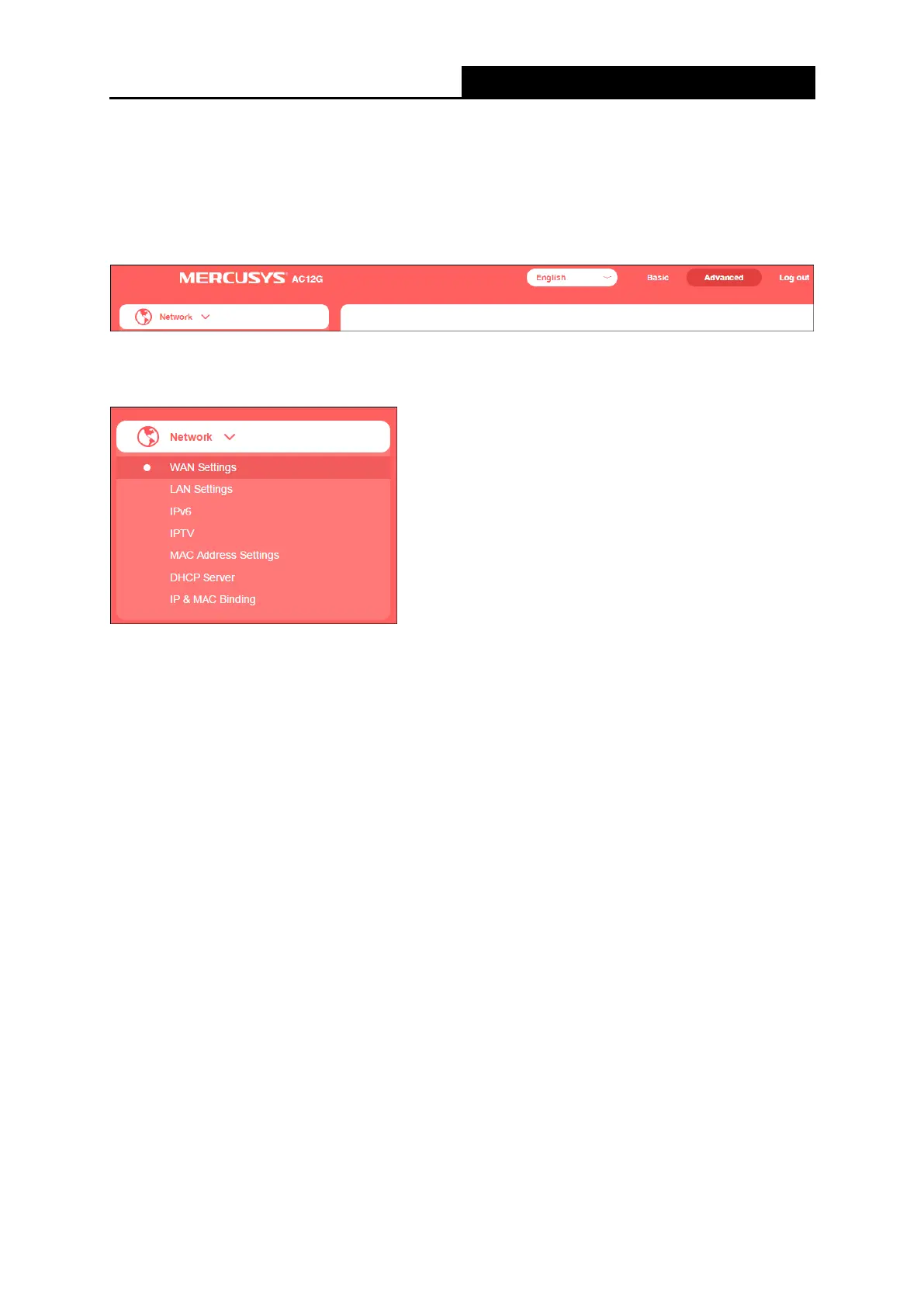
To know more about the router's key functions, you can go to Advanced page. This chapter will
show the configuration details of each function.
5.1 Network
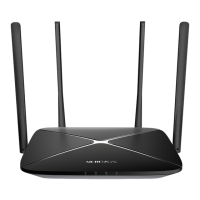
There are seven submenus under the Network menu: WAN Settings, LAN Settings, IPv6, IPTV,
MAC Address Settings, DHCP Server and IP&MAC Binding. Click any of them, and you can
configure the corresponding function.
5.1.1 WAN Settings
Go to Network→WAN Settings, you can configure the IP parameters of the WAN.
1. PPPoE
Select this type if you use DSL (Digital Subscriber Line) service and are provided with a
username and password by the ISP.
● WAN Settings
- 15 -



 To Next Page