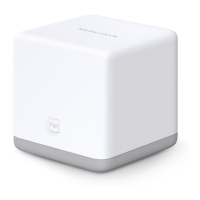
AC1200 Wireless Dual Band Gigabit Router
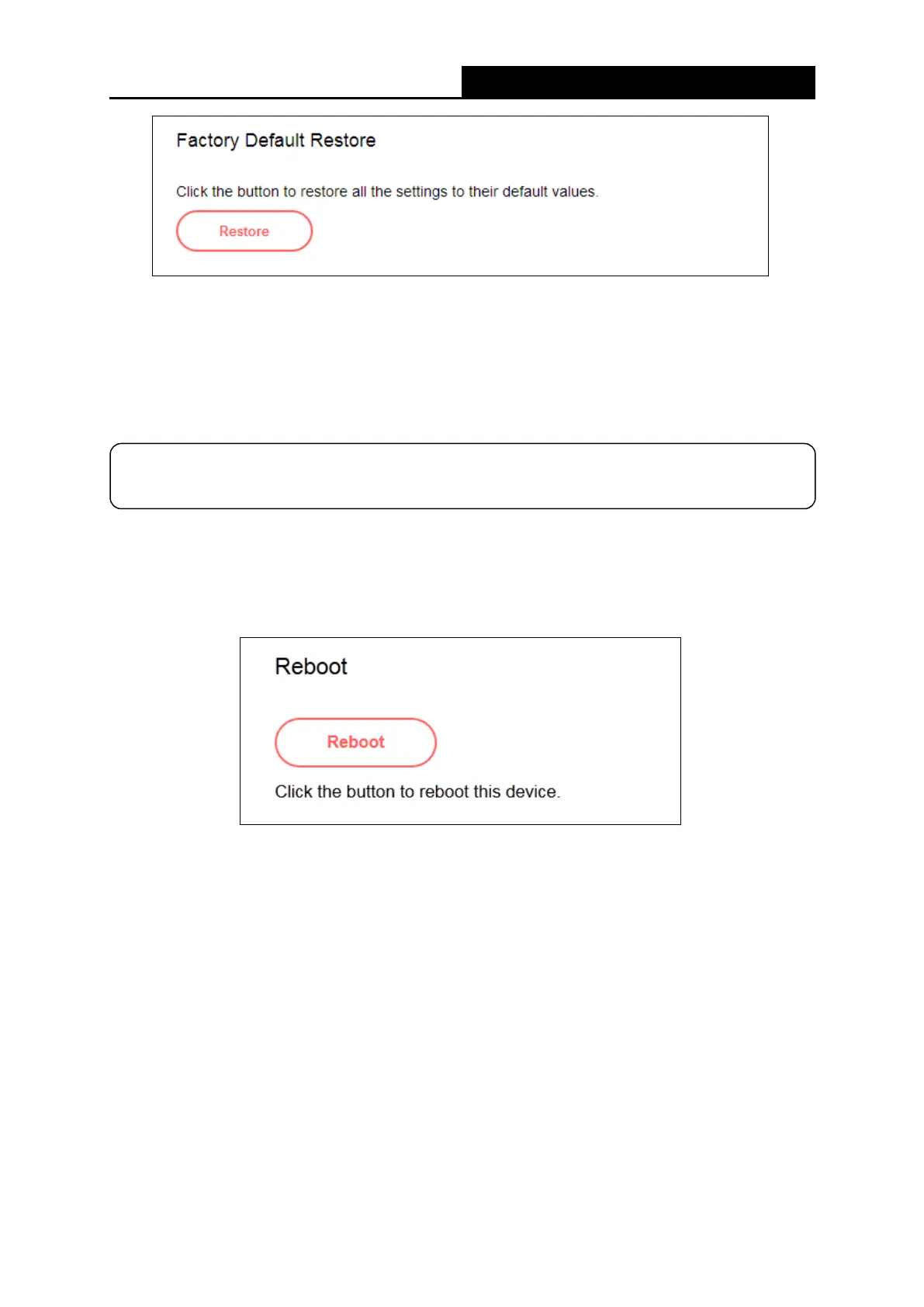
To restore the configurations of the router to factory defaults, follow the steps below.
Click Restore to reset all configuration settings to their default values.
● The default IP address: 192.168.1.1
● The default Subnet Mask: 255.255.255.0
5.6.5 Reboot
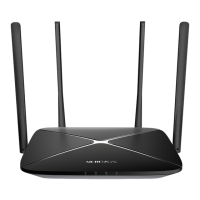
Go to System Tools→Reboot, and then you can click the Reboot button to reboot the router
on the page.
Some settings of the router will take effect only after rebooting, which include:
• Upgrade the firmware of the router (system will reboot automatically).
• Restore the router's settings to factory defaults (system will reboot automatically).
• Update the configuration with the file (system will reboot automatically).
5.6.6 Change Login Password
Go to System Tools→ Change Login Password, and then you can change the login username
and password of the router on the page.
NOTE:
All your custom settings will be lost when defaults are restored.
- 51 -



 To Next Page