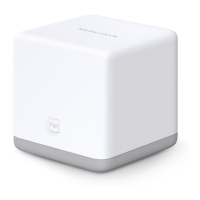
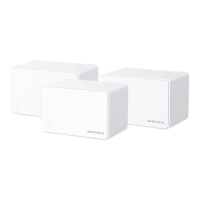
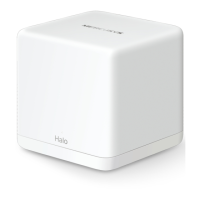
AC1200 Wireless Dual Band Gigabit Router
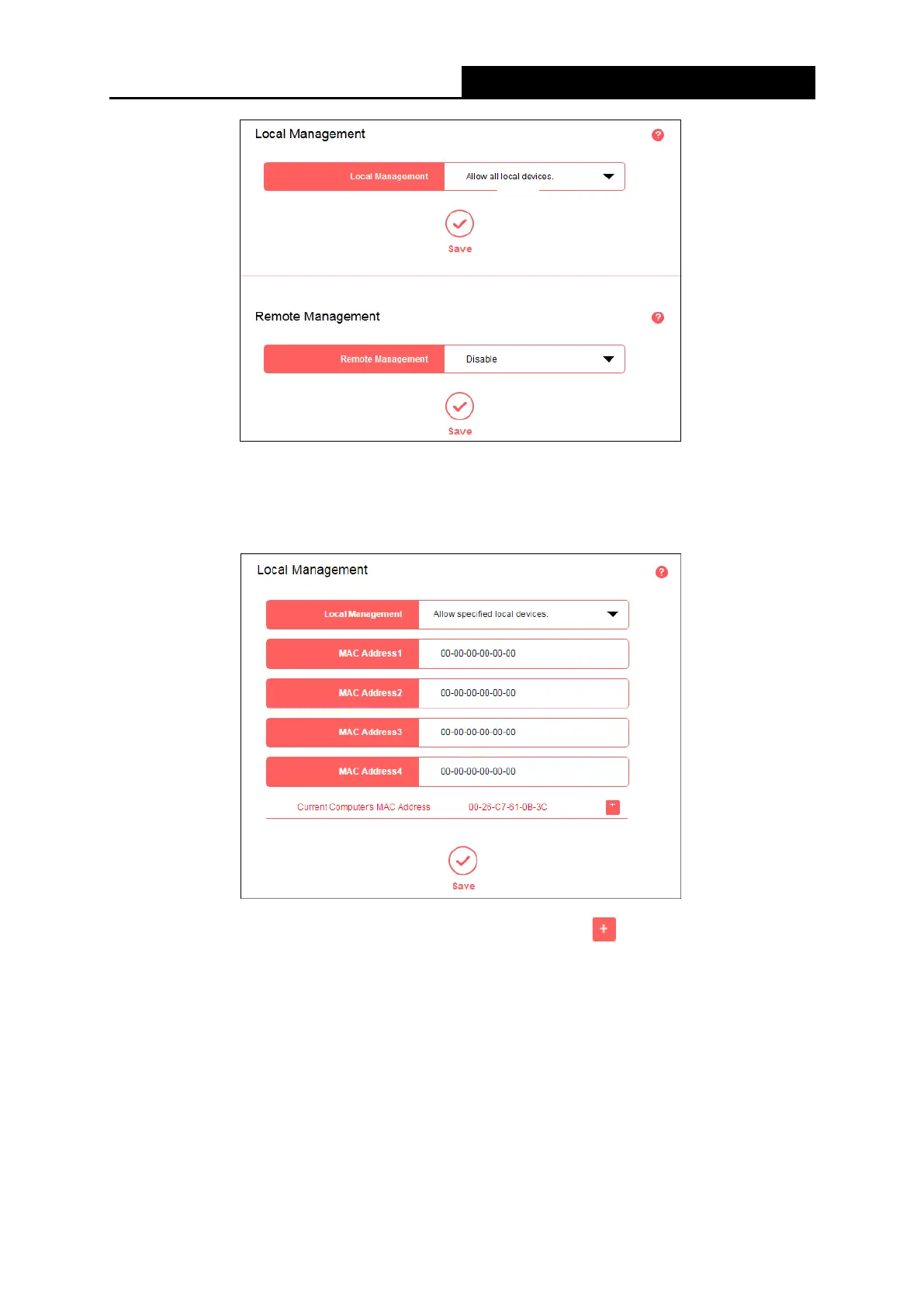
● Local Management
To allow specific devices to access and manage the router locally, follow these steps:
1. Select Allow specified local devices.
2. Enter each MAC address in a separate field. You can click to add your current PC’s
MAC address to the list above.
3. Click Save.
●
Remote Management
To allow all devices to access and manage the router remotely, follow the steps below:
1. Select Allow all remote devices.
- 47 -



 To Next Page