300Mbps Wireless N ADSL2+ Modem Router
- 50 -
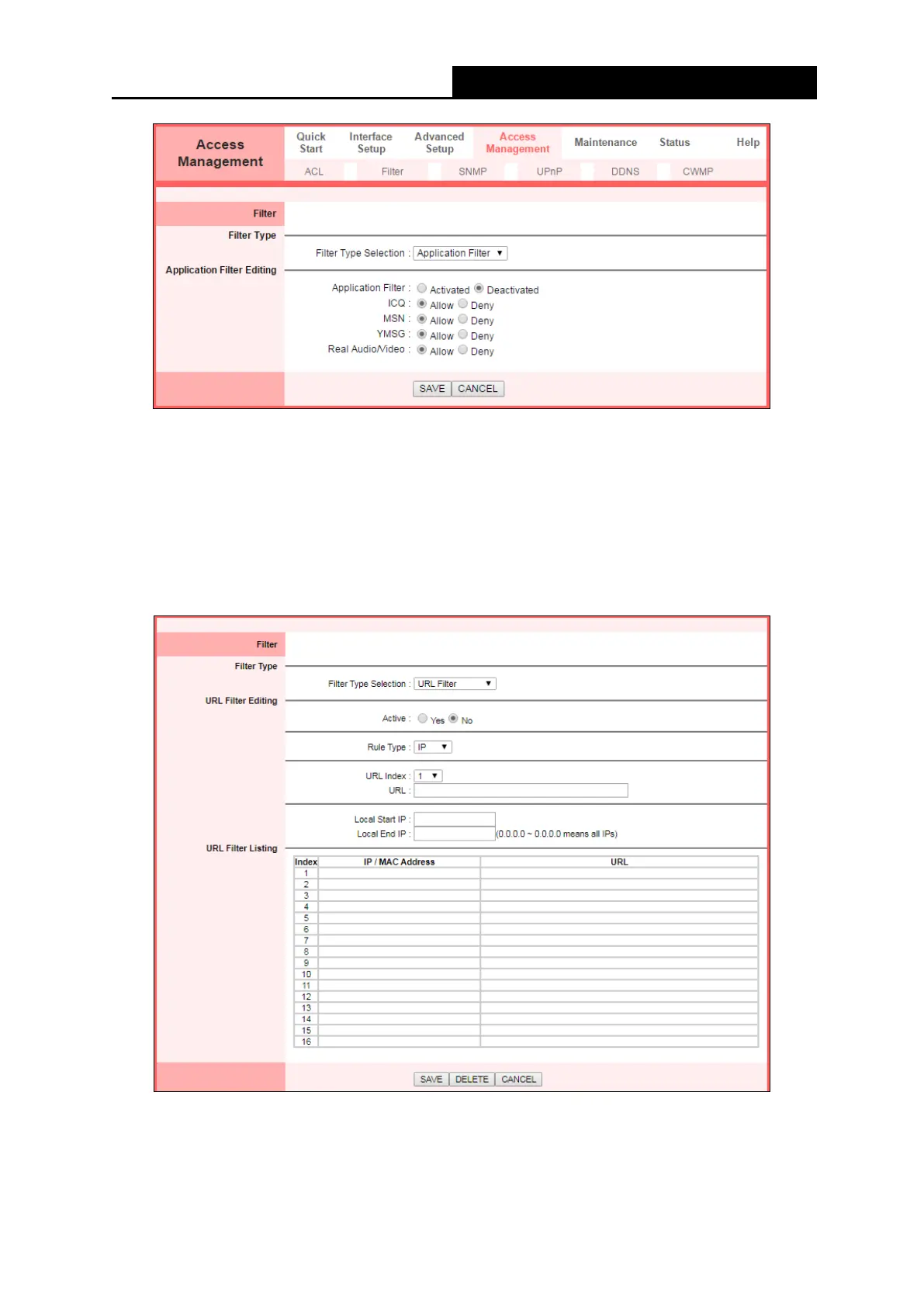
• Filter Type Selection: Select the Application Filter for the next configuration.
• Application Filter: Activate or deactivate the function.
• ICQ & MSN & YMSG & Real Audio/Video: Select Allow or Deny for these applications. If
you select Allow, the modem router will accept the application; if you select Deny, the
modem router will forbid the application.
4.4.2.4 URL Filter
Select URL Filter as the Filter type, and then you can configure the filter rules based on URL.
• Filter Type Selection: Select the URL Filter for the next configuration.
• Active: Select Yes to make the rule take effect.
• URL Index: Select the index for the URL Filter entry.
• URL: Enter the URL for this URL Filter.



 To Next Page