MM-IM User Guide
20
Note: For more information on configuring Modbus, please see the Straton help file.
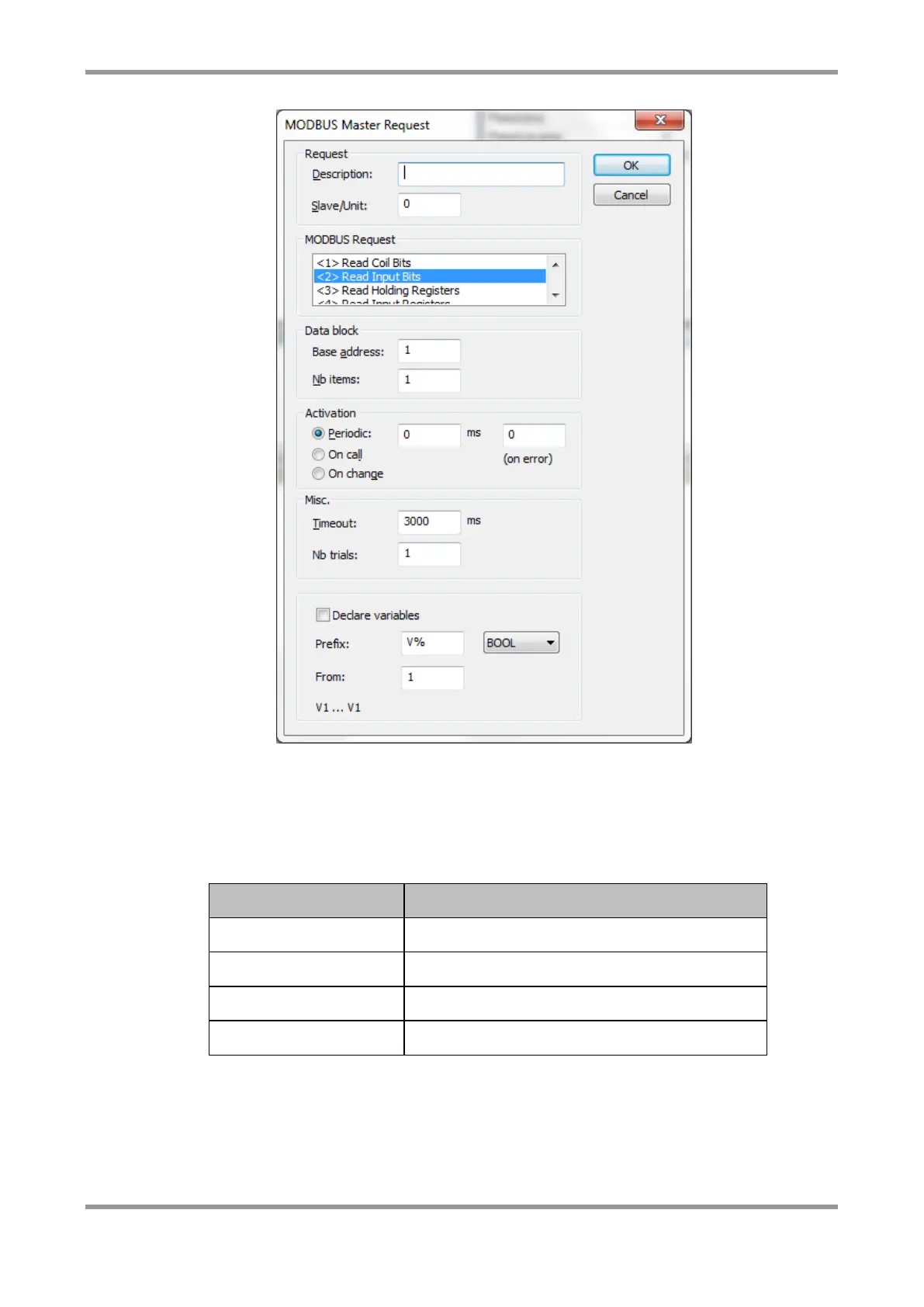
The item selected in the “MODBUS Request” section in the above diagram (Read Input Bits,
Read Coil Bits, Write Coil Bits etc.) determines the address that will be added on to the
“Base address” specified to obtain the Modbus address for that block. In the above
diagram, “Read Input Registers” is selected so this will add 30,000 to the base address,
therefore making a point with zero offset in that block read Modbus address 31,216.
Address that is added to the Base address
Once you have created a Slave/Data block, you can map variables to the block by dragging
them from the global variable list. You will be prompted to enter an offset for each
variable. This is the offset from the base address for that block.



 To Next Page