MM-IM User Guide
35
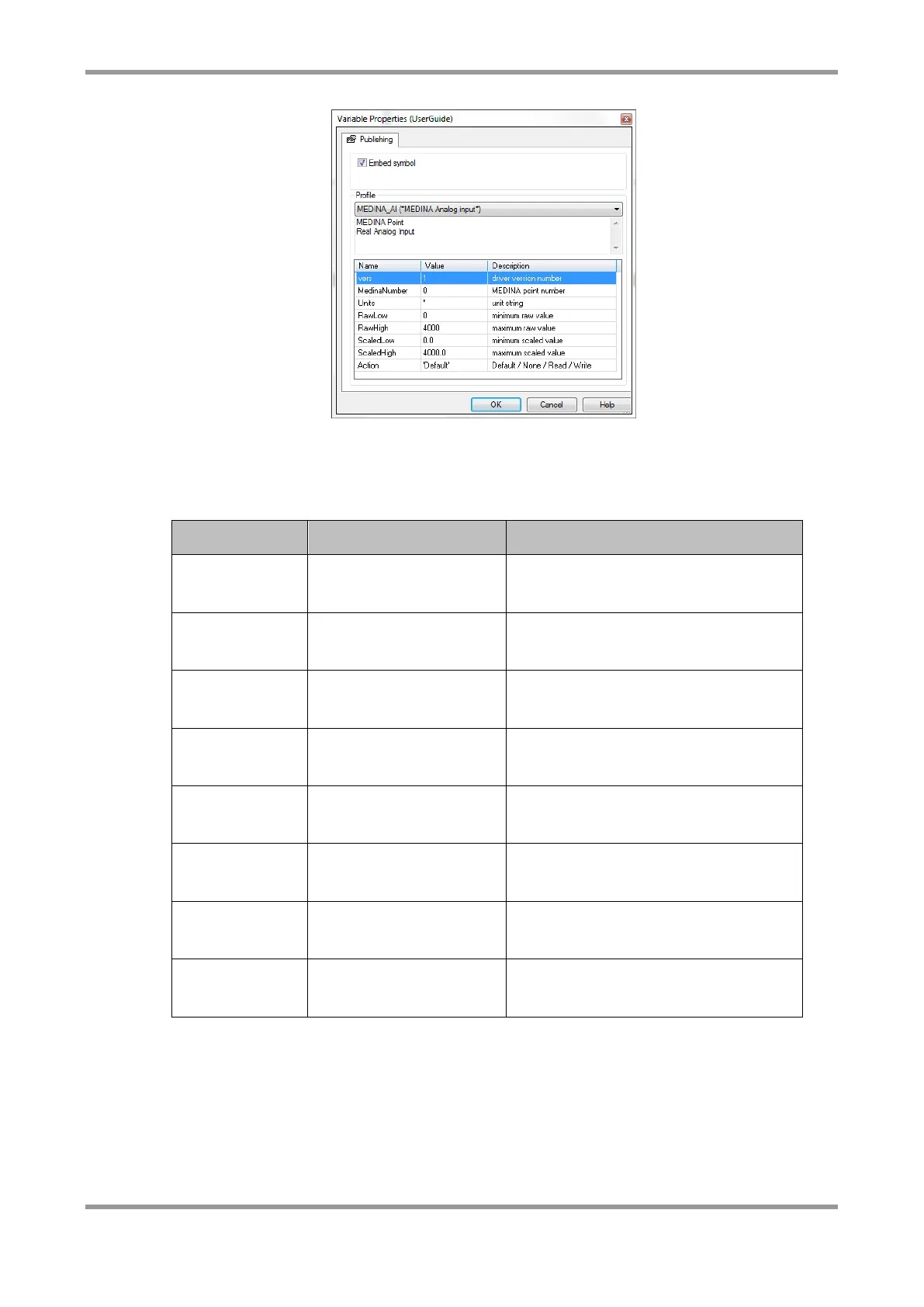
Note: For analogue points, the scaling defined in the properties is used to evaluate a
scaled value which is used within the Straton program.
The following table lists the available profiles for each variable and the available options in
each profile.
Medina Point Number, units, scaling
factors, Action
Medina Point Number, units, scaling
factors, Action
Medina Point Number, units, scaling
factors, Action
Medina Point Number, Mnemonics
(on and off state), Action
Medina Point Number, Mnemonics
(on and off state), Action
Medina Point Number, Mnemonics
(on and off state), Action
Medina Point Number, units, Action,
Size
Medina Point Number, units, Action,
Size
For integrated inputs, the “size” option can be used to specify a rollover value for the
input. This way, the MM-IM works out the increment each time an integrated input
changes, and can detect when it rolls over to zero, making use of the full range of the
MM-IM’s counter inputs.
For example, if an integrated input is being read from DF1, the maximum value will be
32,767 as the DF1 driver uses the N registers, which are 16-bit signed numbers.
Therefore, in the properties for the point, choose “16 bit” for the size:



 To Next Page