4 Operation
761 Compact IC
90
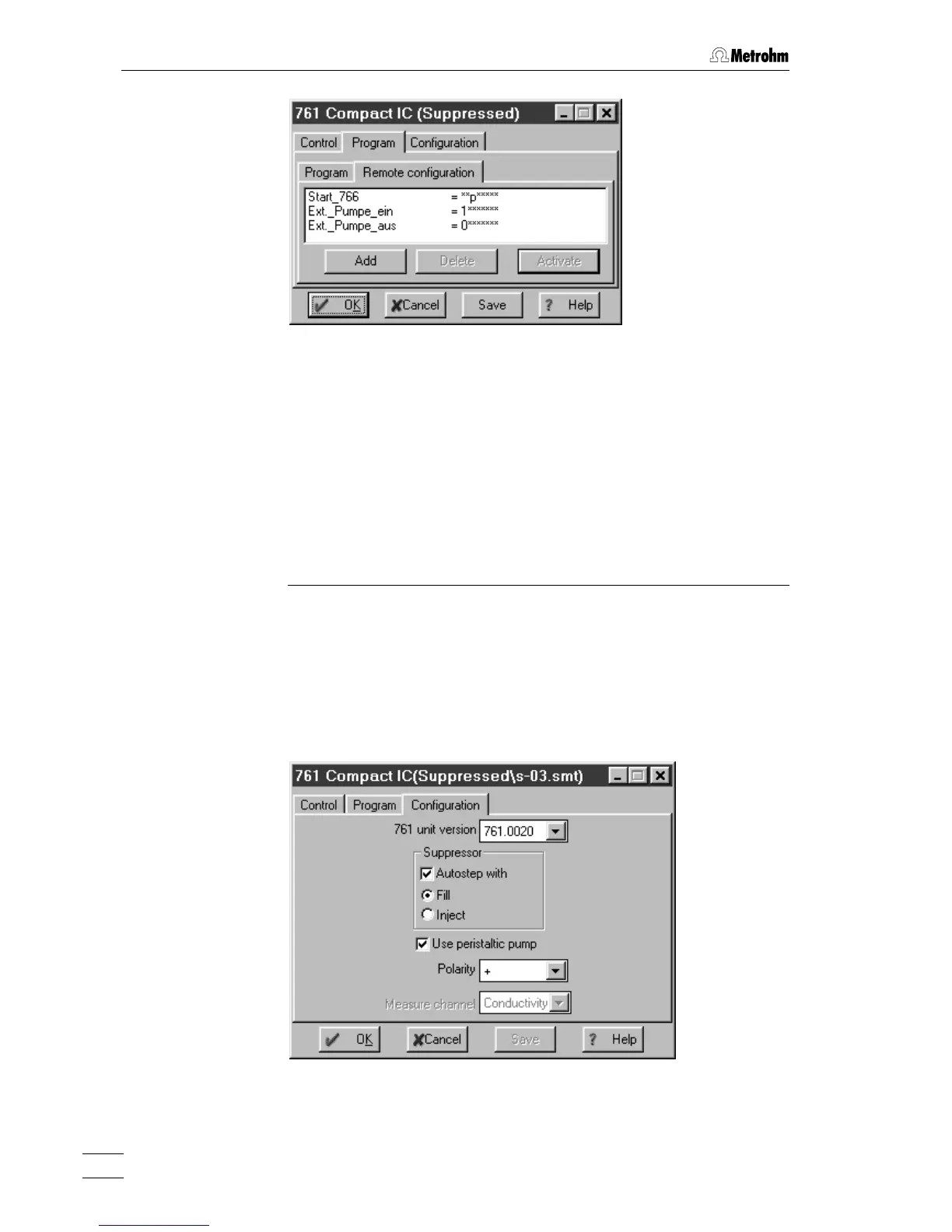
Name (1
st
column) User-definable name of the remote command
(e.g.
Start_766).
Remote command (2
nd
column)
Setting the remote output lines 1…8.
Selection:
0 (line off, inactive, open)
1 (line on, active, 0 V)
p (pulse)
* (leave line in current status)
For entry of the first value, enter
1, 0, p or *. For
entry of the other values, move the cursor in
front of the value to be changed and enter
1, 0,
p or *.
<Add> Add new remote command.
<Delete> Delete selected remote command.
<Activate> Activate the defined remote commands for in-
sertion into the time program.
Configuration
The
Configuration tab in the system settings window contains configura-
tion settings for the 761 Compact IC.
761 unit version Selection of instrument version:
761.0010 761 Compact IC without suppressor
761.0020 761 Compact IC with suppressor















 To Next Page