4.3 Systems
761 Compact IC
83
Print system parameters
SYSTEM / Setup / Parameters / Print
A report of the system parameters including the time program is cre-
ated and opened using the «Wordpad» program. The
*.txt file opened
can be printed, saved and exported into other programs. The system
report includes the name of the method linked to the system, the con-
figuration settings for the 761 Compact IC, the system startup values
and the time program (incl.
Remote configuration), if such a program ex-
ists and is switched on (
ENABLED).
4.3.5 PC icon
Menu options for PC icon
The PC icon is one of the three components of the
SYSTEM window. If
the system is connected and this icon is clicked with the right mouse
button, the following menu appears:
Open Load the processing method linked to the system
and open an empty chromatogram window.
Setup Open PC setup window for selection of processing
method and data source.
Select processing method and data source
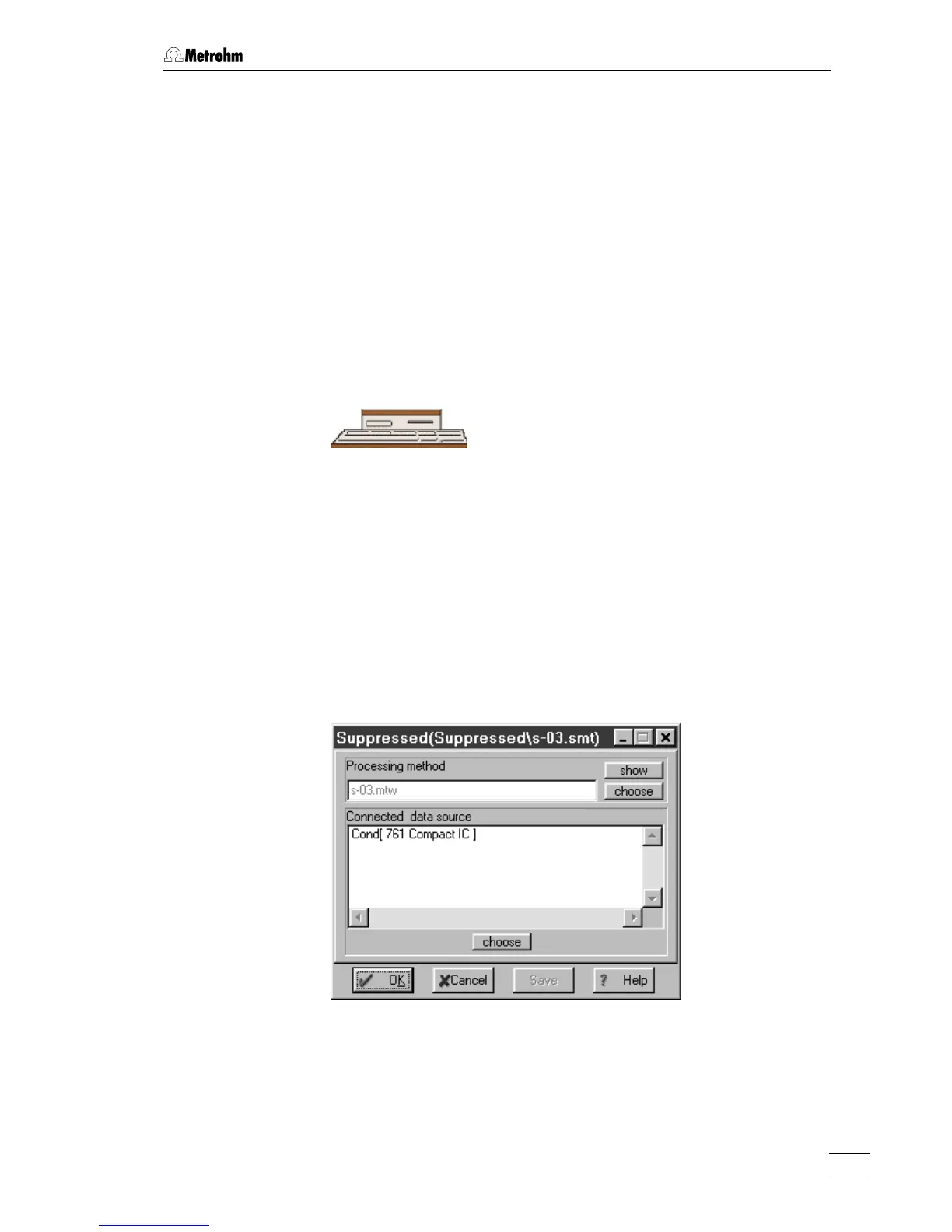
The
PC / Setup menu item opens the following window:
This window contains the following two fields:
Processing method Directory and name of the method file (*.mtw)
linked to the system.
The method file can be selected with
<choose>
and opened with
<show>.















 To Next Page