4 Operation
761 Compact IC
84
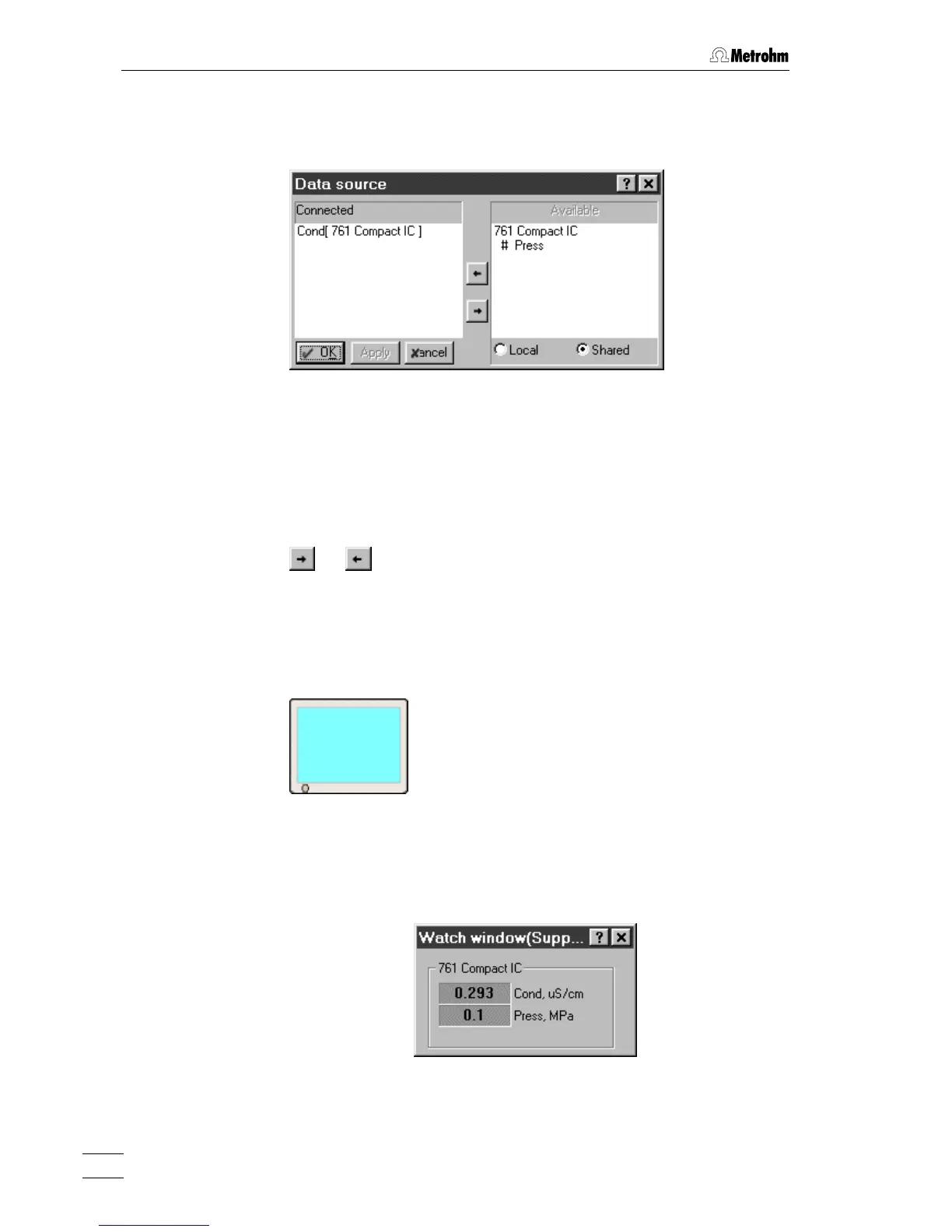
Connected data source Data source for main measurement channel. By
clicking on
<choose>, the Data source window is
opened for selection of the data source:
This window contains the following two fields:
Connected Connected data source.
Default setting:
Cond[ 761 Compact IC]
Available Available data sources of the 761 Compact IC:
# Cond Conductivity
# Press Pressure
The data sources can be moved from one field to the other using the
or buttons (only one data source can be connected).
4.3.6 Watch window
Menu options for screen icon
The watch window icon is one of the three components of the
SYSTEM
window. If the system is connected and this icon is clicked with the right
mouse button, the following menu item appears:
Open Open the WATCH WINDOW for live display of conduc-
tivity and pressure:
The colors of the watch window fields can be
changed by clicking the fields with the right mouse
button and selecting the menu item
Choose color / ... .















 To Next Page