4.2 Instrument and software settings
761 Compact IC
75
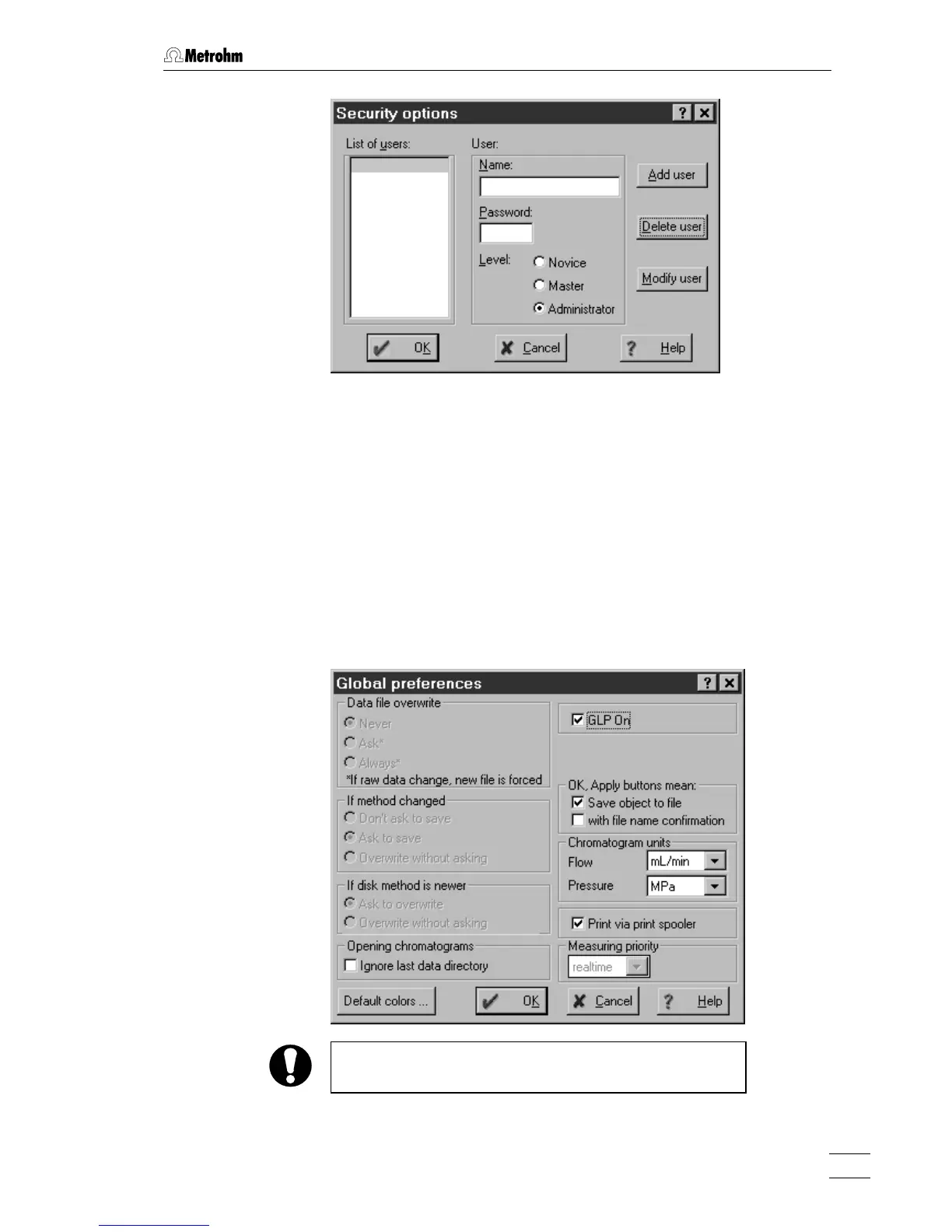
Enter user name, password and access level for all users. Don't forget
to make one of the user an
Administrator, otherwise this window will not
open again. At the end, click on
<OK>.
After configuration of the security system the program prompts for the
password every time the system starts. This user name stamps all
methods, chromatograms and reports. It is possible at any time to
change the user with the menu item
761 COMPACT IC / Options / Lock sys-
tem
.
4.2.3 Global settings
761 COMPACT IC / Options / Global preferences
This window is used for global program settings.
This window is only accessible for users with
Administrator
access level.
GLP On If this option is enabled, the following parame-
ters are automatically set:















 To Next Page