2.6 High-pressure pump
761 Compact IC
29
2.6.4 Deaerating the pump and rinsing the pulsation dampener
The first time that it is started up the high-pressure pump must be
deaerated. Proceed as follows:
1 Prepare for deaeration
• Open the rotary knob on purge valve 39 by approx. ½ turn in
the counterclockwise direction (see Fig. 3 and Fig. 4).
• Remove the plastic stopper from connection 8 on the front
panel of 761 Compact IC (see Fig. 1).
• Push 6.2816.020 Syringe (without needle) into connection 8
until the stop is reached.
2 Open and connect system
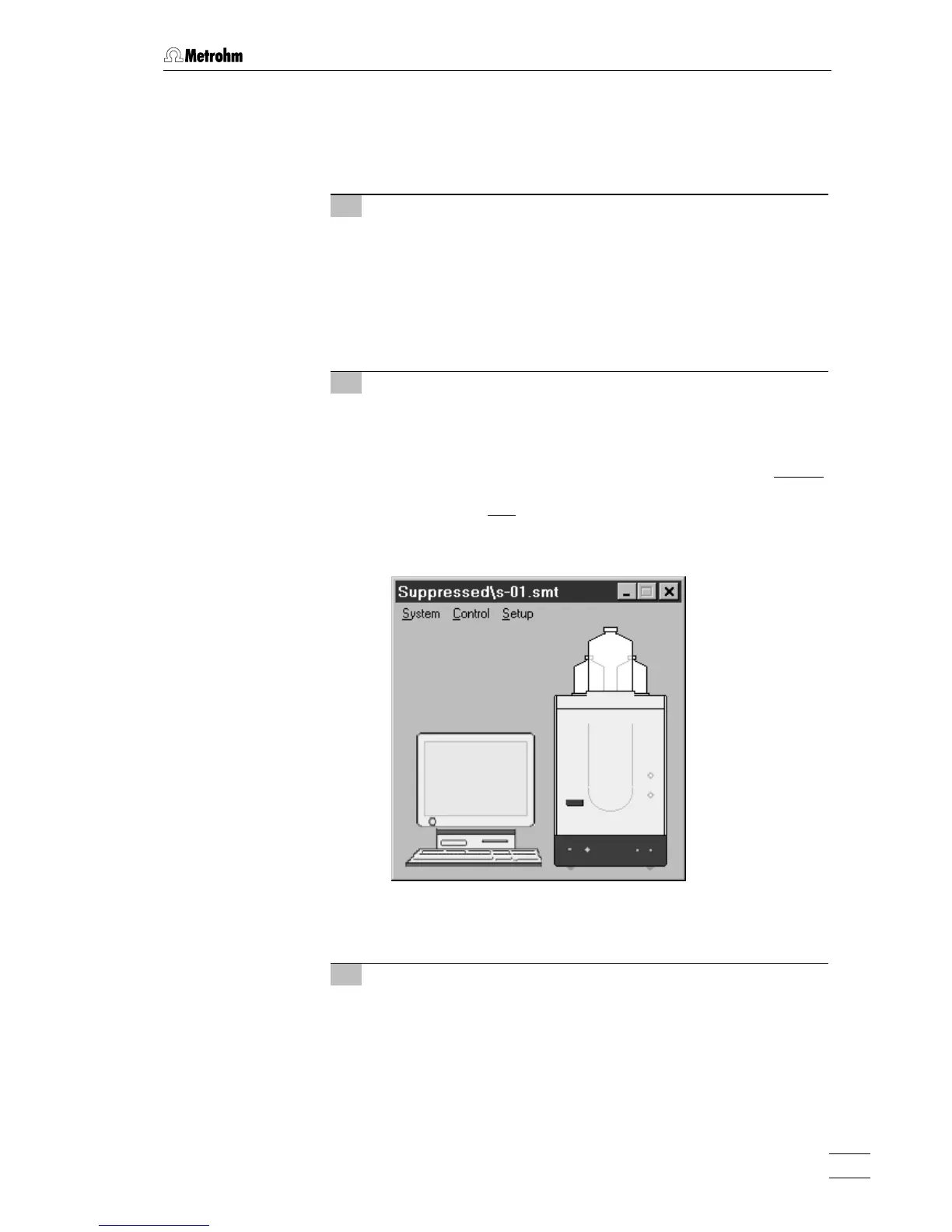
• Start the «761 Compact IC» PC program, if it has not been
already been started (see section 2.5.3).
• Select
File / Open / System in the main window. Open either the
subfolder
Non-suppressed (for 2.761.0010 Compact IC without
suppressor) or the subfolder
Suppressed (for 2.761.0020
Compact IC with
suppressor). Select the system file n-01.smt
or
s-01.smt and click on <Open>. The corresponding system
window is opened:
• Select the
Connect to workplace item of the Control menu in this
window.
3 Set flow rate to 2 mL/min
• Double-click the 761 icon in the system window to open the
window for manual control of the 761 Compact IC (see be-
low).
• Set the flow rate to
2 mL/min in the Flow field.
• Click to
<Send to unit> to send this value to the 761 Compact
IC.















 To Next Page