4 Operation
761 Compact IC
166
<Reprocess> Start reprocessing.
<Merge> Combine all chromatograms of the batch re-
processing queue into a single multi-channel
chromatogram.
<Close> Close the Reprocess window.
Merge chromatograms
REPROCESS / <Merge>
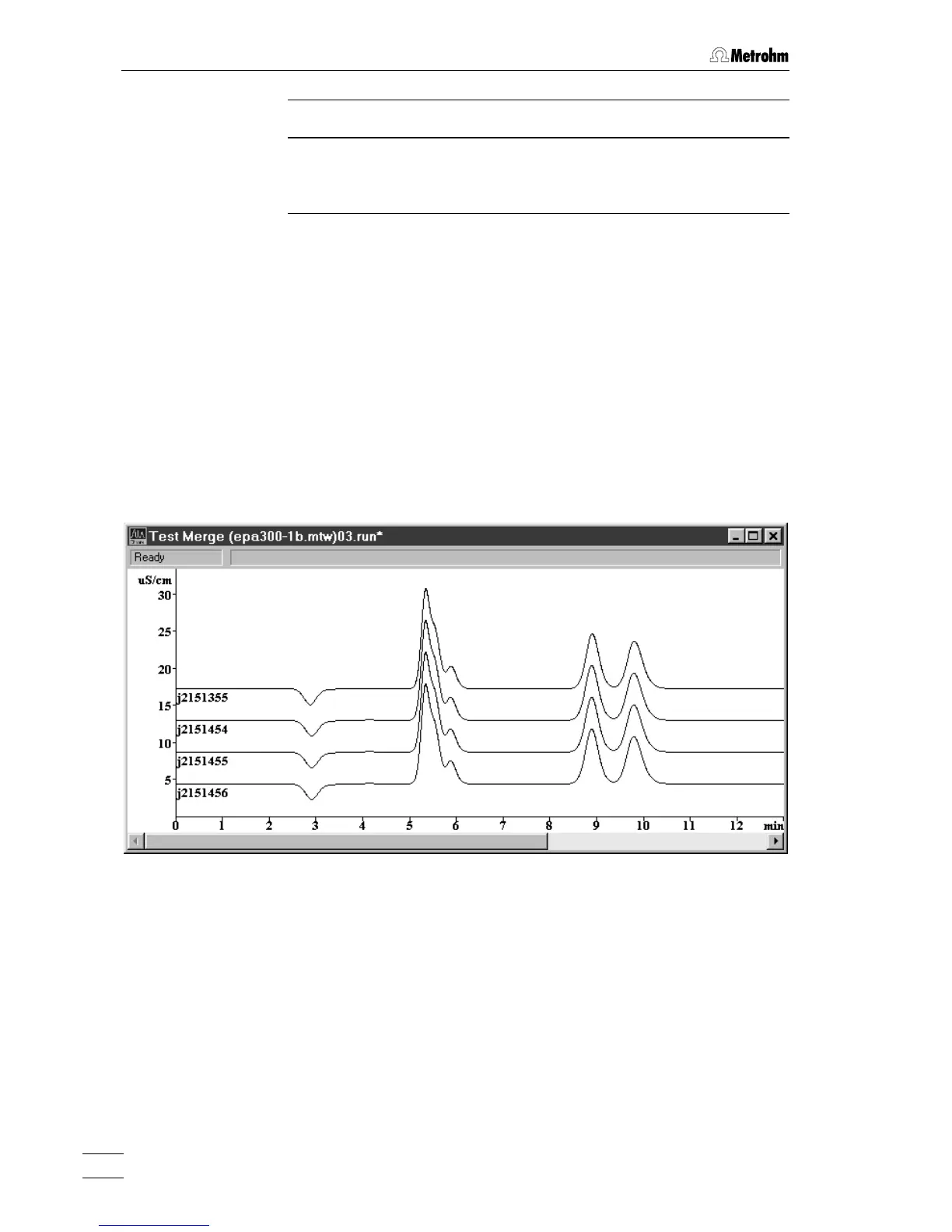
Combine all chromatograms of the batch reprocessing queue into a
single multi-channel chromatogram.
The chromatograms are displayed in the same order as in the batch re-
processing table slightly displaced one upon the other. The distance
between the curves can be increased by pressing [ Shift ] + [
↑
] and
decreased by pressing [ Shift ] + [
↓
].
The chromatogram axes, labels and colors can be set in the
Appearance
window.
The multi-channel chromatogram can be saved with
File / Save / Chroma-
togram
.















 To Next Page