2.5 Connection to the PC
761 Compact IC
23
• Click on Options / 761 Compact IC:COM1 to open the Links
window:
• Click on
COM1 using the right mouse button and select the
Change menu item to open the following window listing all
available COM ports at the PC:
• Select the desired COM port to which the 761 Compact IC
has been connected and click on
<OK>. The window is
closed.
• Close the
Links window by clicking on <OK>.
3 Open a system
• Click on File / Open / System in the main window. Open either
the subfolder
Non-suppressed (for 2.761.0010 Compact IC
without
suppressor) or the subfolder Suppressed (for
2.761.0020 Compact IC with
suppressor). Select the system
file
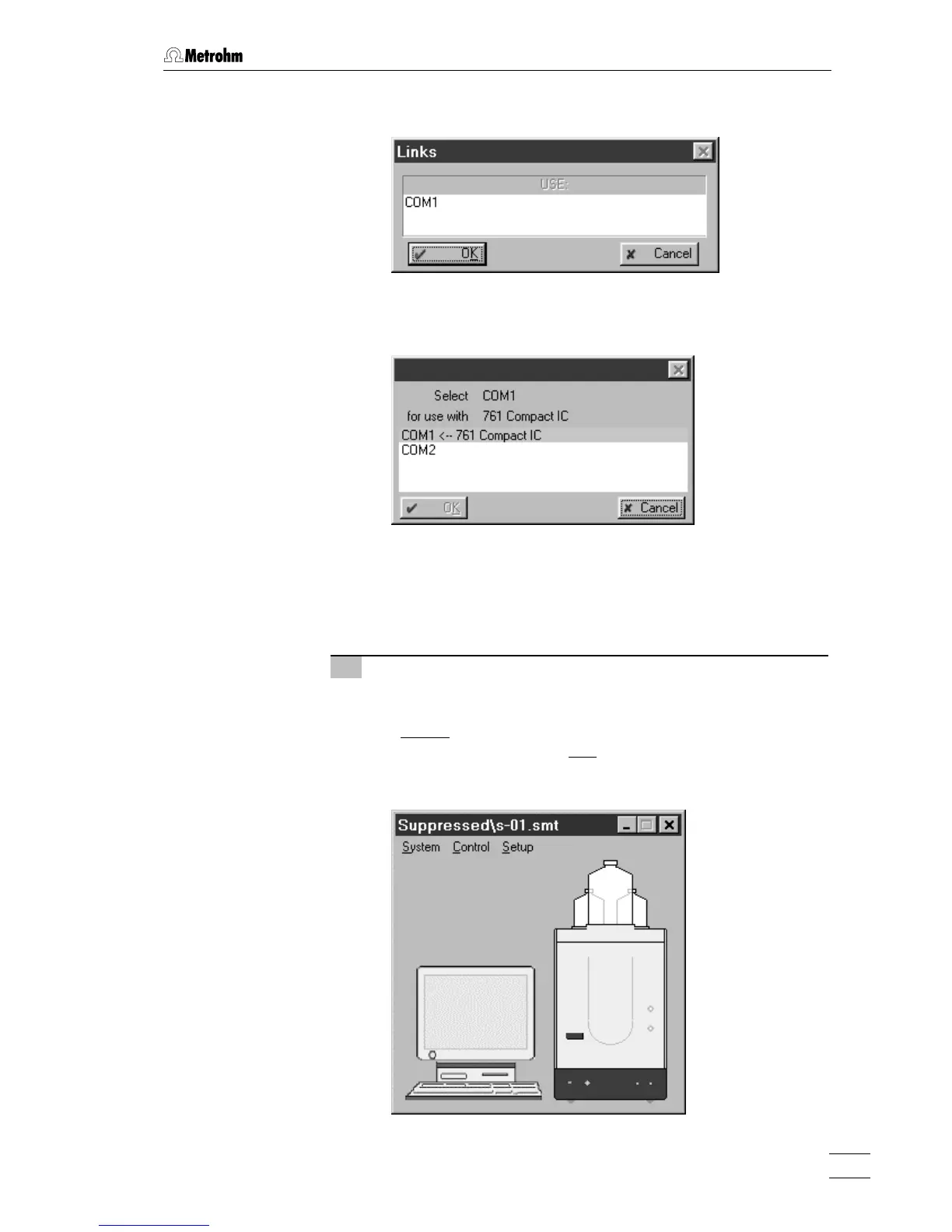
n-01.smt or s-01.smt and click on <Open>. The correspond-
ing system window is opened:















 To Next Page