3.3 Calibration
761 Compact IC
57
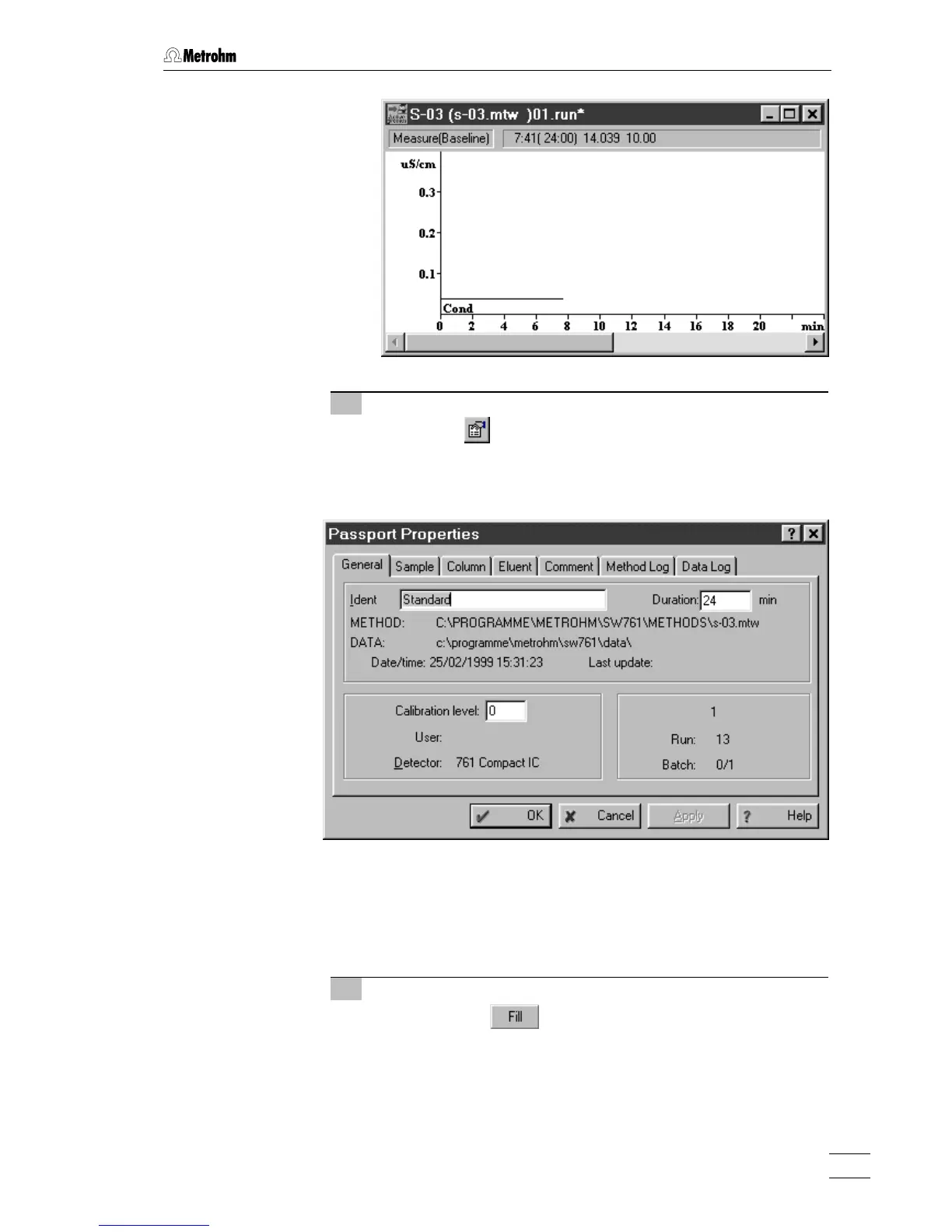
9 Enter information for determination
⇒ Click on or select Passport of the Method menu. The
passport opens with the
General page, which contains the
general information about the determination.
⇒ Enter a title for the calibration as
Ident (e.g. Standard).
⇒ Change the analysis time under
Duration if required.
⇒ Change other parameters on the passport tabs to character-
ize sample and acquirement conditions if required.
10 Switch injection valve to "FILL" position
⇒ Click on the button of the 761 icon in the system
window to switch the injection valve to the "FILL" position. At
the same time, the suppressor module is switched to the next
position.















 To Next Page