3 Operating tutorial
761 Compact IC
62
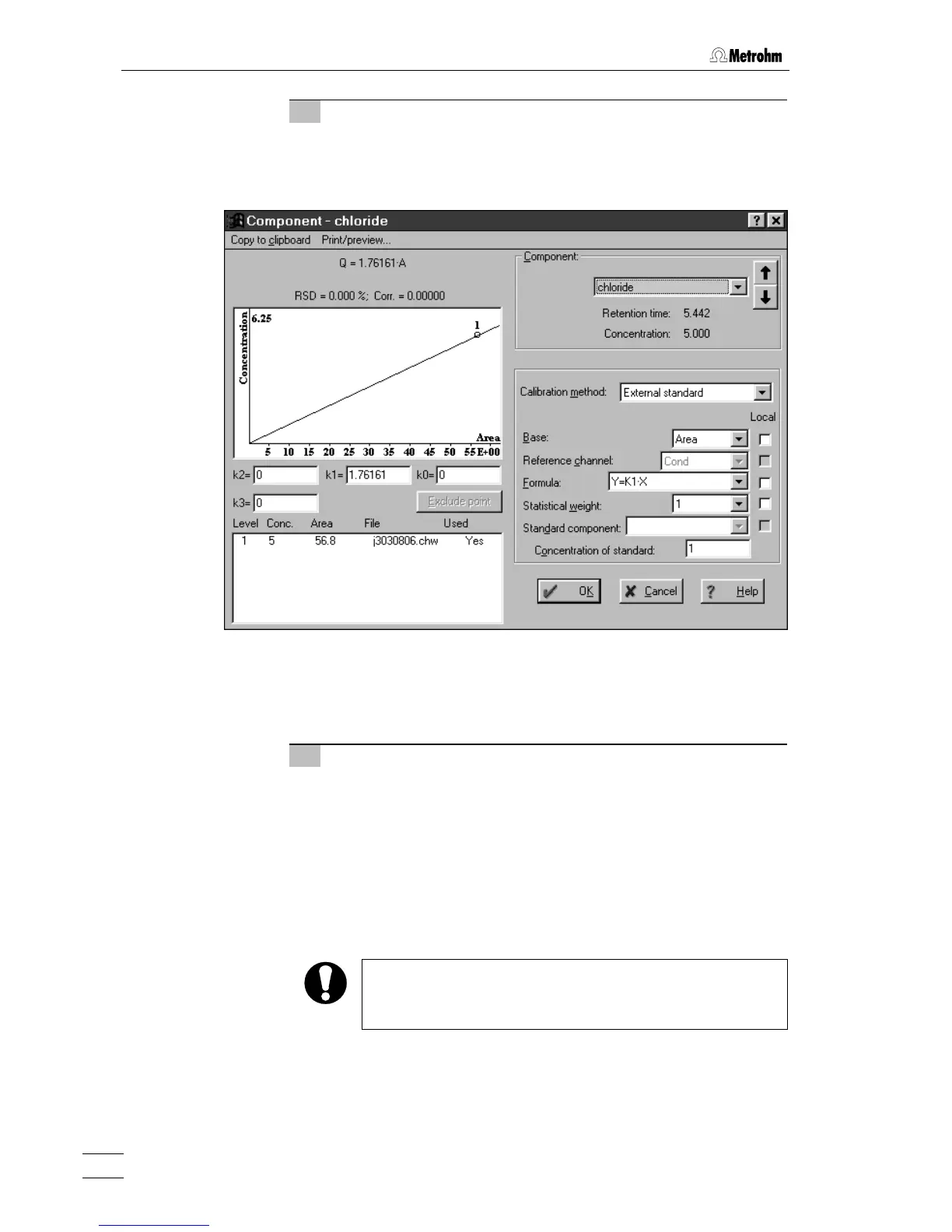
17 Display calibration curves
⇒ Click on <Graphs> in the Components window.
⇒ Select the desired component in the
Component field for which
the calibration curve should be displayed (e.g. for
chloride).
⇒ Close the
Component - chloride window with <OK>.
⇒ Close the
Components window below the chromatogram by
clicking on
<OK>.
18 Save chromatogram and method
⇒ Close the chromatogram window. A window appears with the
message
Changes in *.chw. Modified: Calibration. Save changes?.
⇒ Click on
<Yes>. A window appears with the message *.chw
already exists. Overwrite?
.
⇒ Click on
<Yes>. A window appears with the message Method
s-03.mtw was modified. Save changes?
.
⇒ Click on
<Yes>. The File Save As window appears.
⇒ Save the method under the previously given name
s-03.mtw.
If you want to store the method under a different name then
this must be newly selected for the system under
PC icon /
Setup / Processing method
.















 To Next Page