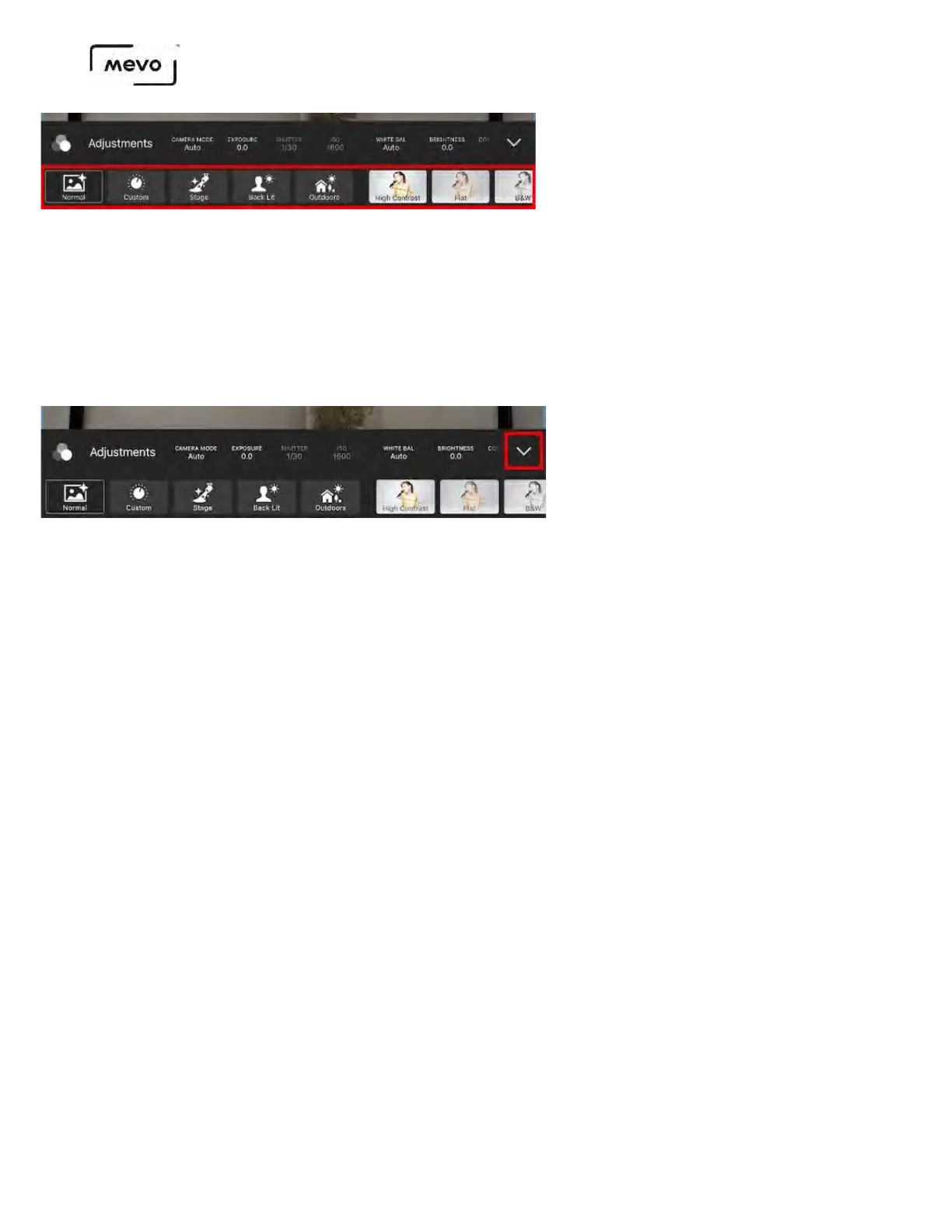
The Custom option will automatically be selected when you start configuring any of the image
adjustments in the top row of the menu (Shutter speed, white balance, etc.), regardless of which
preset you originally selected.
If you switch to a different preset, Mevo will remember the last configuration you had under Custom; if
you select Custom again, the image will revert back to the adjustments you made previously.
The drop-down arrow on the far right will close the Adjustments menu.
Mevo Start User Manual
Page 115



 To Next Page