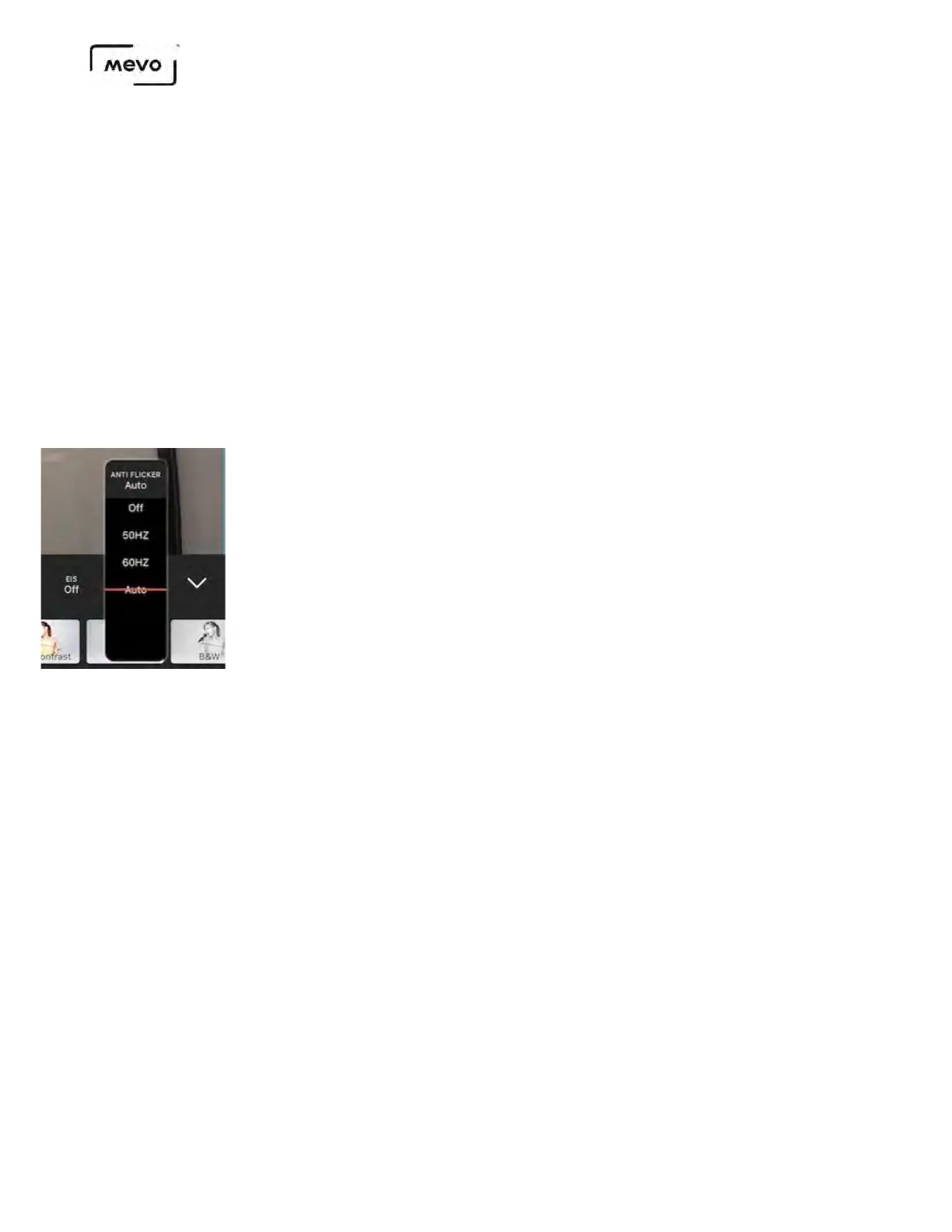
Anti Flicker
Anti Flicker is a setting that you should check if you are in a room with fluorescent lights or you plan
on shooting a television screen. Many times when using a camera in these environments, there is a
noticeable flicker in the image. This setting helps reduce this flicker.
Here you have four options:
• Off: Anti flicker is not active.
• 60Hz: Configured for US power frequency
• 50Hz: Configured for European power frequency
• Auto: Automatically detects and matches power frequency
This is the last menu in the top row of the adjustments menu, to the right of the EIS menu. Tap it to
choose your Anti Flicker setting.
Presets
There are a few preset image filters you can use to give your event a different look and feel. These are all
found in the bottom row of the Adjustments menu (swipe the row left to see all the filters).
Options include
• Normal
• Custom
• Stage
• Back Lit
• Outdoors
• High Contrast
• Flat
• Black White
• Vivid
• Sepia
Mevo Start User Manual
Page 114



 To Next Page