Electronic Image Stabilization
Electronic Image Stabilization (EIS) helps retain the video quality while the camera is in motion.
Customers looking to use the Mevo while moving rather than in a stationary location may be want to
consider turning EIS on, although doing so will disable Mevo's live-editing features (zoom, pan, cut,
etc.).
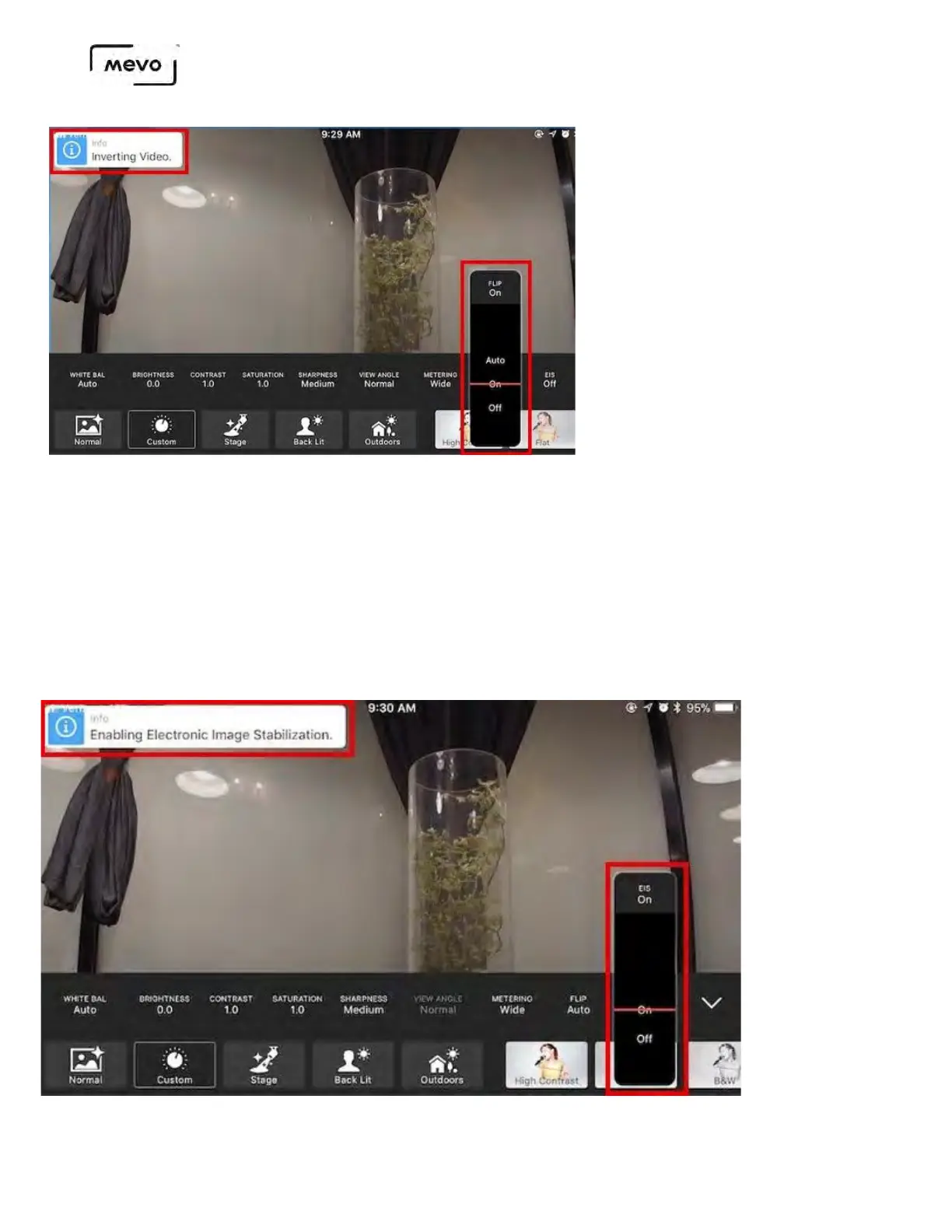
Find the EIS menu to the right of the Flip menu. Tap it to open the menu; you can either turn it On or Off.
A notification of EIS being enabled or disabled will appear in the upper left corner when you choose a
setting.
Mevo Start User Manual
Page 113



 To Next Page