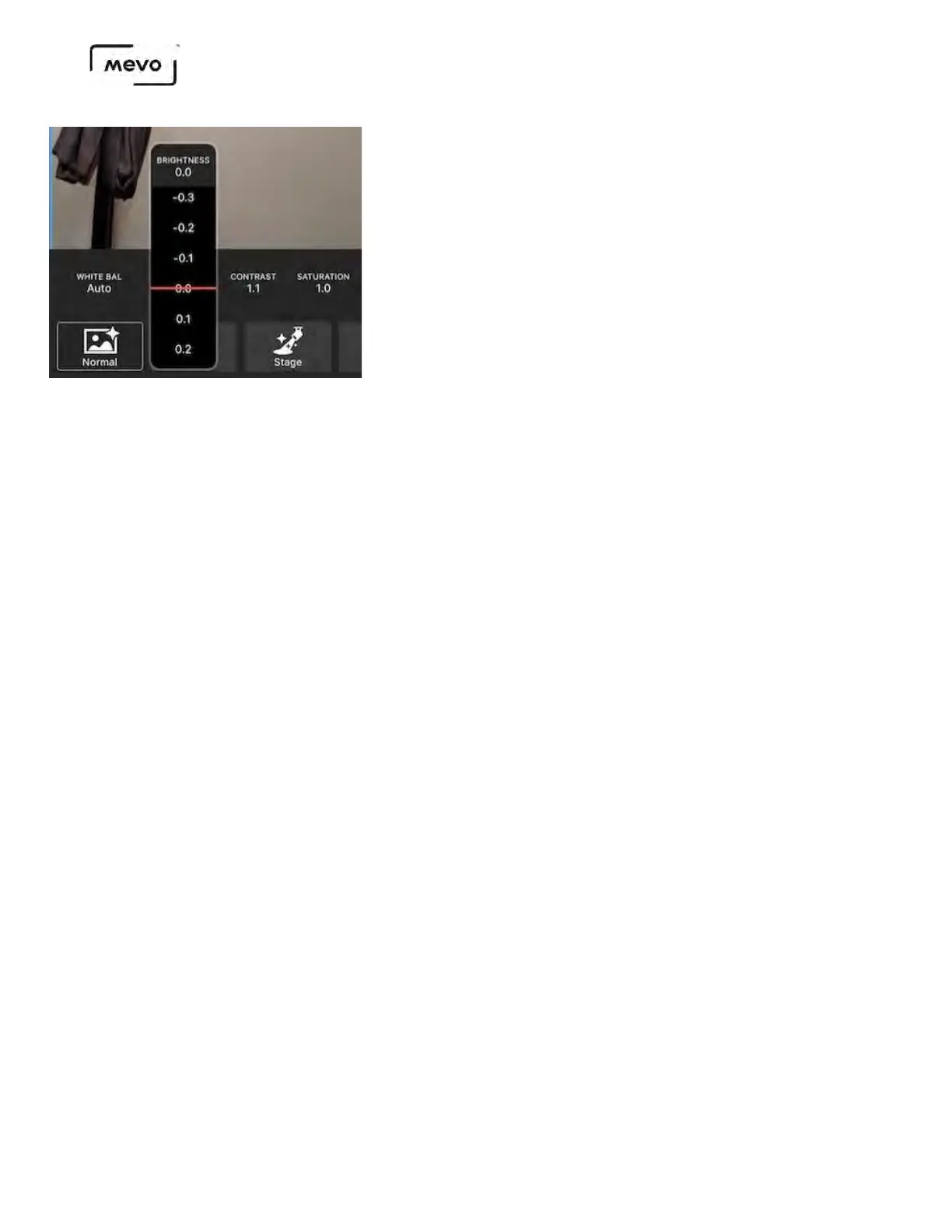
As a reference, here is a picture of the same exact sample area taken by an iPhone 6S Plus at the same
distance as Mevo.
Flip Video
This setting allows you to have your video flip vertically and is located to the right of the Metering
setting. Tap the menu and choose among the three options
• Off (Not Flipped): The image will not flip if you turn the camera upside down.
• On (Flipped): The image will appear flipped unless you physically turn the camera upside-down.
• Auto: The app will detect whether the camera is right-side-up or upside-down and adjust the
orientation accordingly.
• Please note: it may take a few seconds before the image flips, so we do not recommend going
back and forth between the two orientations frequently.
When you choose a setting, you will see a notification in the upper left corner indicating that your
video is in the process of inverting or reverting to normal.
Mevo Start User Manual
Page 112



 To Next Page