White Balance
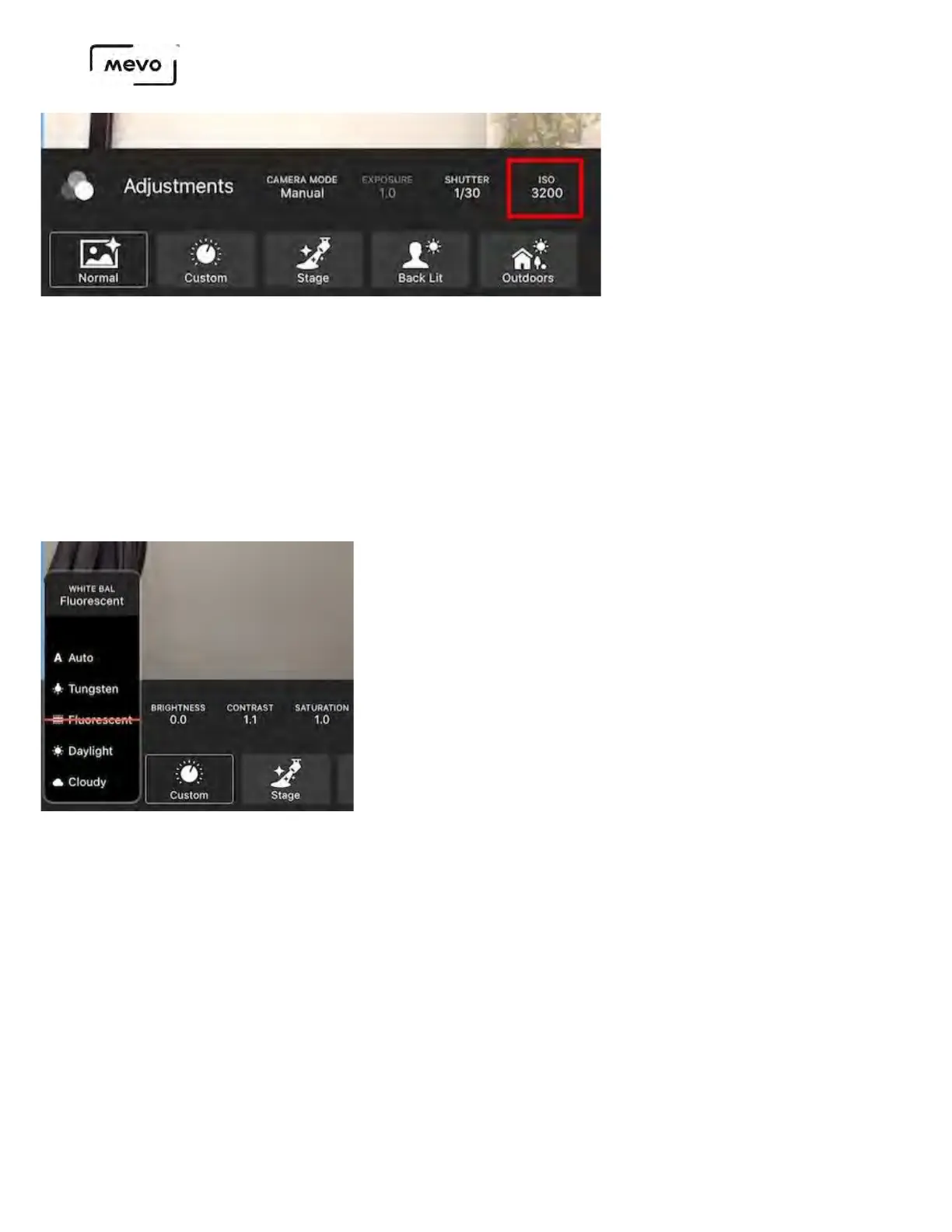
White balance can be found to the left of the ISO setting. This generally refers to the color balance in
the image; in other words, the camera determines what in the image is white, and adjusts the other
colors accordingly. Mevo can auto-white balance your shot or you can manually choose from a few
preset environments.
Tap the White Balance setting to open the menu and scroll down to choose your setting. Mevo will
take about one second after selecting an option to adjust the image so you can see what your picture
looks like after.
Brightness, Contrast, Saturation
Brightness, contrast, and saturation are adjustments best made to your shot after you've established
your Shutter speed and ISO settings.
Tap the desired setting and scroll up or down to choose an option; Mevo will adjust the image based
on your selection.
Mevo Start User Manual
Page 111



 To Next Page