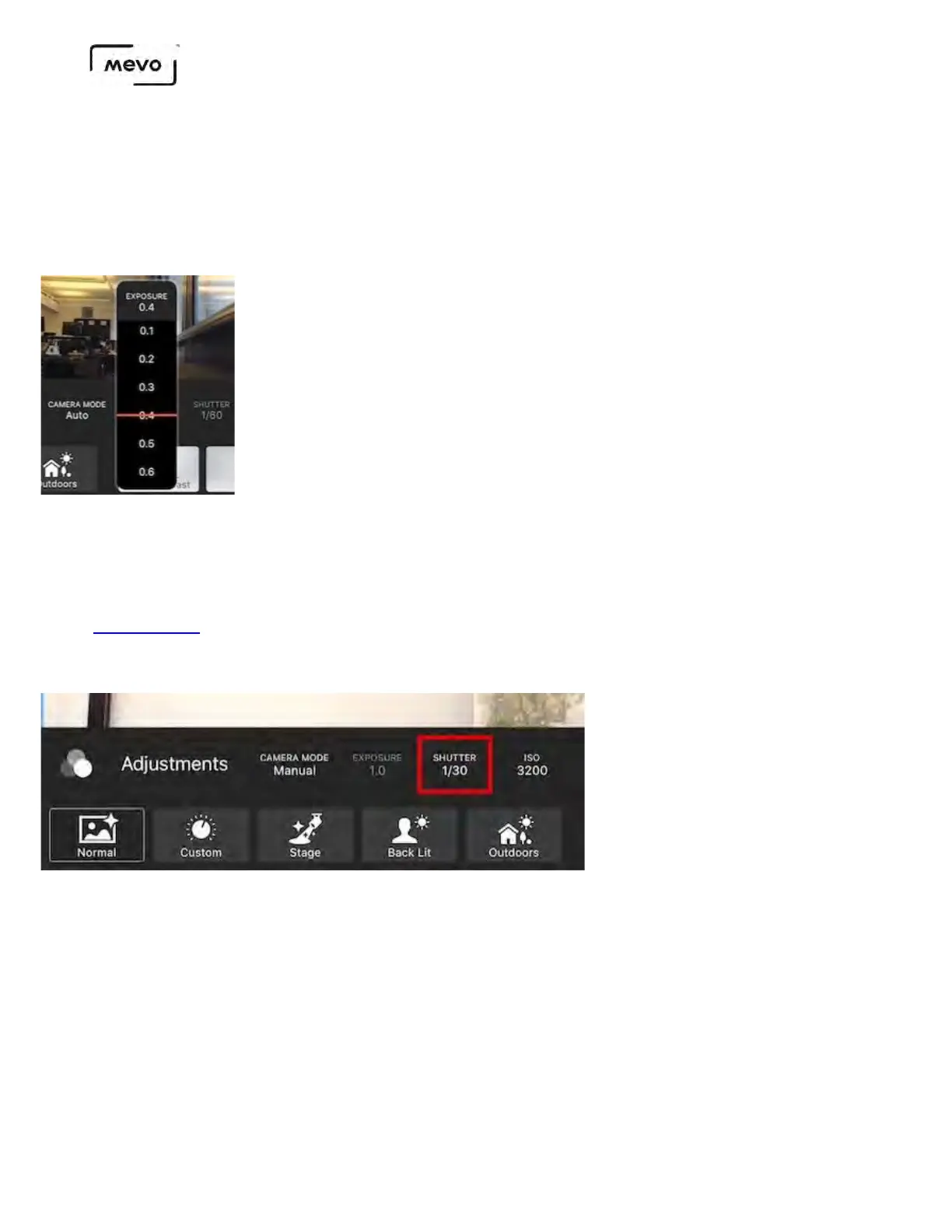
This setting is typically used to compensate for environments with contrasting lighting conditions
(stage with spotlights, etc.) It can be adjusted when the Camera Mode is set to Auto or Shutter.
Keep in mind that adjusting this setting will cause the shutter speed and/or ISO to automatically adjust.
This setting can be found to the right of the Camera Mode menu; tap it to open the menu and select an
exposure measurement.
Shutter speed
By definition, shutter speed determines for how long each individual frame is exposed, measured in
fractions of a second. This setting has the most impact on the appearance of motion blurriness in your
video. Vimeo's blog has a great demonstration of this. You can configure this when the Camera Mode
is set to Shutter or Manual.
ISO
ISO measures the image sensor's sensitivity to light. Higher ISO settings are ideal for darker settings,
although will produce grainier shots than lower ISO settings. ISO can only be manually adjusted when
the Camera Mode is set to Manual; it will automatically adjust in other modes.
Mevo Start User Manual
Page 110



 To Next Page