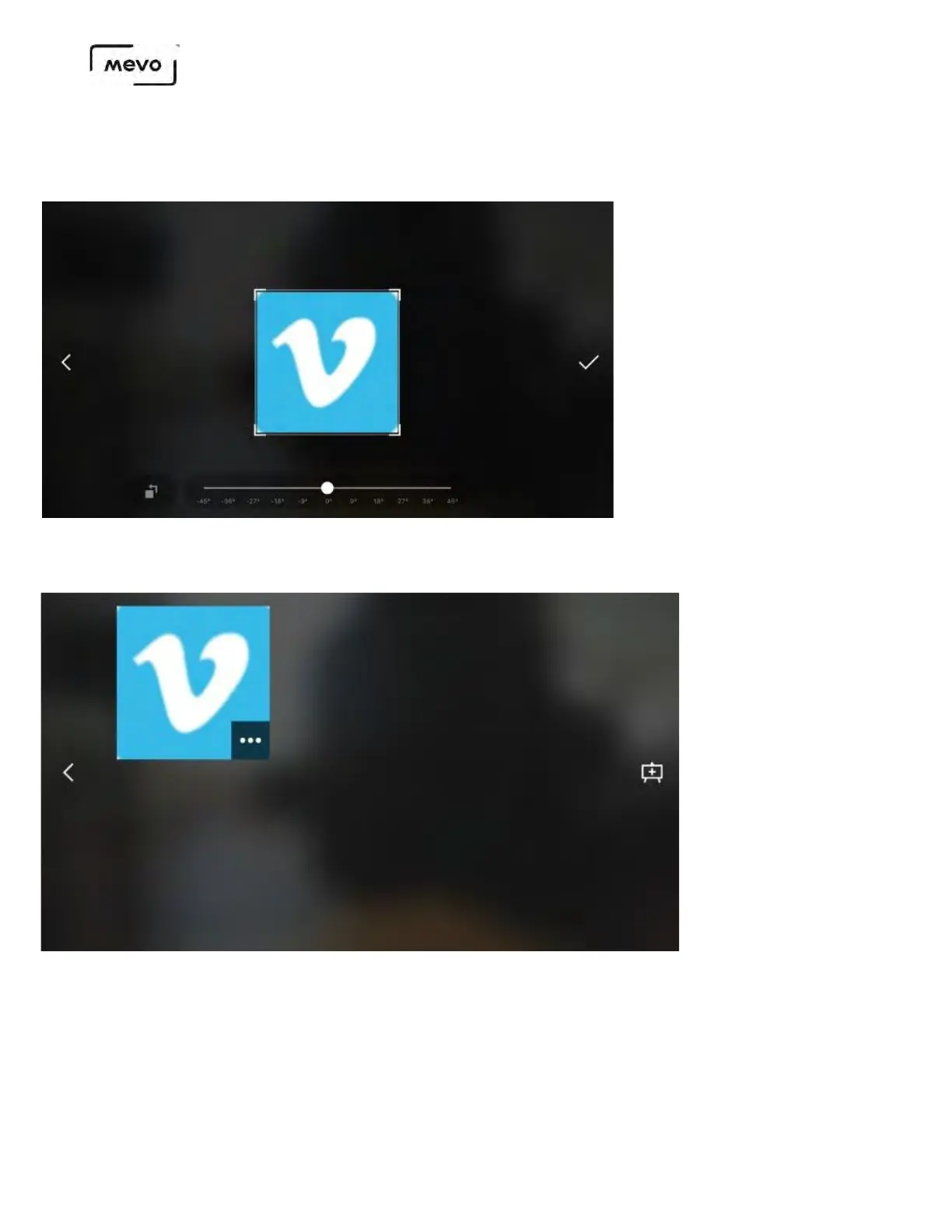
Overlays cannot be edited. Make sure you are satisfied with your corner bug's appearance before tapping
the checkmark.
The corner bug will appear in the overlay list screen and upload to your microSD card to be stored.
Tap the bug to add it to the preview screen.
The bug will appear in the overlays screen. You can move it to the opposite corner by tapping the image
icon on the other side (1). Otherwise, tap the checkmark in the bottom right corner to confirm
overlaying it into your output (2).
Mevo Start User Manual
Page 134



 To Next Page