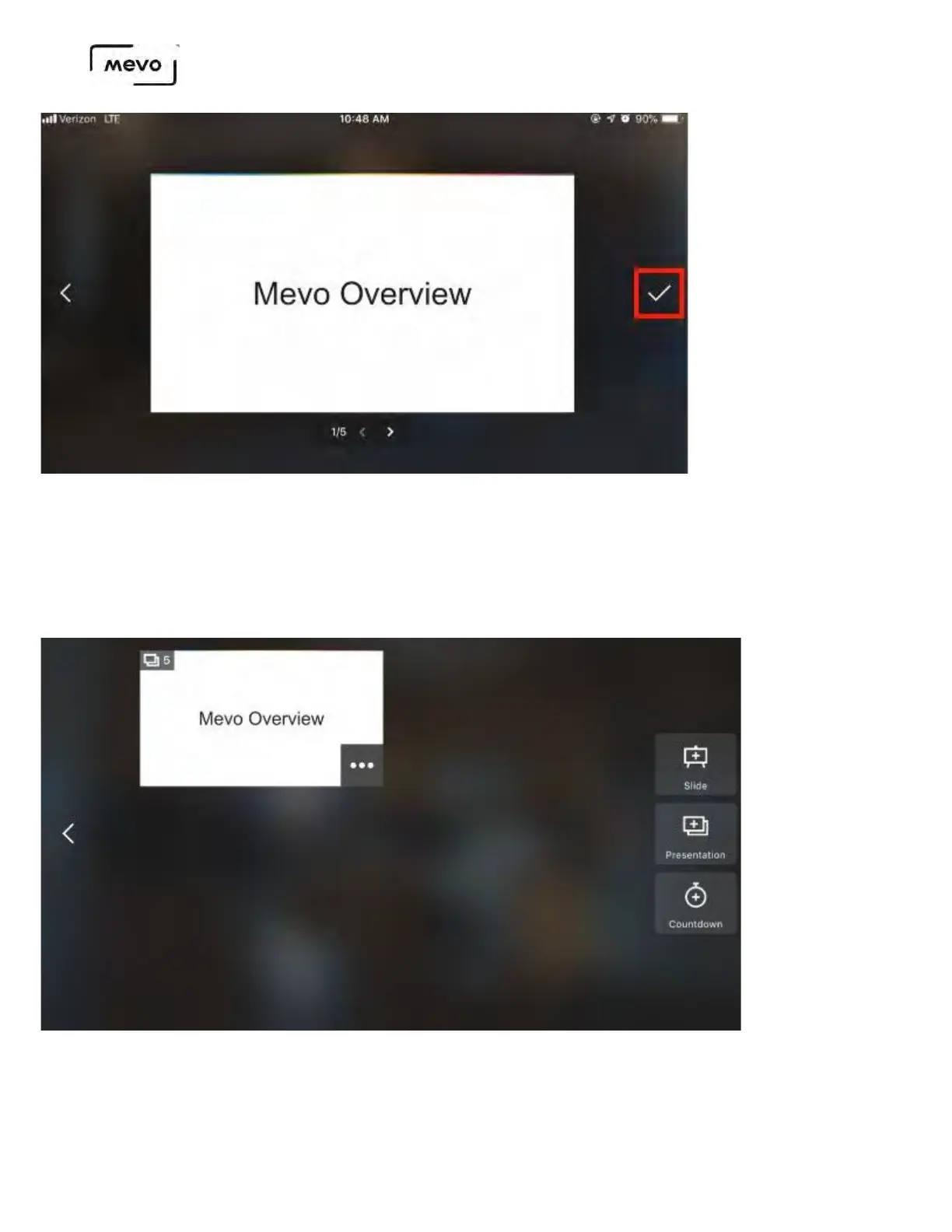
The slideshow will take a moment to upload to your Mevo Start's microSD card (the larger your file, the
longer it will take to upload). Once it has completed uploading, you can bring it into your production at
any point while you are live.
Tap the slideshow to select it.
You will see a preview of what it will look like to your viewers. By default it will start on the first slide,
but you can adjust which slide to start on by tapping the arrows in the bottom left corner.
Mevo Start User Manual
Page 151



 To Next Page