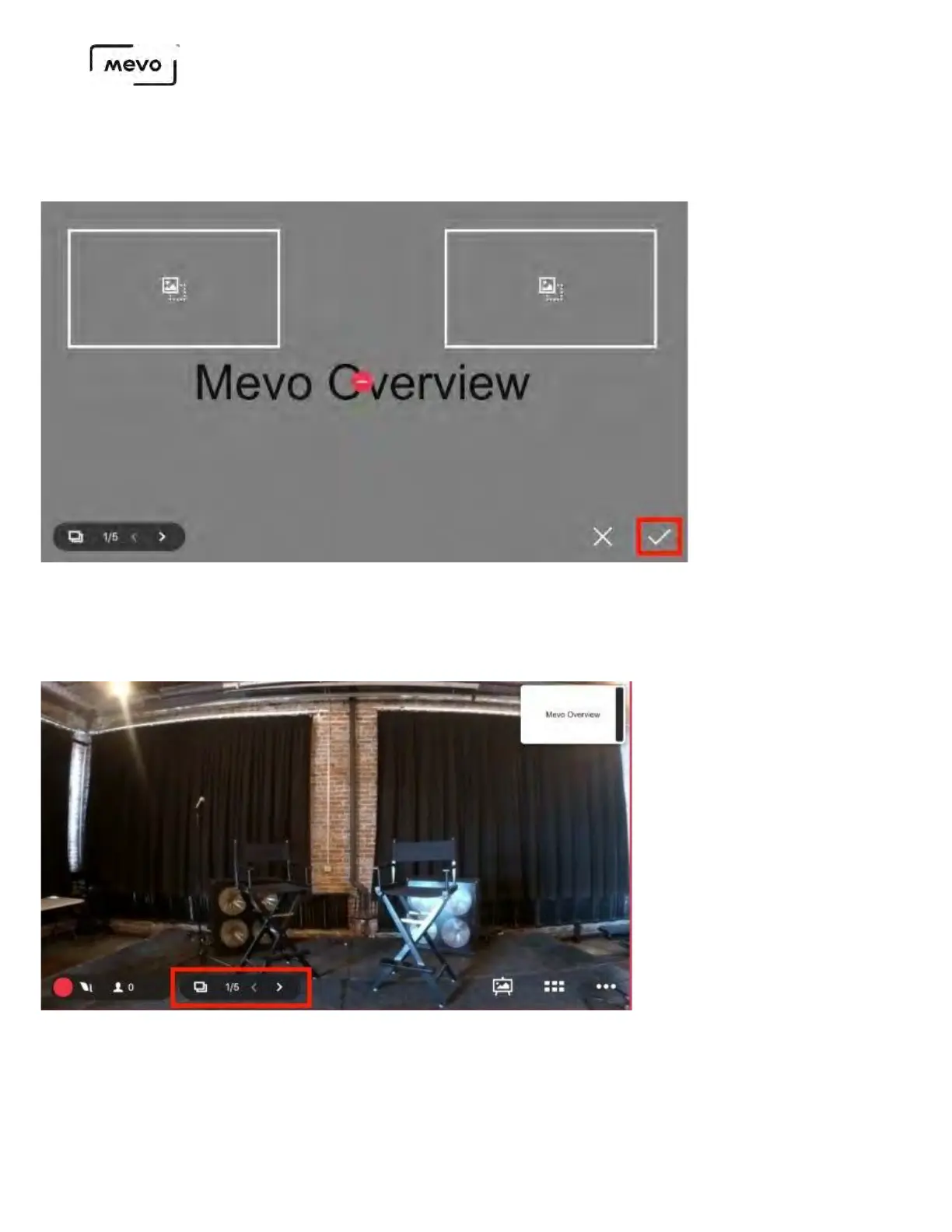
To proceed with overlaying the slideshow and presenting it to your audience, tap the checkmark in
the lower right corner.
You will now see your live production screen; notice the output preview (upper right) is showing the
fullscreen overlay of the slideshow. You can control the slideshow from the app by using the direction
arrows on the bottom of the screen.
You can also tap the slides icon to pop open the slideshow at the bottom of the screen and custom choose
which slide to display.
Mevo Start User Manual
Page 152



 To Next Page