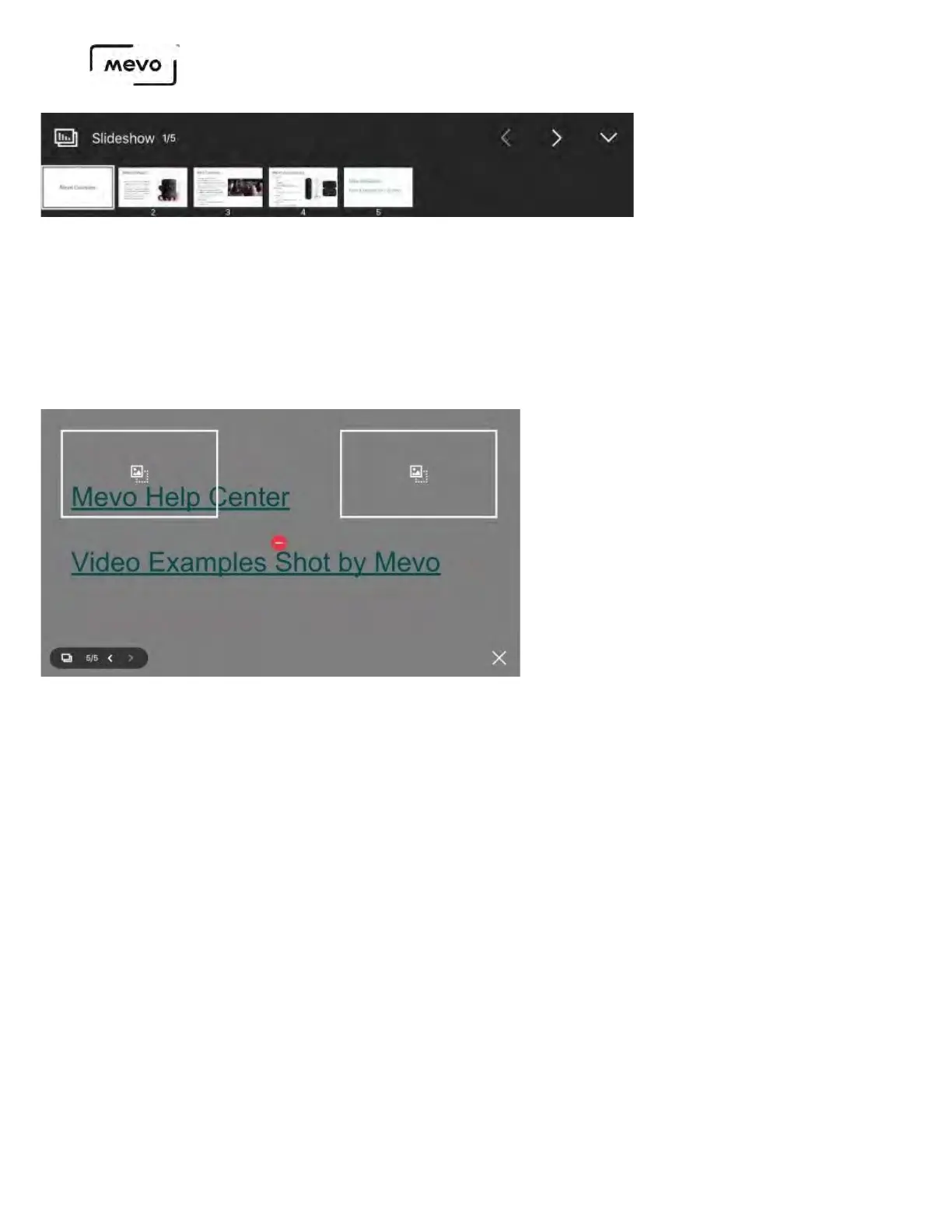
When you no longer wish to display the slideshow, tap the graphics icon in the bottom right corner of the
live production screen, then tap the red delete icon over the graphics preview.
You can also switch overlay types here. For example, to switch from a fullscreen to an OTS slideshow, tap
one of the OTS placeholders to move the slideshow, then tap the checkmark that appears in the lower right
corner to proceed.
Once the slideshow preview is gone, tap the checkmark on the bottom right corner to proceed with
removing the overlay from your live production.
Mevo Start User Manual
Page 153



 To Next Page