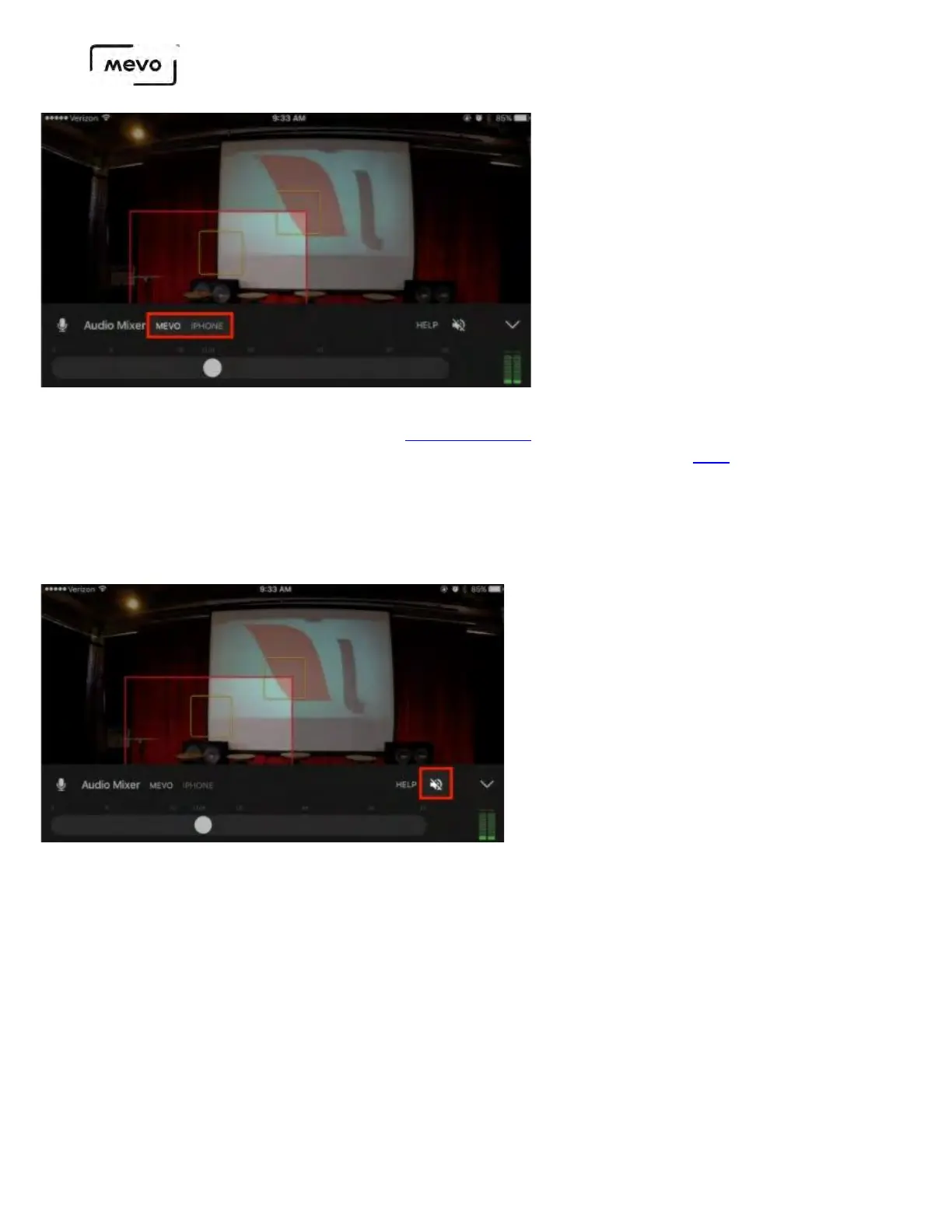
USB sources are now also accepted via an OTG USB cable. To learn more about using your mobile device
as an audio source (e.g. "iPhone" as shown above), see here.
By default, the live audio preview (which allows you to hear your source audio through the mobile
device's speakers) is muted. To unmute it, tap the crossed out speaker icon toward the right of the
mixer interface.
To the far right of the interface is the levels monitor. This indicates how loud or soft your audio is.
Mevo Start User Manual
Page 88



 To Next Page