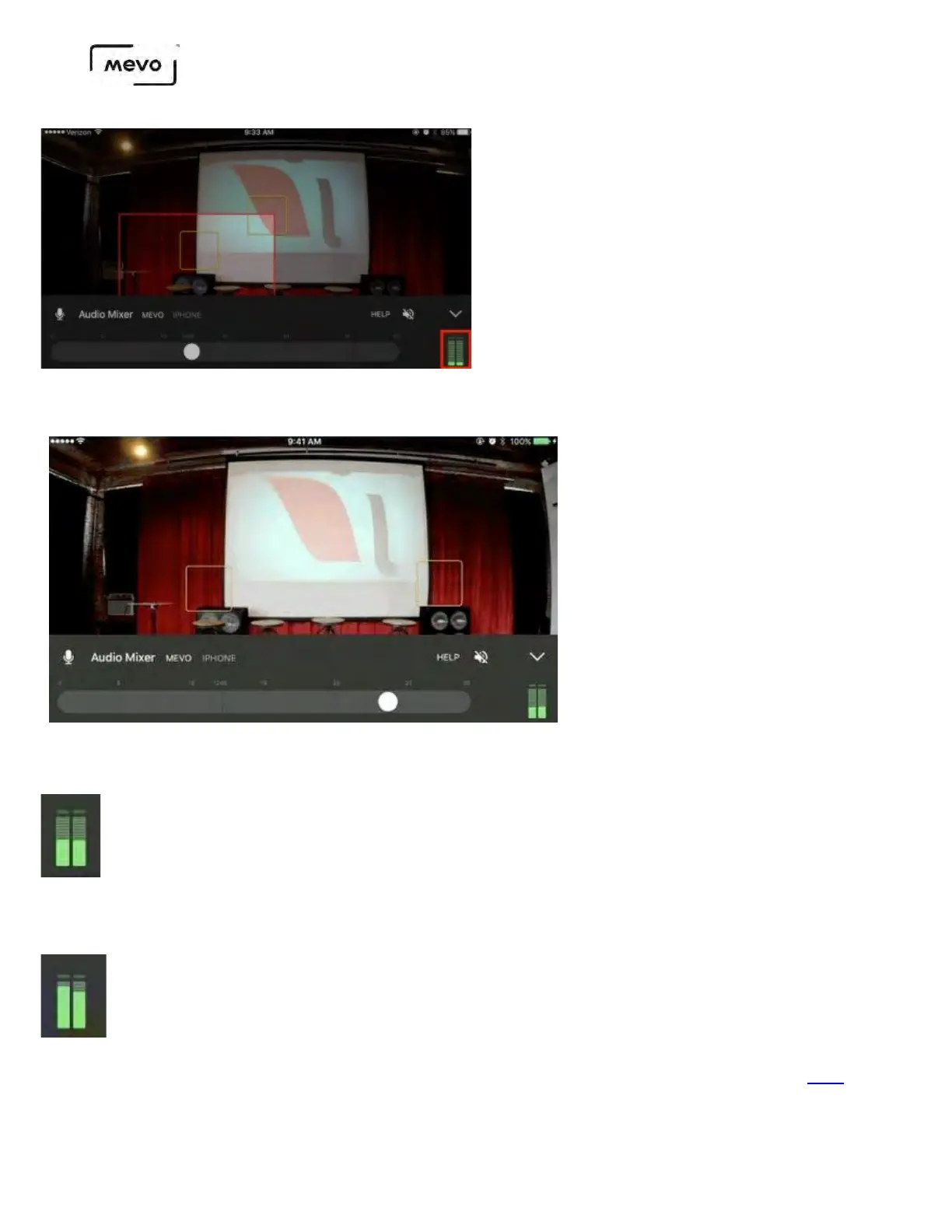
Running along the bottom of the screen is an audio slider. Drag the slider to adjust your audio levels
as needed.
A general best practice is for your audio levels to peak about halfway to two-thirds of the way up the
levels bar. This ensures a clear, audible sound that is not too loud.
Audio that is over modulating is generally indicated by the top notches flashing red. This means you should
lower your audio levels by dragging the audio slider to the left.
Not sure what is the best audio workflow for your production? See our suggestions here.
Mevo Start User Manual
Page 89



 To Next Page