14
MicroEn
ine
XP-GT/GTR Programming Manual
v4.00
4. The section with parenthesis, ( ), is the value selected for editing. Press X
if users wish to exit without saving changes.
5. Enter the ‘YEAR’ settings, press
√ to proceed to the next section.
6. Enter the ‘MONTH’ settings, press
√ to proceed to the next section.
7. Enter the ‘DATE’ settings, press
√ to proceed to the next section.
8. Enter the ‘HOUR’ settings, press
√ to proceed to the next section.
NOTE:- Specify time in 24-Hour format.
9. Enter the ‘MINUTE’ settings and press
√ to proceed to the next section.
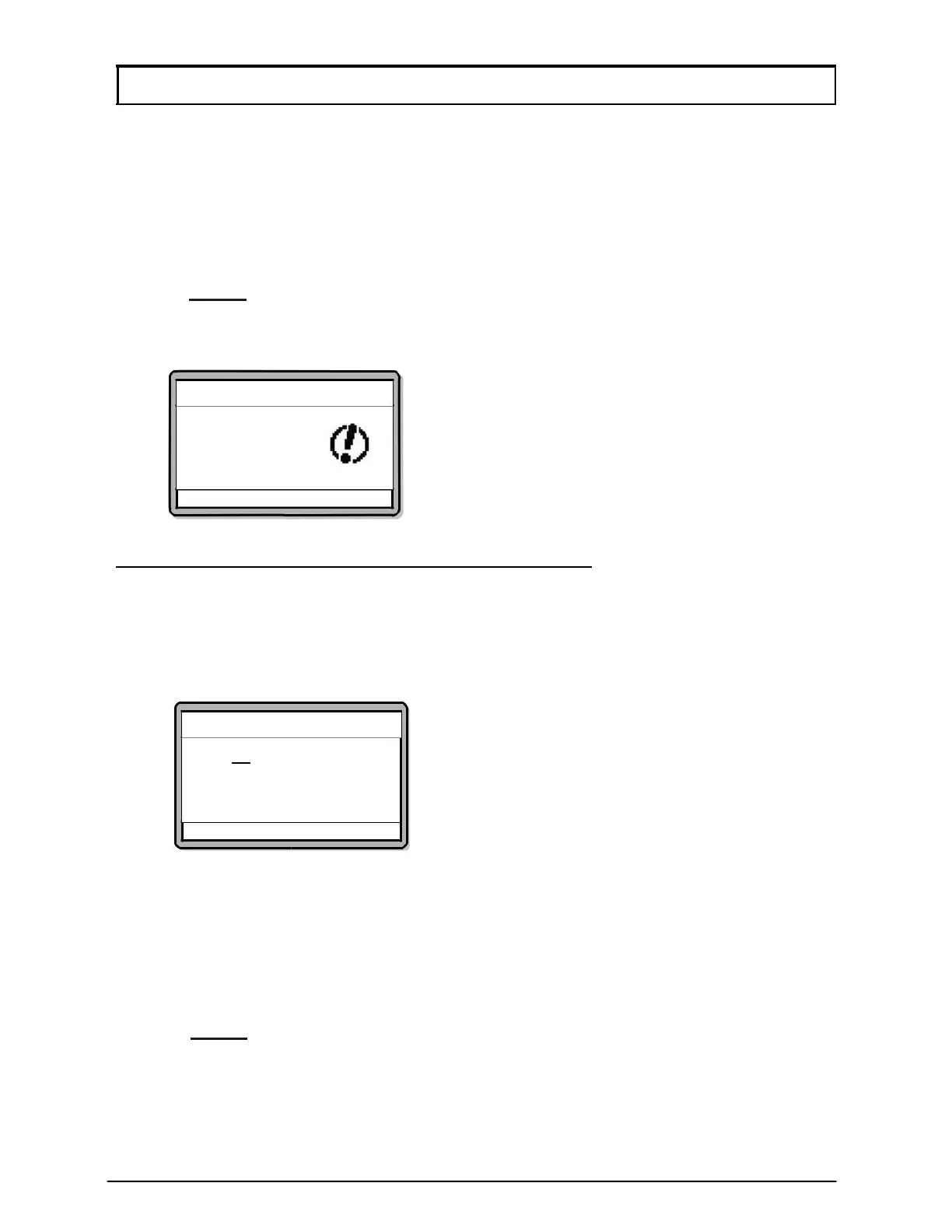
Screen as below will be shown. Press
√ to save changes.
Set Date & Time
Save Changes?
√ - OK X – Cancel
XP-GT/GTR (1500L, 3500L, 1500ABL, 3500ABL) Series
To program the date and time setting, please follow steps below:
1. Enter Configuration Menu.
2. Press 1 for System Menu.
3. Press 1 for Set Date & Time. Screen as below will be shown:
4. The underlined section is the value selected for editing. Press X if users wish
to exit without saving changes.
5. Press
↑ or ↓ to select the ‘YEAR’, press √ to proceed to the next section.
6. Press
↑ or ↓ to select the ‘MONTH’, press √ to proceed to the next section.
7. Press
↑ or ↓ to select the ‘DATE’. Press √ to proceed to the next section.
8. Press
↑ or ↓ to select the ‘HOUR’. Press √ to proceed to the next section.
NOTE:- Specify time in 24-Hour format.
9. Press
↑ or ↓ to select the ‘MINUTE’ and press √ to confirm. Screen as below
will be shown. Press
√ to save changes.
Set Date & Time
▸Y[2017
] M[10] D[13]
H[16] M[14]
√
- OK X - Cancel



 To Next Page