44
MicroEn
ine
XP-GT/GTR Programming Manual
v4.00
4. A success notification will be prompted to notify users when all fingerprint
templates have been cleared.
3.4 Template Enrolled
This menu will indicate how many templates are currently installed in the fingerprint
database.
To view template enrolled, please follow steps below:
1. Enter Configuration Menu.
2. Press 3 for Fingerprint Menu.
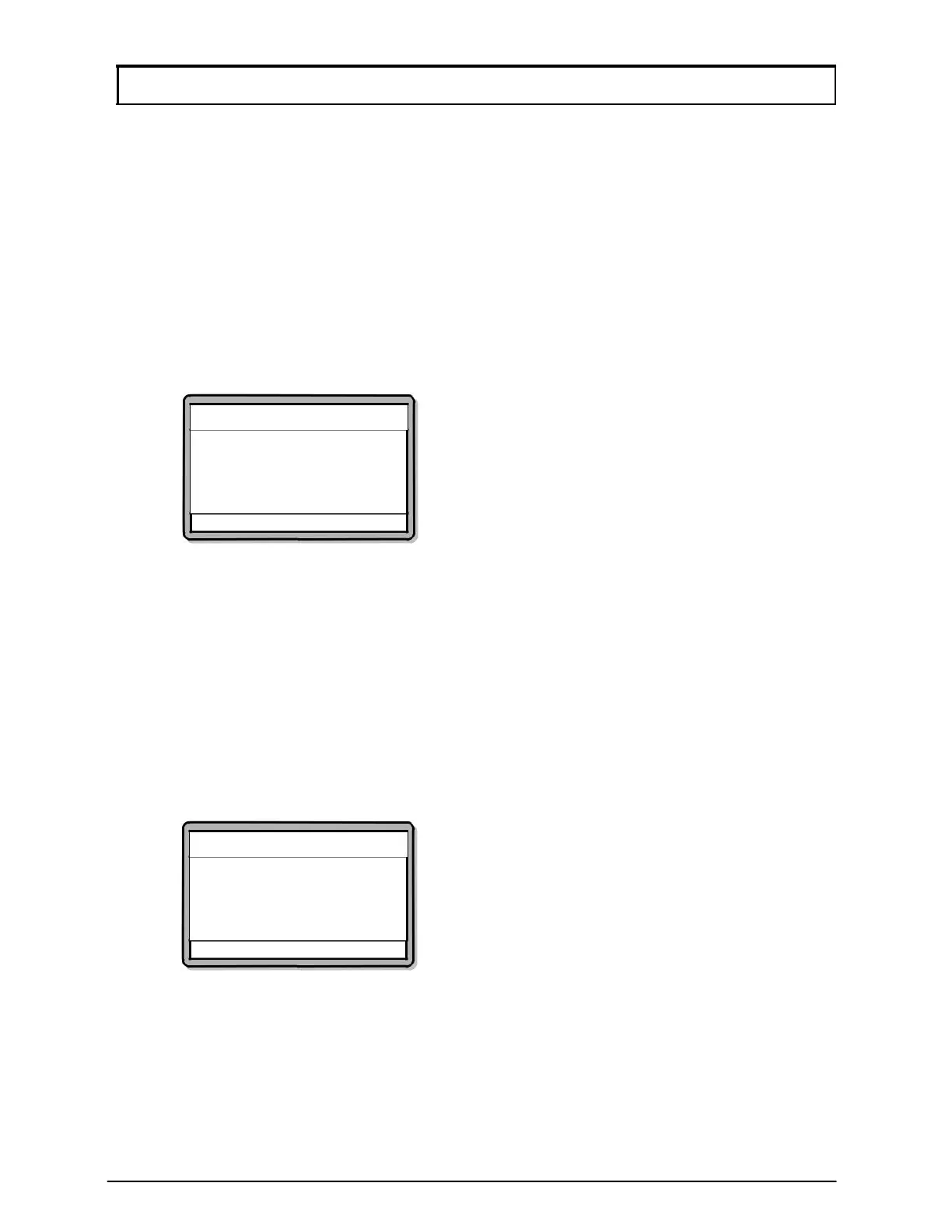
3. Press 4 to view Template Enrolled. Screen as below will be shown.
Templates Enrolled
Templates Enrolled
=>0288
√ - OK X - Cancel
3.5 Set Security Level
This menu lets users set the security level of the fingerprint access control system.
To set security level, please follow steps below:
1. Enter Programming.
2. Press 3 for Fingerprint Menu.
3. Press 5 to Set Security Level. Screen as below will be shown. Select the
security level of preference from 0 to 4. A higher selection will indicate a
higher security level.
Security Level
Enter Security Level
Security Level [1]
√ - OK X - Cancel



 To Next Page