33
MicroEn
ine
XP-GT/GTR Programming Manual
v4.00
2. Database Menu
2.1 Quick Add User
This menu allows users to quickly add a new user. Detailed information can be edited
later through Section 2.4 Edit User Setting menu.
To quick add user, please follow steps below:
1. Enter Configuration Menu.
2. Press 2 for Database menu.
3. Press 1 for Quick Add User. Screen as below will be shown:
Quick Add User
Enter User Type
User Type :[0]
Prox Card
√ - OK X - Cancel
Select the user type in this screen. The four available options are:
i. [0] for Prox Card
ii. [1] for ID No.
iii. [2] for Mifare (Contactless Smart Card)
iv. [3] for MyKad
Press
√ to proceed to the next screen.
4. Screen as below will be shown. Enter the new User ID and press
√ to confirm.
Quick Add User
Enter User ID
ID :[------]
√ - OK X - Cancel
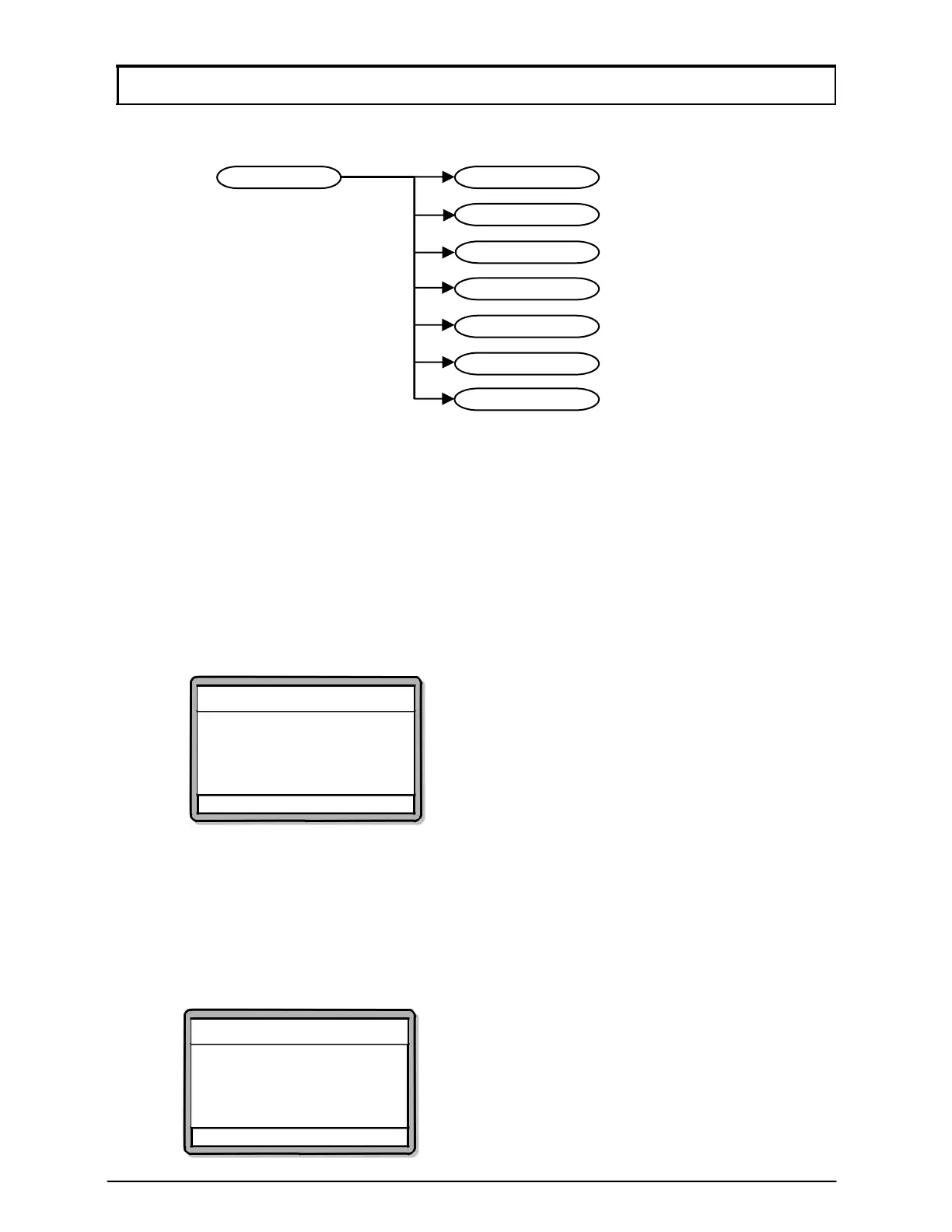
7) Clear All User
6) Clear CardLockOut
5) Clear AntiPassBack
4) Edit User Setting
3) Delete User
2) Add User
1) Quick Add User
2) Database Menu



 To Next Page