53
MicroEn
ine
XP-GT/GTR Programming Manual
v4.00
5.2.4 Output TZ
This menu lets users specify the Time Zone to activate the output alarm. This will
determine the day of the week and the time of the day to activate the output alarm.
To set the output TZ, please follow steps below:
1. Enter Configuration Menu.
2. Press 5 for Alarm Menu.
3. Press 2 for Output Setting.
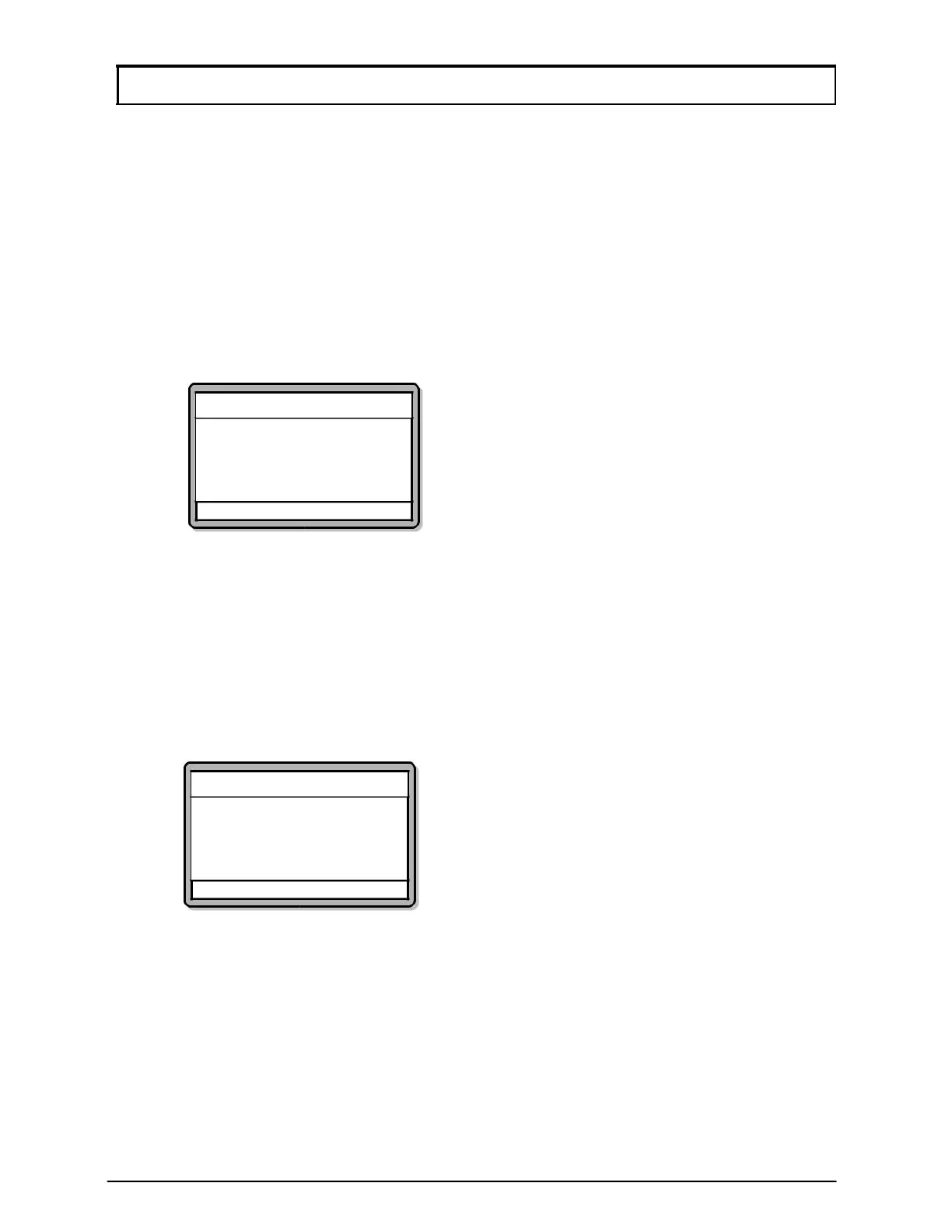
4. Press 4 for Output Tz. Screen as below will be shown. Enter from 1 to 4 to
select the alarm output. Press
# to confirm and proceed to set the time zone
to activate the alarm output. Press
√ to save changes.
Output TZ
Switch Output No.[?]
(Min=01, Max=04)
Output TZ: [00]
√ - OK X - Cancel
5.3 Panel Status
This menu lets users view the status of the alarm panel whether the controller is able to
establish communication with the alarm panel.
To view the alarm panel status, please follow steps below:
1. Enter Configuration Menu.
2. Press 5 for Alarm Menu.
3. Press 3 for Panel Status. Screen as below will be shown:
Panel Status
Status [Down]
√ - OK X - Cancel
4. If the status is shown as [UP], the controller is communicating with the alarm
panel. If the status is shown as [DOWN], there are no communication
between the controller and the alarm panel.



 To Next Page