41
MicroEn
ine
XP-GT/GTR Programming Manual
v4.00
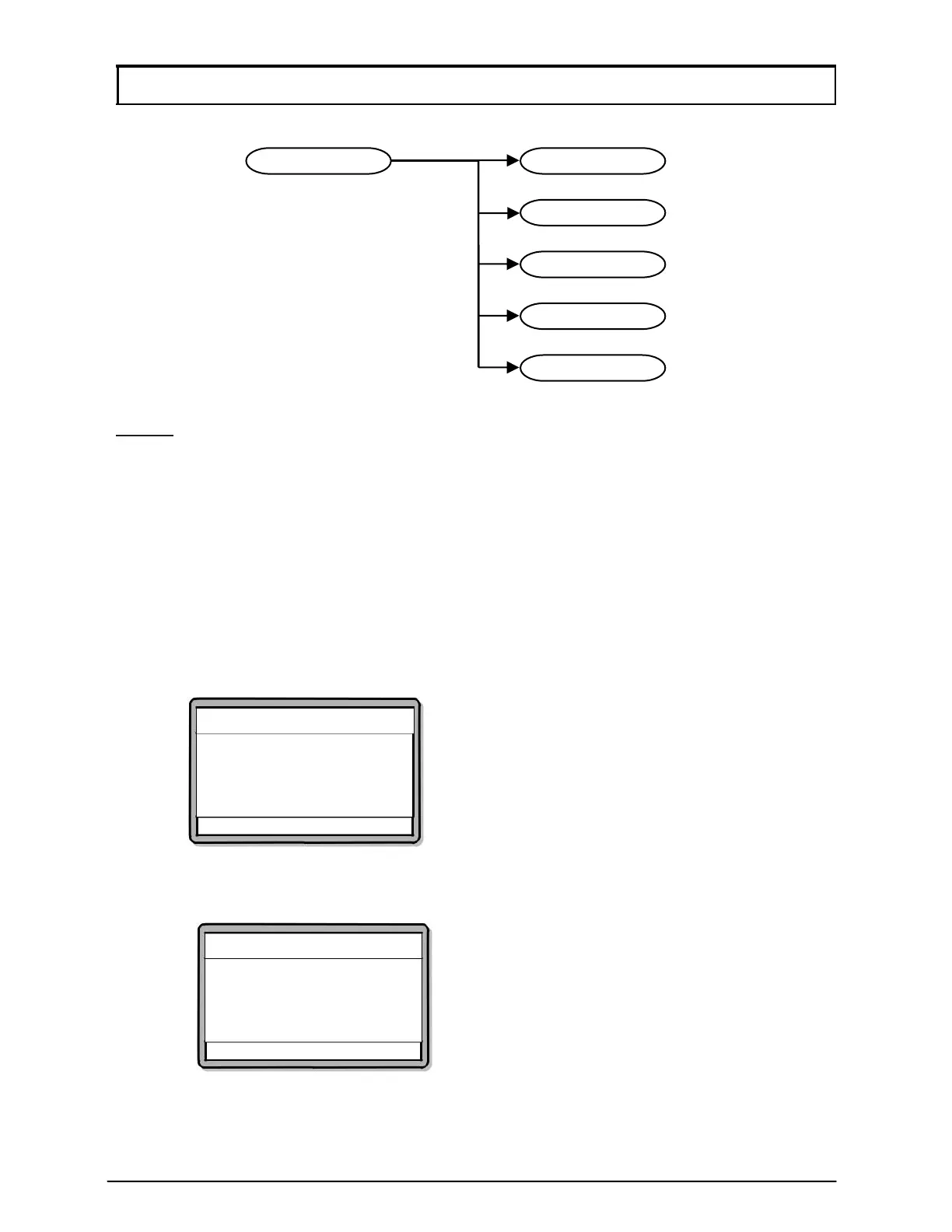
3. Fingerprint Menu
NOTE
:- The Fingerprint Menu is only available to XP-GT (1200, 3200, 1200L,
3200L, 3500L, 3500ABL) series only.
3.1 Add Fingerprint
This menu lets users add a new user fingerprint into the database.
To add fingerprint, please follow steps below:
1. Enter Configuration Menu.
2. Press 3 for Fingerprint Menu.
3. Press 1 for Add Fingerprint. Screen as below will be shown. Enter the
specified User ID. Press
√ to proceed to the next screen.
Add Fingerprint
Enter User ID
ID: [------]
√ - OK X - Cancel
4. Screen as below will be shown. Enter a template index 0 to 4. (5 fingerprint
templates per user) Press
√ to proceed to the next screen.
Add Fingerprint
Enter Template Index
Template Index :[0]
√ - OK X – Cancel
4
Template Enrolled
1
Add Fin
erprint
2
Delete Fin
erprint
3
Clear Fin
erprint
5
Set Securit
Level
3
Fin
er
rint Menu



 To Next Page