42
MicroEn
ine
XP-GT/GTR Programming Manual
v4.00
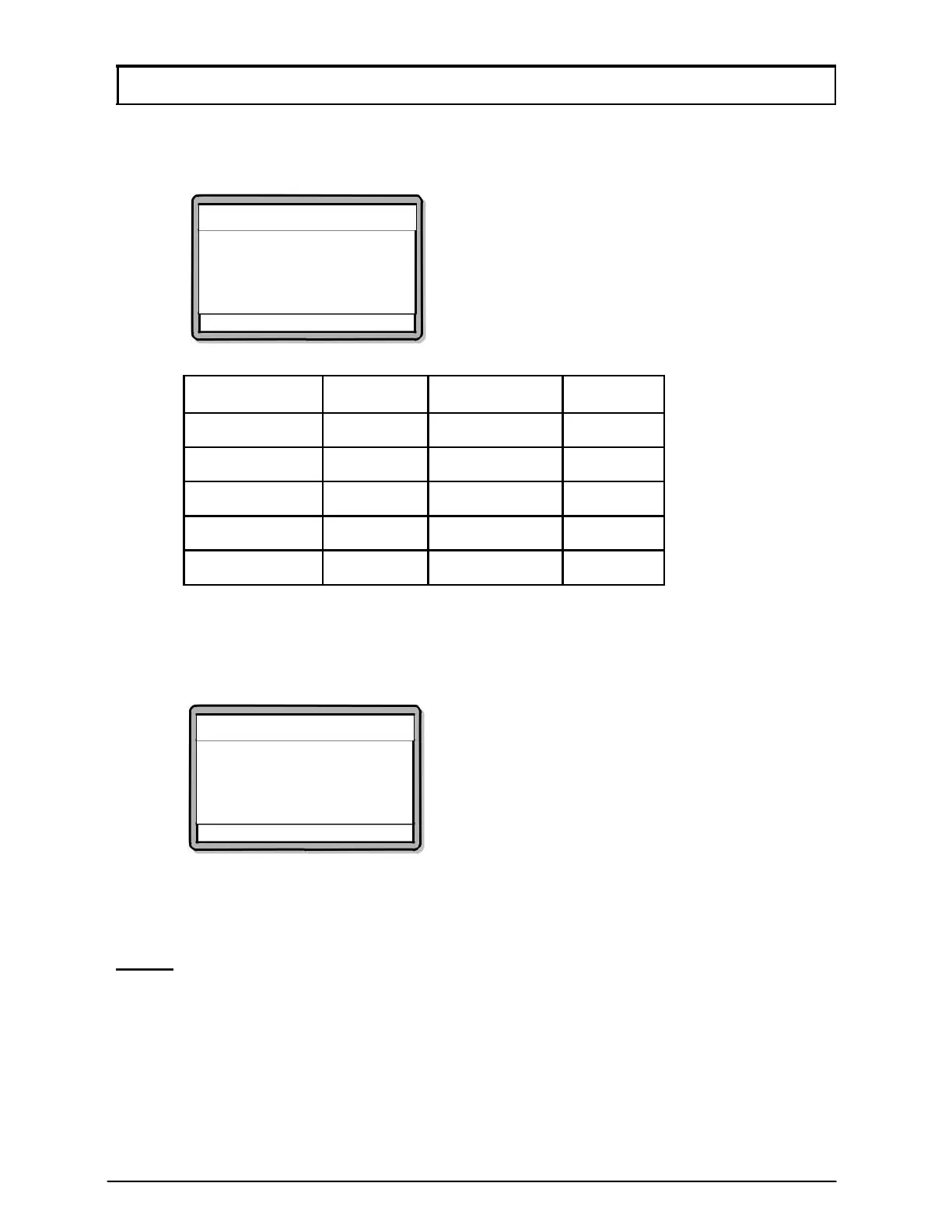
5. The screen below will be shown. Enter the finger index of the new user as per
the finger index representation as shown in Table 2. Press
√ to proceed to the
next screen.
Add Fingerprint
Enter Finger Index
Finger Index :[1]
√ - OK X - Cancel
Finger Index
Finger
Finger Index
Finger
0 R-Thumb
5
L-Thumb
1 R-Index
6
L-Index
2 R-Middle
7
L-Middle
3 R-Ring
8
L-Ring
4 R-Little
9
L-Little
Table 2: finger index representation.
6. Screen as below will be shown to prompt user to place the finger on the
sensor surface. Please place designated finger on the sensor surface and
wait for the finger to be detected.
Add Fingerprint
Please place finger on
the sensor surface.
√ - OK X - Cancel
7. A success notification will be prompted when fingerprint is successfully
enrolled into the database. Do not remove finger until the enrolment process
is complete.
NOTE:- The operation will time-out on its own should a fingerprint is not
presented in the stipulated time-frame.



 To Next Page