8
MicroEn
ine
XP-GT/GTR Programming Manual
v4.00
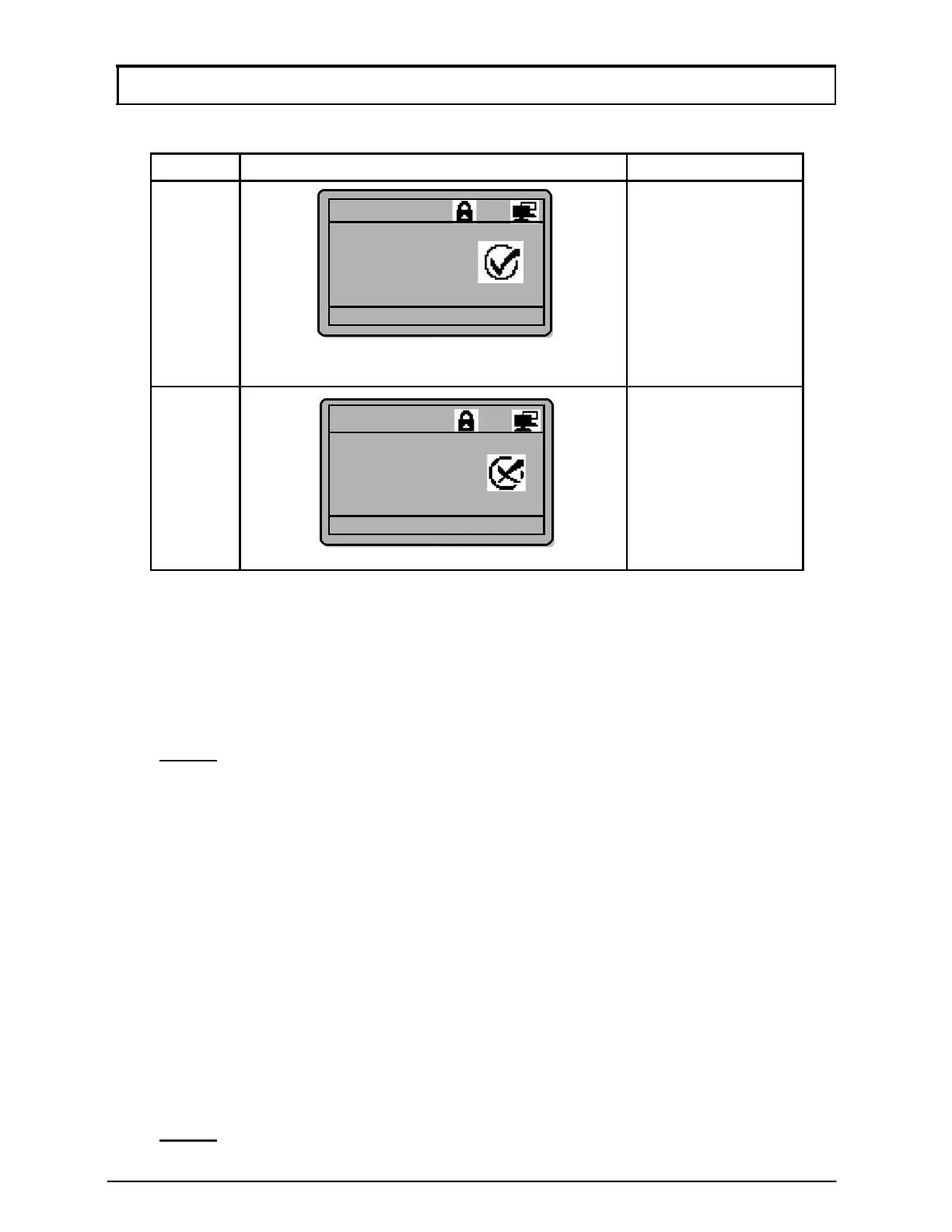
Table below shows controller’s responses in card operation mode:
Condition
LCD Display Buzzer
Valid 1 bee
Token
Presented
Valid Entry
ID: [801208]
10:38:55
Tue,07/17
Invalid
3 bee
s
Token
Presented
Invalid Access
ID: [801208]
10:38:55
Tue,07/17
b. ‘Token+PIN’ Mode
Every card user will have its own four-digit pin number. In ‘Card+PIN’ mode, users
need to enter their respective pin numbers after flashing the access card. This
translates to a higher security level for the door access application.
NOTE:- All cards installed via the Database Menu will have a default pin
number of “1234”. To change the pin number, please refer to
Section 2.4 Edit User Setting.
c. ‘Token+Fingerprint’ Mode
Alternatively, users can opt to use the ‘Card+Fingerprint’ mode for higher levels of
access security. Each user can enrol up to 5 fingerprints for this purpose. For
enrolment of fingerprint, please refer to Section 3.1 Add Fingerprint.
d. ‘Token+PIN+Fingerprint’ Mode
For maximum security, the controller can be programmed to accept
‘Card+Pin+Fingerprint’ before granting door access.
Alternatively, the controller can also be programmed to accept ‘Fingerprint’ only or
‘Fingerprint+Pin’ verification mode according to the user’s requirements.
NOTE:- Fingerprint functions are only available to all XP-GT series.



 To Next Page