7
MicroEn
ine
XP-GT/GTR Programming Manual
v4.00
ii. Idle Mode
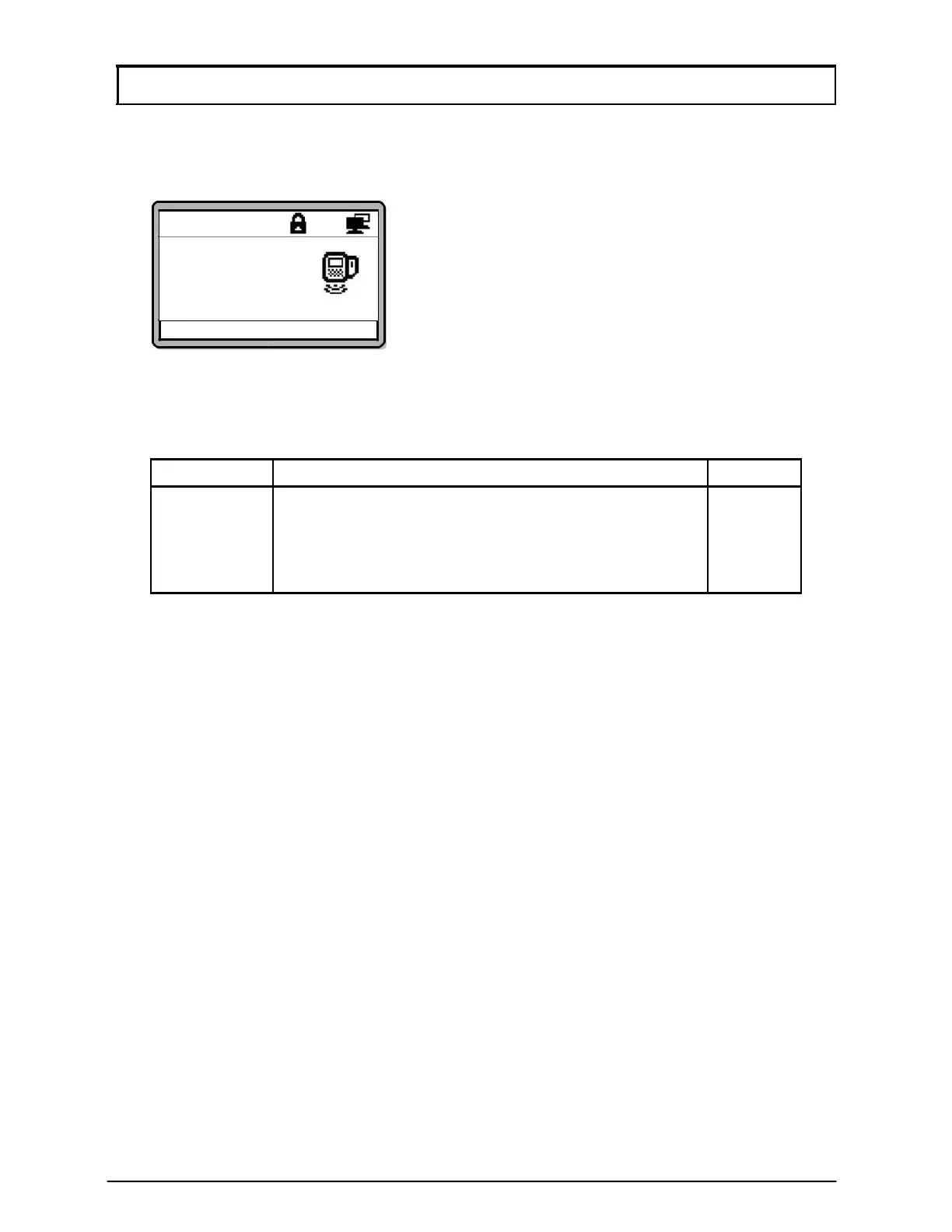
In Idle Mode, the screen below will be shown:
Good Day
Please Present
Token
10:38:55 Tue,07/17
The controller will prompt different audio and visual indications to users under different
circumstances. Table below shows normal response in Idle Mode:
Condition
LCD Display
Buzzer
Idle Mode 1. Request for a token to be presented.
OFF
2. Indicate time, date, and da
in “HH:MM:SS”
and “DAY,MM/DD”format.
3. Backli
ht is dimmed.
iii. Verification Modes
The controller can be operated in several verification modes for door access. To set the
verification modes for individual users, refer to Section 2.4 Edit User Setting under
Edit Verification Mode sub-menu.
The different verification modes are explained in the following sections:
a. ‘Token Only’ Mode
‘Token Only’ is the default verification mode of the controller. If the token type is
set as card, users have to present a card as identification. To read a card, place
the card near the keypad area. The time interval between successive readings of
the same card number is 2 seconds. If the token type is selected as pin, then
users have to present a 4-digit authorization pin as identification instead.



 To Next Page