26
MicroEn
ine
XP-GT/GTR Programming Manual
v4.00
NOTE:- These settings must be updated yearly for holidays that do not fall on
the same date every year.
1.6 General Parameter
This menu lets users set general parameters of the controller. The settings which can
be changed here are:
i. Address setting
ii. Communication Mode
iii. Facility Code
iv. System Mode
v. Enter Cfg by FP
vi. Enter Cfg by Cd
vii. Enter Cfg by ID
viii. Card Mode
ix. Swap Card
To edit the general parameter setting, please follow steps below:
1. Enter Configuration Menu.
2. Press 1 for System Menu.
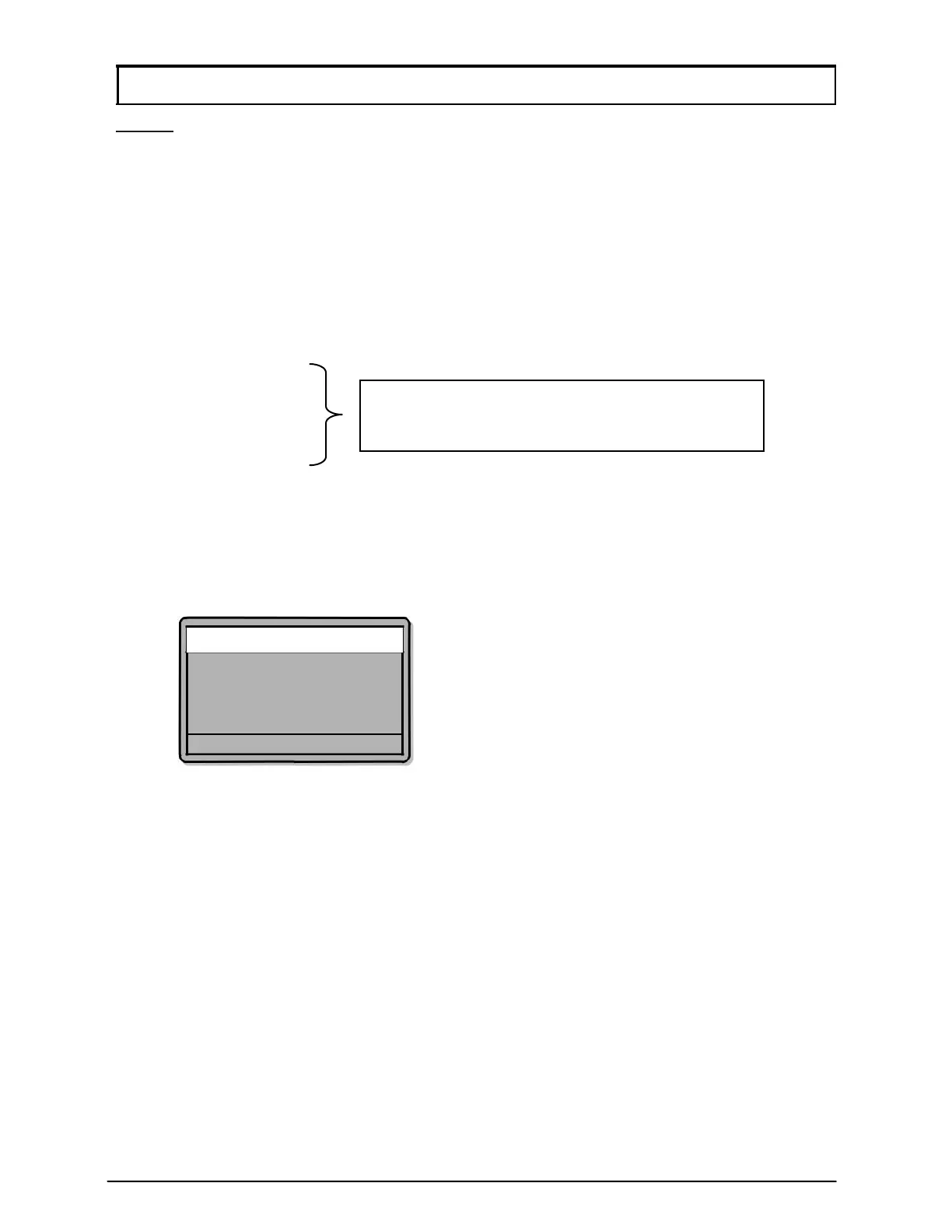
3. Press 6 for General Parameter. The screen as below will be shown:
General Parameter
▸System Address
00
Advance Comm
OFF
Facility Code
0000
System Mode
DA
√
- OK X - Cancel
4. Press ↑ or ↓ to navigate the pointer to the desired parameter.
5. Edit the values for the parameter by pressing
√, followed by the desired value
and pressing
√ again to confirm.
6. Press
X if users wish to return to System Menu.
7. Users will be prompted to save changes before exiting. Press
√ to save
changes.
1. Explanation of parameters:
i. System Address
This parameter lets users change the address setting of the controller. An
address is a unique number assigned to the controller in a system to
differentiate between controllers. For system that uses direct RS232
connection, the address number must be set to 00. System that use RS485
connection can set addresses starting from 00 up to 15, depending on the
number of controllers connected to the system.
Only available for GT/GTR
(1500L, 3500L, 1500ABL, 3500ABL) series



 To Next Page