31
MicroEn
ine
XP-GT/GTR Programming Manual
v4.00
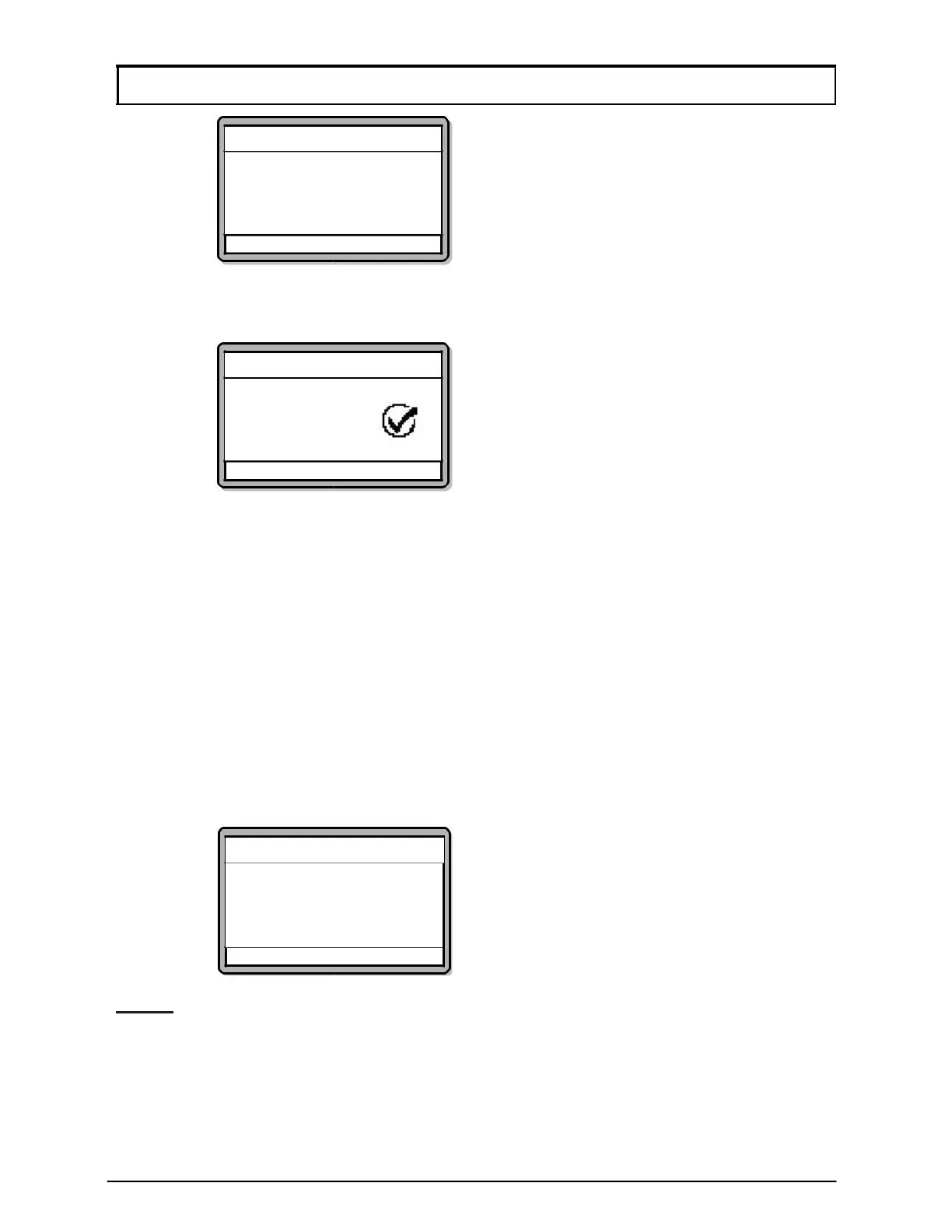
Sounder Setting
Day of Week : Sun
Time 00 [99:99]
Time 01 [99:99]
Time 02 [99:99]
√ - OK X - Cancel
5. The screen below will then be shown to prompt users to save the
changes. Press
√ to save changes.
Sounder Setting
Sounder Time
Updated
√ - OK X – Cancel
1.9 O/P Trigger Events
This menu allows users to decide the events to trigger the alarm output. There are a
total of 62 events, as shown in Table 1, and up to 10 events can be selected.
To program the O/P trigger events, please follow steps below:
1. Enter Configuration Menu.
2. Press 1 for System Menu.
3. Press 9 for O/P Trigger Events. The screen below will be shown. Press
↑
or ↓ to select the required event and press √ to set the next trigger event.
Continue pressing
√ until all 10 events have been programmed. After that,
the controller will prompt users to save changes.
O/P Trigger Event
Event No. 0: [/]
NOTE:- This sub-menu is only available to GT/GTR (1200, 3000, 3200, 1200L,
3000L, 3200L) series only.
√ - OK X - Cancel



 To Next Page