48
MicroEn
ine
XP-GT/GTR Programming Manual
v4.00
5. The controller should reset itself less than 10 seconds. If it takes longer than
that or does not reset at all, please return the controller to the manufacturer
for further investigation.
4.4 Show Version
This menu allows users to check the firmware version number and model number of
the controller.
To view the version, please follow steps below:
1. Enter Configuration Menu.
2. Press 4 for Maintenance Menu.
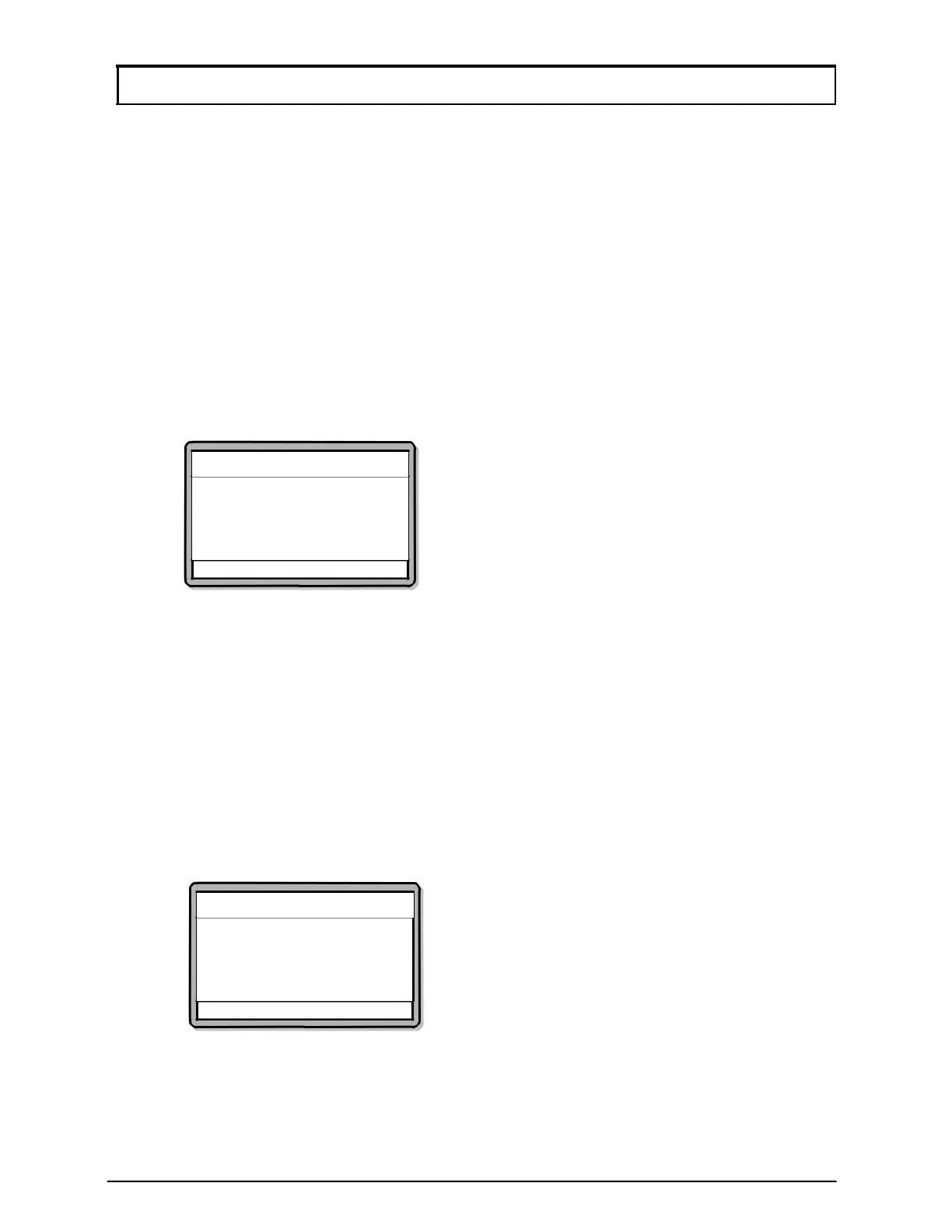
3. Press 4 for Show Version. Screen as below will be shown and users will
automatically return to Maintenance Menu after 4 seconds.
Maintenance Menu
MicroEngine
XP-GT1200
v1.01
08/2007
√ - OK X - Cancel
4.5 Show Information
The menu allows users to check the number of card users installed and transactions
recorded.
To view the information screen, please follow steps below:
1. Enter Configuration Menu.
2. Press 4 for Maintenance Menu.
3. Press 5 for Show Information.
4. The screen below will be shown and users will automatically return to
Maintenance Menu after 4 seconds.
Cards Count:00028
Trans. Count:00288
Maintenance Menu
√ - OK
X - Cancel



 To Next Page