46
MicroEn
ine
XP-GT/GTR Programming Manual
v4.00
4. Maintenance Menu
4.1 Master PIN
Master PIN is a six-digit PIN used to access the Configuration Menu. The default
Master PIN is “123456”.
To edit the Master PIN setting, please follow steps below:
1. Enter Configuration Menu.
2. Press 4 for Maintenance Menu.
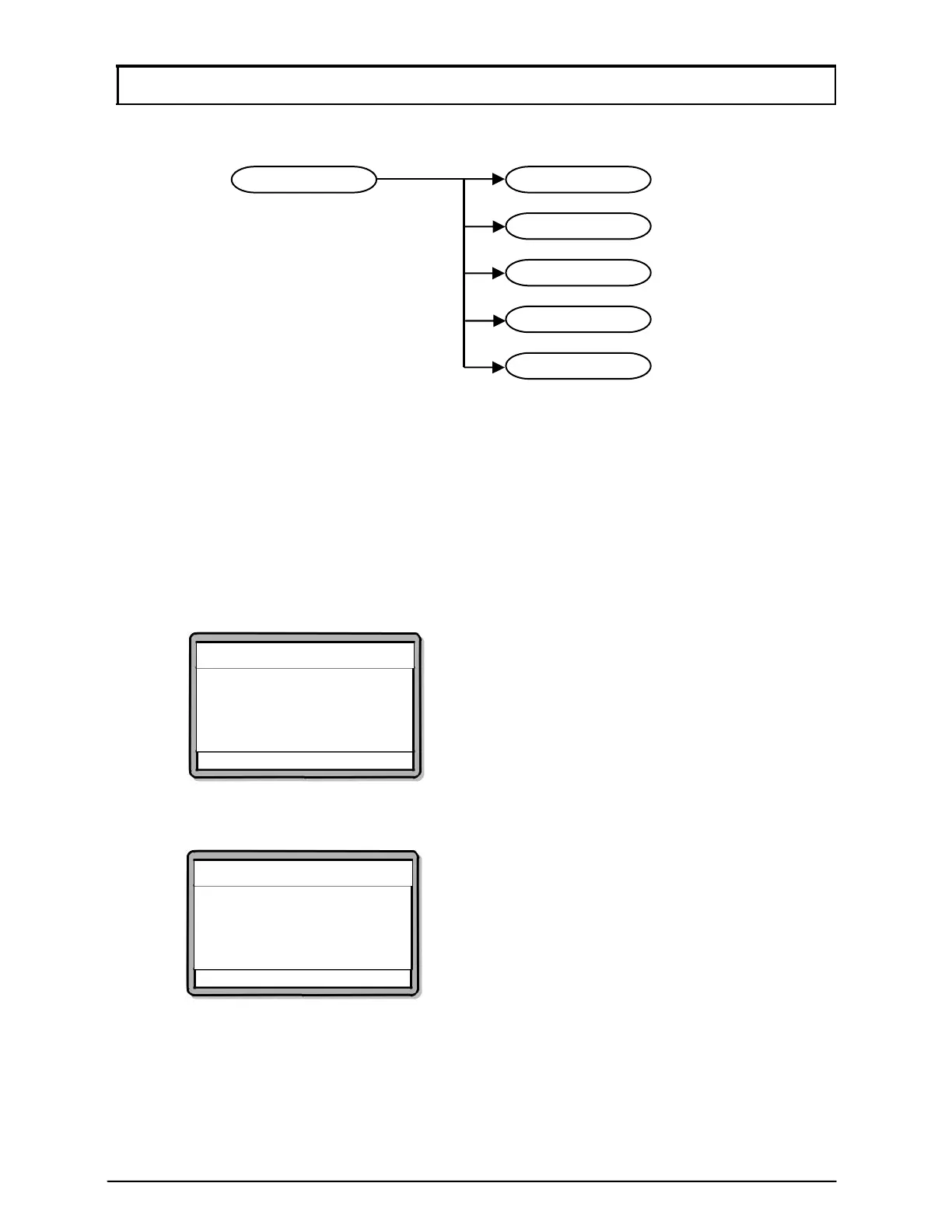
3. Press 1 for Master PIN. Screen as below will be shown. Enter the new six
digits Master PIN. Press
√ to proceed to the next screen.
Change Master Pin
Enter New Master Pin
Pin :[------]
√ - OK X - Cancel
4. Re-enter the new six digits Master PIN. Press √ to proceed to the next
screen.
Change Master Pin
Re-enter New Master Pin
Pin :[------]
√ - OK X - Cancel
5. If both pins entered are the same, a success notification will be prompted to
confirm that the Master PIN has been updated.
5
Show Information
4
Show Version
3
Test Watchdo
2
Clear Transaction
1
Chan
e MasterPin4
Maintenance Menu



 To Next Page