22
MicroEn
ine
XP-GT/GTR Programming Manual
v4.00
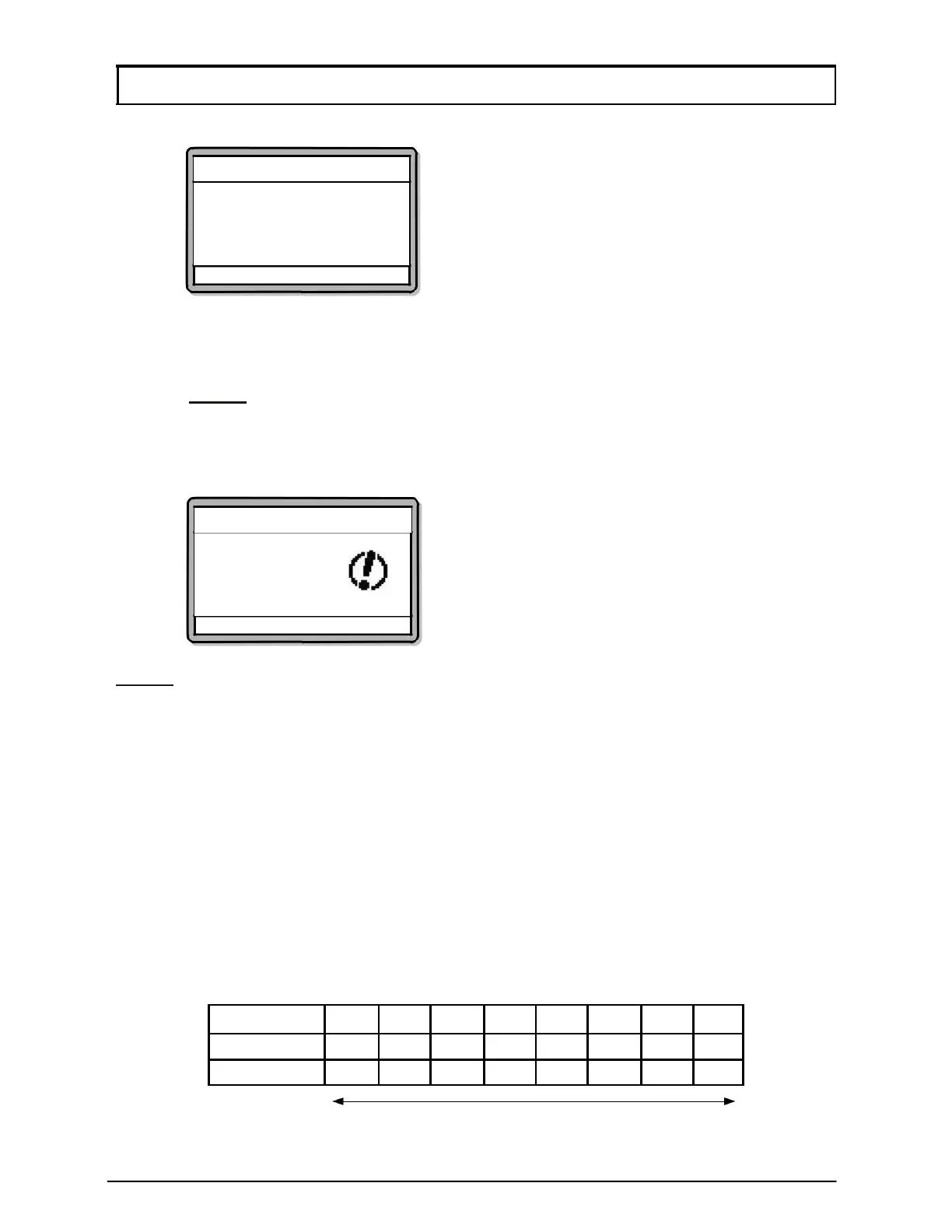
4. Enter Time Set number that users want to set. Screen below will be shown:
Time Set Setting
TimeSet No 03
I1 (00): 00 ▸ 00 : 00
I2 00 : 00 ▸ 00 : 00
I3 00 : 00 ▸ 00 : 00
√ - OK X - Cancel
5. The left section is the ‘FROM’ field and the right section is the ‘TO’ field. Enter
the ‘HHMM’ values at each section. Press
↓ to proceed to the next section.
NOTE:- Specify time in 24-Hour format.
5. After setting the first time interval, the controller will prompt settings for second
and third intervals respectively.
6. Screen below will then be shown. Press
√ to save changes.
Time Set Setting
Save Changes?
√ - OK X - Cancel
NOTE
:- Functions requiring same time intervals can reuse existing Time Sets.
1.4 Time Zone
A Time Zone consists of assigned Time Sets for the week (one Time Set for each day
of the week) plus a Time Set for holidays; to activate Time Zone controlled functions.
The GT/GTR (1200, 3000, 3200, 1200L, 3000L, 3200L) series controllers have 50
Time Zones while the GT/GTR (1500L, 3500L, 1500ABL, 3500ABL) series controllers
have an expanded 100 Time Zones.
Time Zone 00 and Time Zone 01 are default Time Zones which cannot be edited or
deleted by users. Time Zones that can be programmed by users are from 02 onwards.
The setting for Time Zone 00 and Time Zone 01 are as follows:
Time Zone # Sun Mon Tue Wed Thu Fri
Sat Hol
Time Zone 00
00 00 00 00 00 00 00
00
Time Zone 01
01 01 01 01 01 01 01
01
Time Set numbers



 To Next Page