29
MicroEn
ine
XP-GT/GTR Programming Manual
v4.00
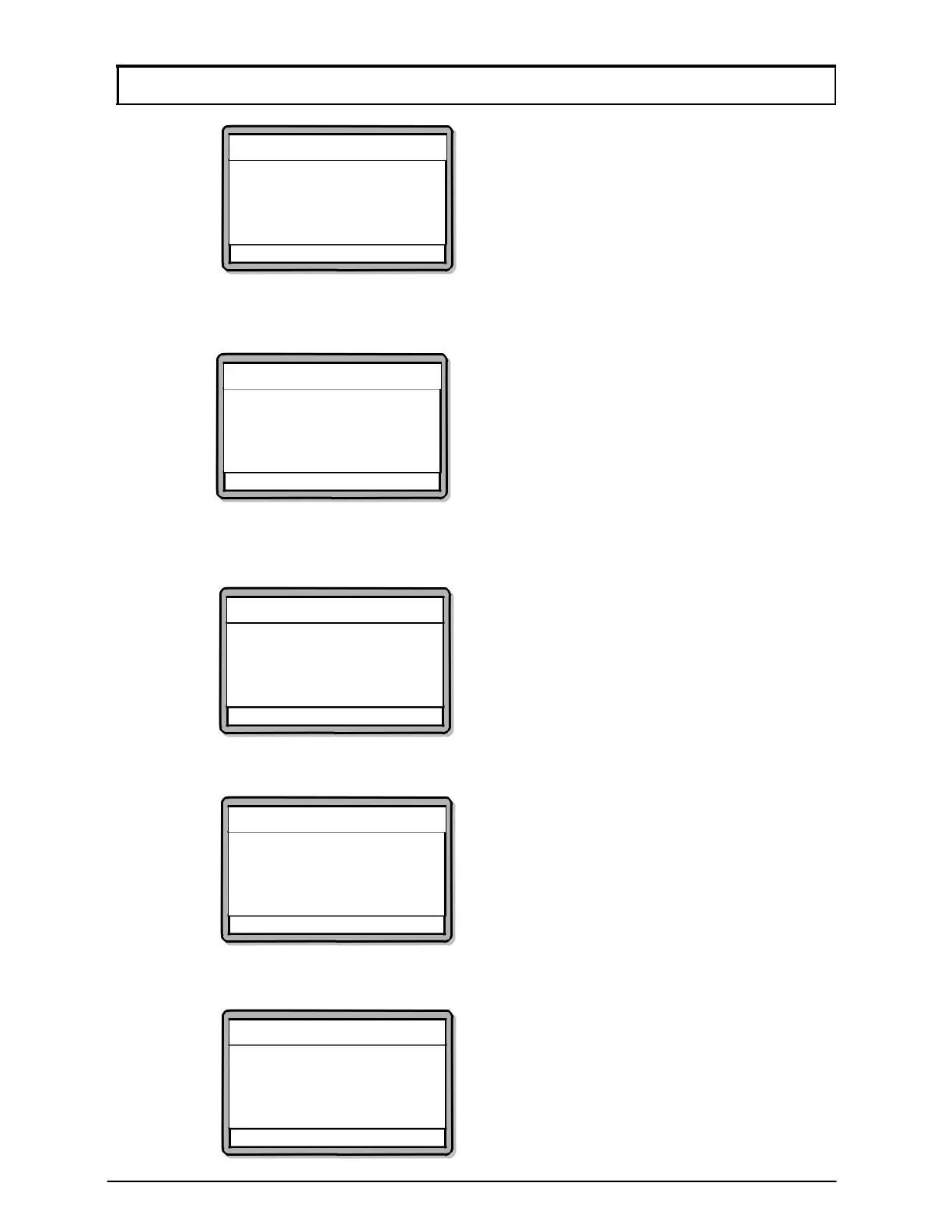
Network Settings
Enter Local IP Addr.
(192).[168].[001].[023]
√ - OK X - Cancel
4. The screen below will be shown. Enter the Local Port No. for the
controller and press
√ to proceed to the next screen.
Network Settings
Enter Local Port No
Port No.: (6268)
√ - OK X - Cancel
5. The screen below will then be shown. Enter the IP Address for the remote
server and press
√ to proceed to the next screen.
Network Settings
Enter Remote IP Addr.
(192).[168].[001].[100]
√ - OK X - Cancel
6. The screen below will be shown. Enter the Remote Port No. for the
remote server and then, press
√ to proceed to the next screen.
Network Settings
Enter Remote Port No.
Port No.: (6268)
√ - OK X - Cancel
7. The screen below will be shown next. Enter the Subnet Mask for the
network and press
√ to proceed to the next screen.
Network Settings
Enter Subnet Mask
(255).[255].[255].[000]
√ - OK X – Cancel



 To Next Page