35
MicroEn
ine
XP-GT/GTR Programming Manual
v4.00
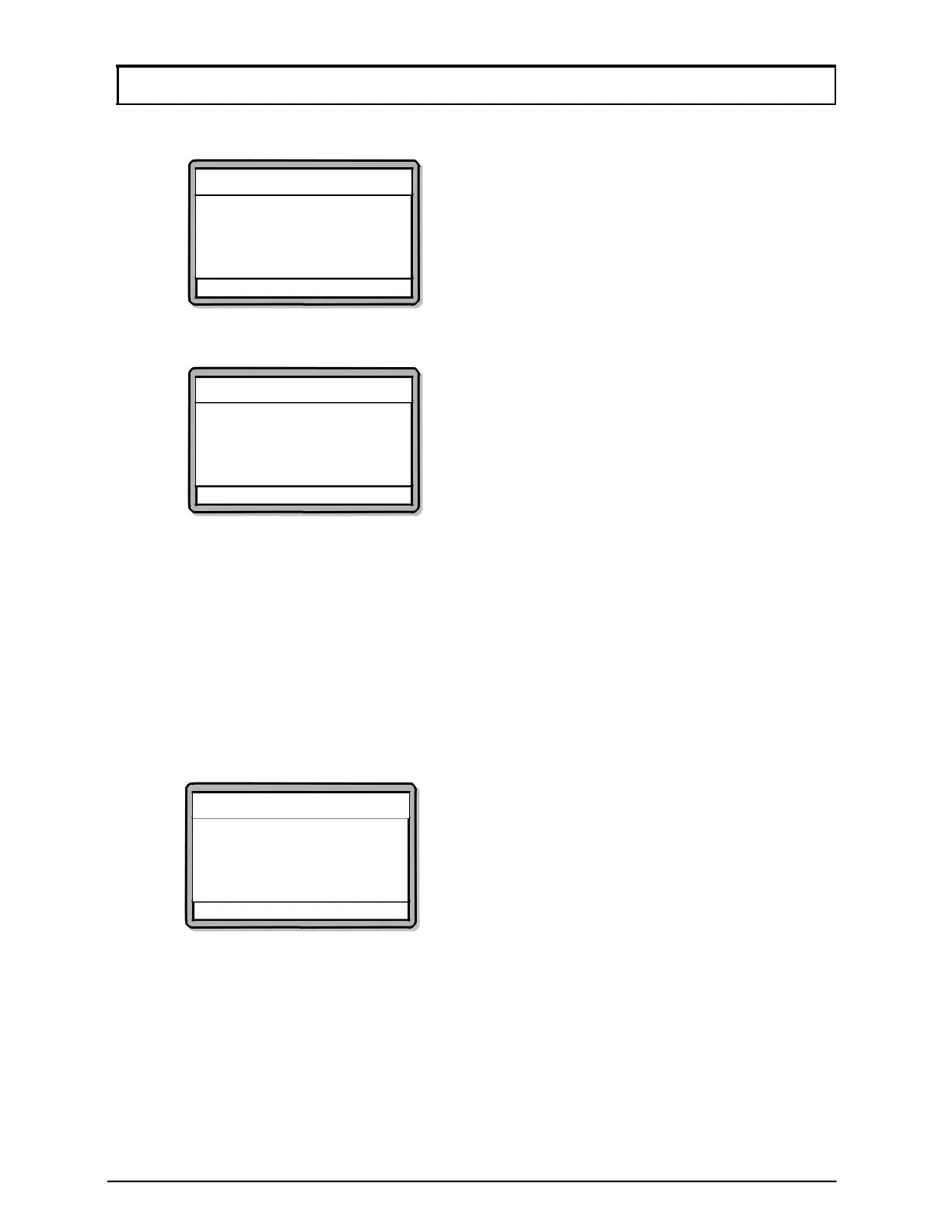
5. Screen as below will be shown. Enter the Time Zone No. to grant door access
for this user and press
√ to proceed to the next screen.
Add User
Enter TimeZone No.
TimeZone :[00]
√ - OK X - Cancel
6. Screen as below will be shown. Select whether to allow or deny 1:N operation
for this user and press
√ to proceed to the next screen.
Add User
Allow 1:N Operation?
1:N :[ No]
√ - OK X - Cancel
7. Screen as below will be shown. Select the verification mode for the new user
by specifying the number corresponding to the verification mode.
1. [0] is by door (The verification mode for the user will be according to the
current verification mode of the door entered/exited)
2. [1] is by Token only
3. [2] is by Token and Pin
4. [3] is by Token and Fingerprint
5. [4] is by Token, Pin and Fingerprint
6. [5] is by Fingerprint only
7. [6] is by Fingerprint and Pin
Add User
Enter Verification Mode
Verification Mode :[ 0]
By Door
√ - OK
X - Cancel



 To Next Page