38
MicroEn
ine
XP-GT/GTR Programming Manual
v4.00
v. [4] is by Token, Pin and Fingerprint
vi. [5] is by Fingerprint only
vii. [6] is by Fingerprint and Pin
Press ' √ ' to proceed to the next screen.
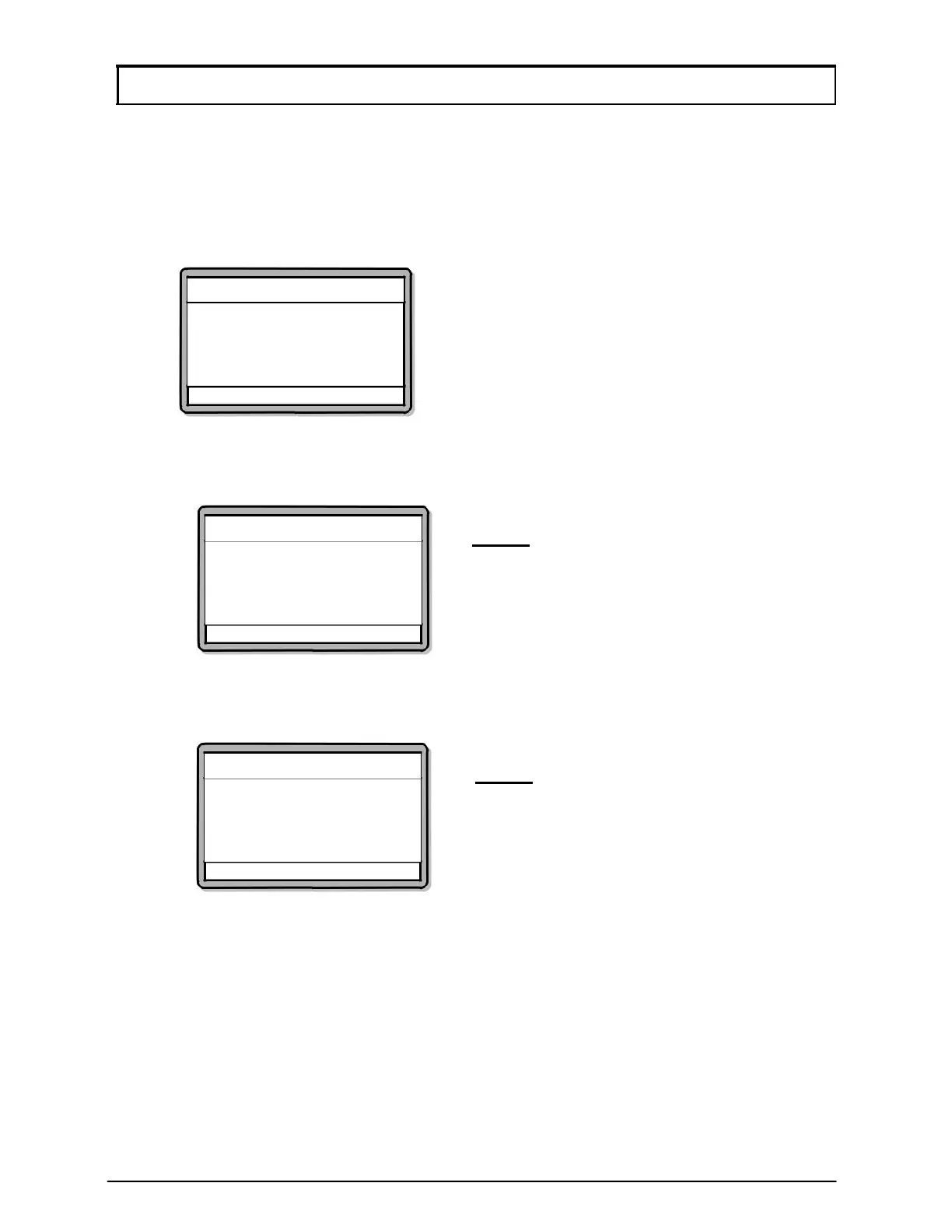
Edit User Setting
Edit Verification Mode
Verification Mode: [0]
By Door
√ - OK X - Cancel
6. Screen as below will be shown. Enter the new Pin No. for this user and press
√ to proceed to the next screen.
6. The screen below will be shown. Select whether to allow the user to access
Configuration Menu. A success notification will appear to notify the user that
the settings have been edited.
√ - OK X - Cancel
√ - OK X - Cancel
Edit Pin No.
Pin: [1234]
Edit User Settin
Edit User Settin
Allow Config. Access
Allow? – [NO]
NOTE:- This sub-menu is only available
to GT/GTR (1500L, 3500L,
1500ABL, 3500ABL) series only.
NOTE:- All newly added cards will have
a default PIN no. of “1234”



 To Next Page