2 Microtek ScanWizard Pro for Windows
ScanWizard Pro for Windows
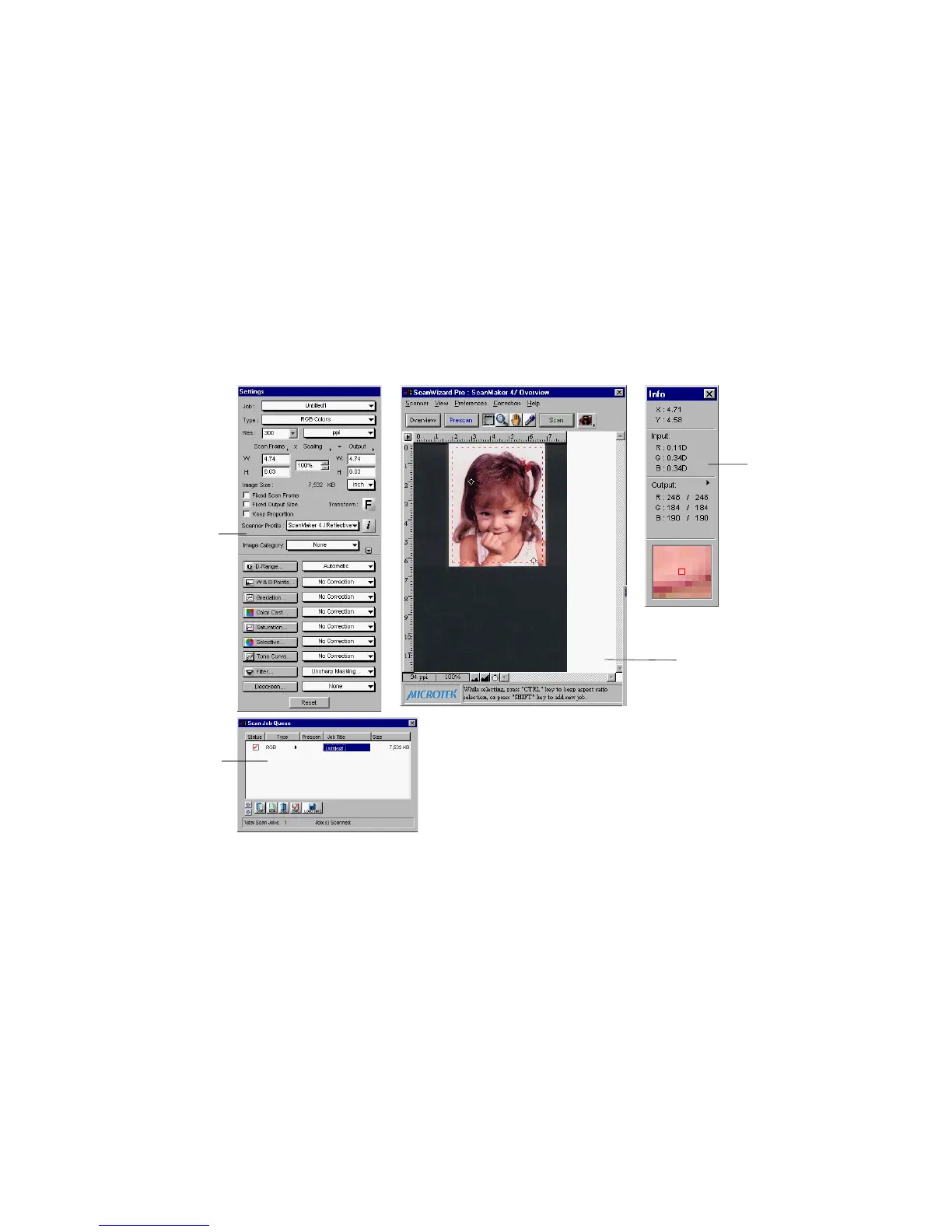
ScanWizard Pro for Windows consists of four major windows: Preview, Settings,
Information, and Scan Job.
The Preview and Settings windows appear automatically after the ScanWizard
Pro is started up. The Scan Job and Information windows appear when you
bring up ScanWizard Pro at the first time. You may hide or show them from the
View menu and click on the commands Show Scan Job Window and Show Info
Window.
Scan Job
window
provides key
functions in
managing
scan jobs
Settings
window contains
scanning
parameters for
outputting the
image and
includes image
correction tools
Information
window
provides
information
on the
Preview
image
Preview
window has
commands and
tools for
controlling the
scanner



 To Next Page