81
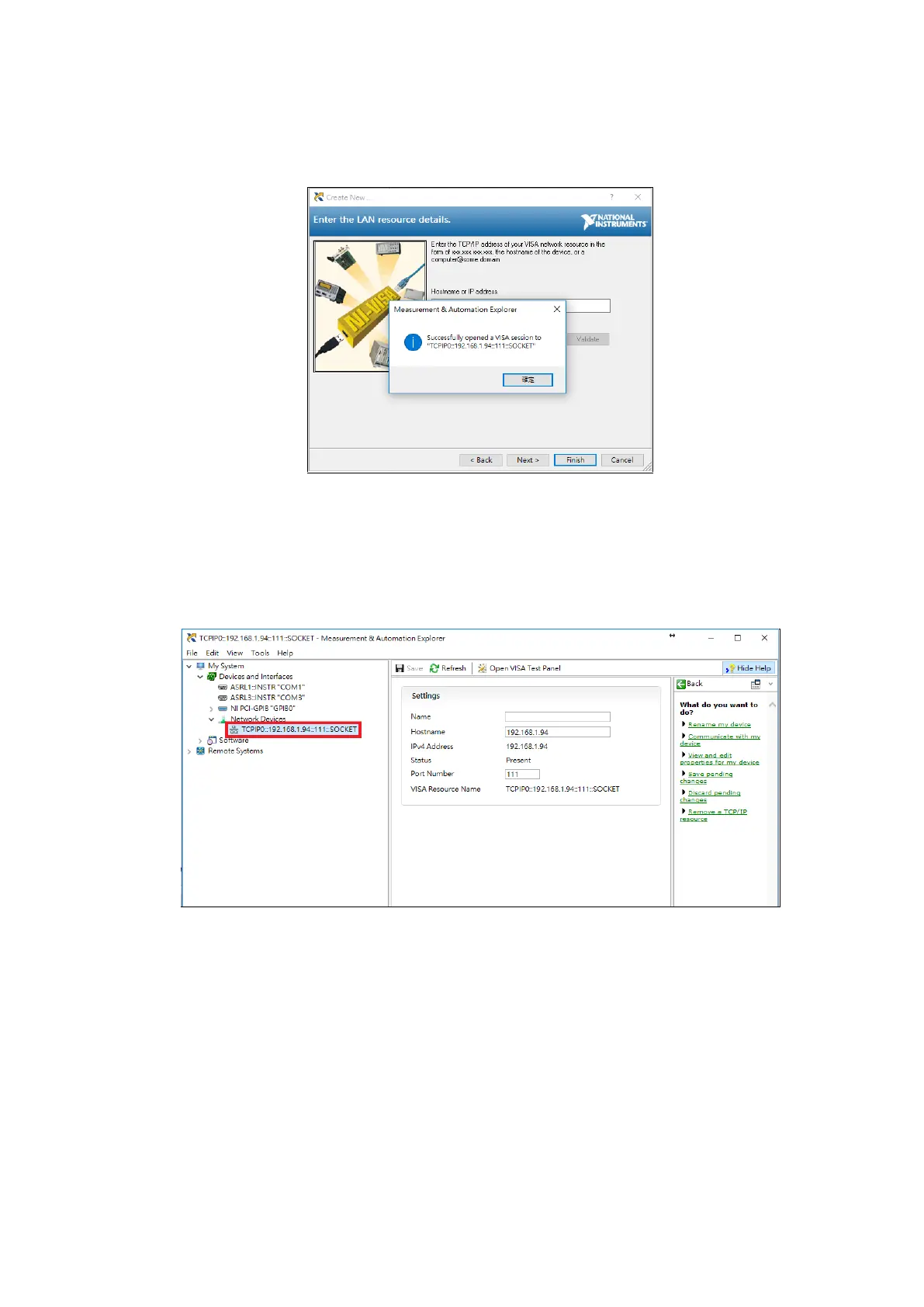
After filling in the fields, click the Validate key to the right to check whether communication
with the instrument was connected successfully. If the message displayed is Successfully
Opened a VISA Session, it means that the instrument was connected successfully; its screen is
as shown in the figure below:
Figure 3-7-5 Validate
Once successfully connected, press Finish to return.
At this time, the device that was just added (TCPIP0::192.168.1.94::111::SOCKET) will be
displayed under the Network Devices item; its screen is as shown in the figure below:
Figure 3-7-6 VISA TCP/IP Resource



 To Next Page