12
2.6 Installation
(1) Please confirm the power of the power supply and that the power source connected is AC115V or
230V.
(2) Connect the connector and test cable according to usage needs.
(3) Turn on the power; the system will execute the self-test program.
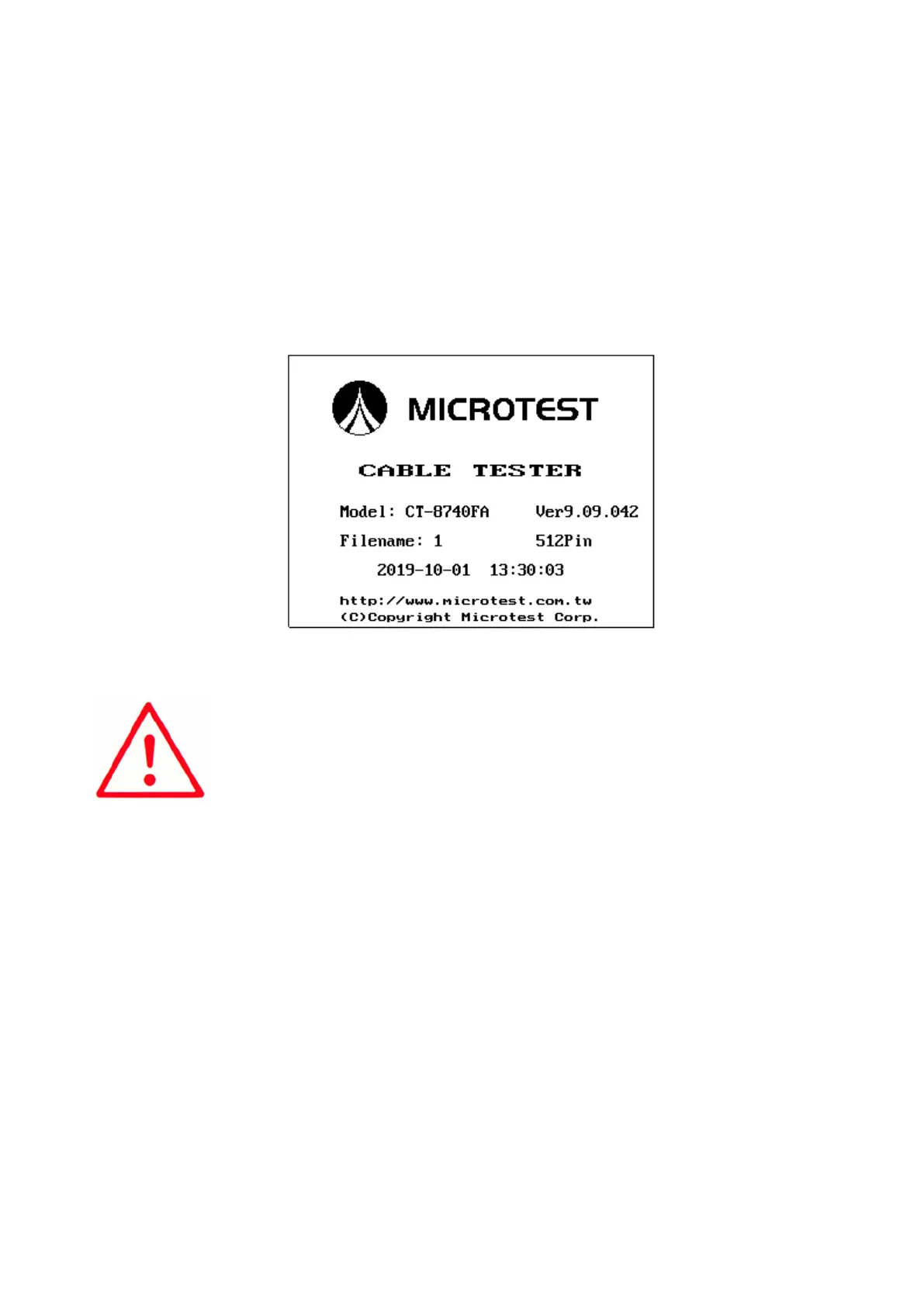
(4) When the execution of the self-test is completed, it will officially enter the 8740 system; the LCD
display will be as follows:
(5) To end the system, please press the [Power switch] to end.
Note:
1. Self-test will be executed after powering on, which will take
approximately 60-80 seconds.
2. Under the {READY} status, the operation auxiliary buttons S1-S6 will
have the following adjustment functions.



 To Next Page