32
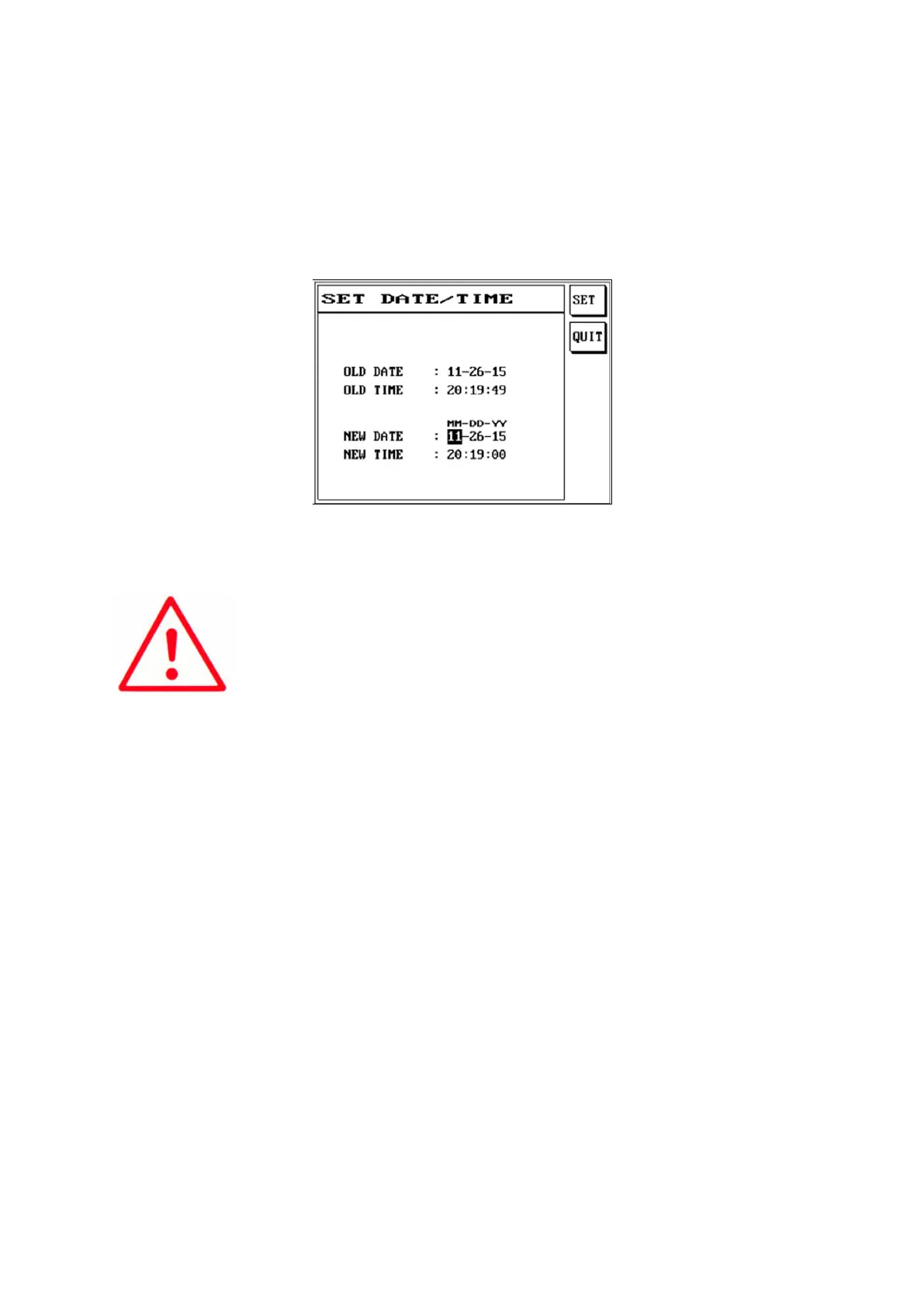
3.2.3 Setting the System Time
This function can adjust the system’s year/month/day/hour/minute/second.
(1) Press [Sys].
(2) Use [↑] or [↓] to select [3]Date/Time function.
(3) The LCD screen will display as follows.
(4) The time format is MM/DD/YY; please press S1 [SET] to save when input is completed.
(5) Press [Exit] to exit.



 To Next Page