22
3.1.4 Pin Search
This function can display which is the current output pin.
(1) Press [Func].
(2) Please use [↑] or [↓] to select pin search and then press [Enter].
(3) Connect the probe to the pin search connection, and point the probe to the pin you want to find out.
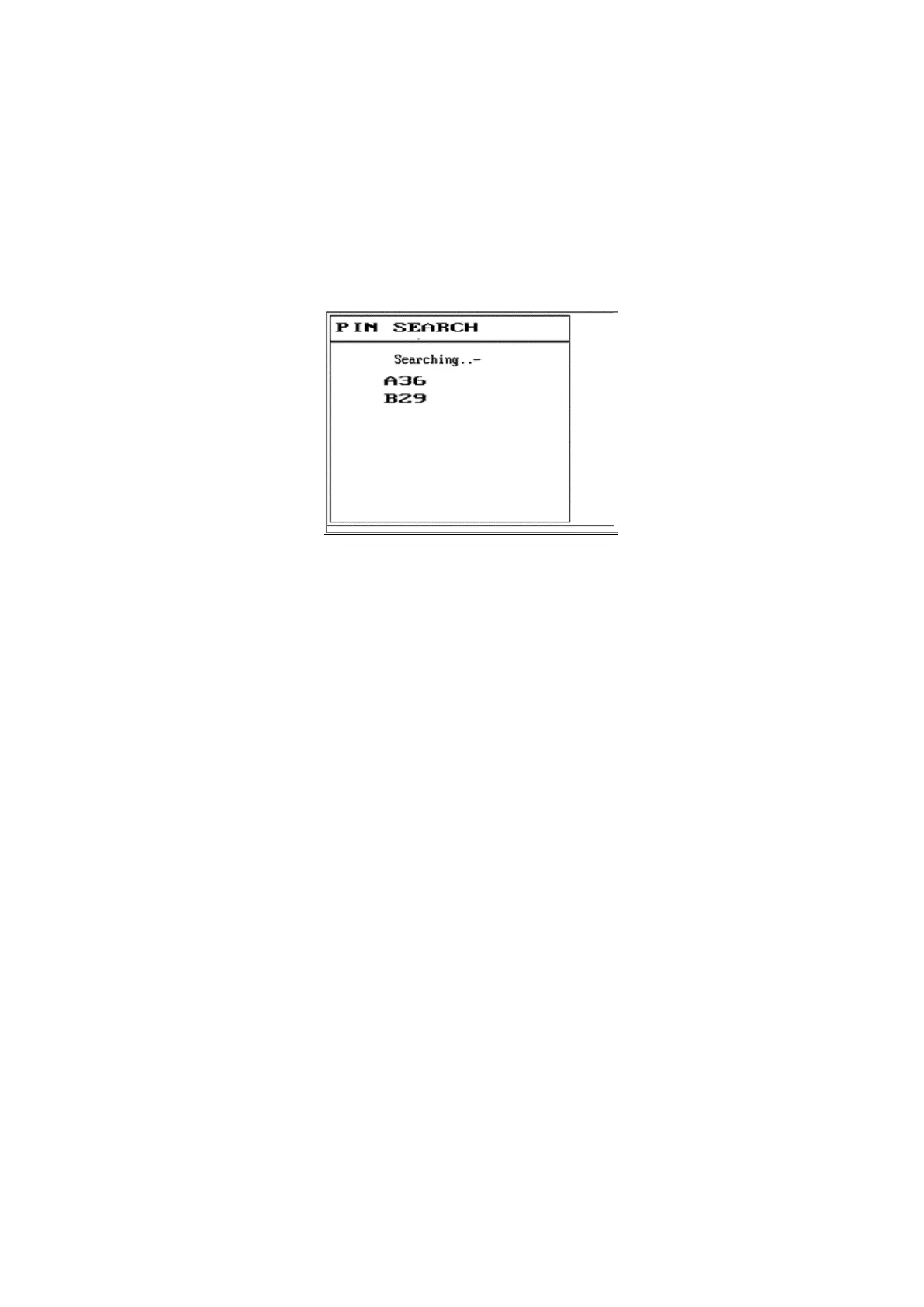
(4) The LCD screen will display as follows:
(5) A36 and B29 in the figure represents the 36th pin of slot A and the 29th pin of slot B respectively.



 To Next Page